ENEnglish
 LTLietuviškai
 DEDeutsch
 FRFrançais
 RUРусский
 ESEspañol
 PLPolski
 ITItaliano
 UKУкраїнська
 CSČeština
 PTPortuguês
 JA日本語
 LVLatviešu valoda
 ETEesti
 HUMagyar
 IDBahasa Indonesia
 TRTürkçe
 HIहिन्दी
 ELΕλληνικά
 ARالعربية
 THไทย
 VITiếng Việt
 RORomână
 MSBahasa Melayu
 BNবাংলা
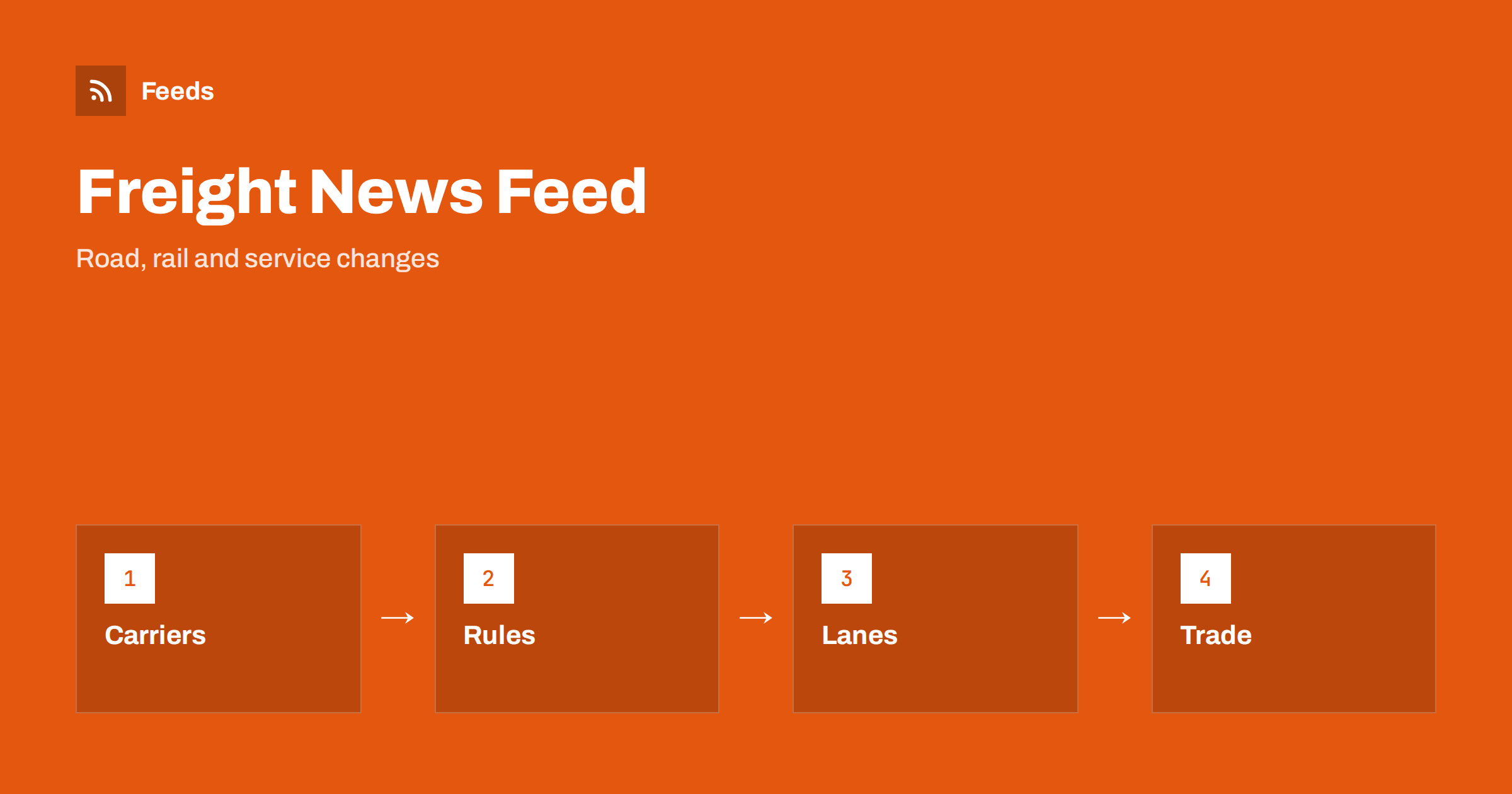
Short answer: Trucking and rail freight news is spread across carriers, rail operators, infrastructure managers, regulators, ports and the trade press. RSS brings them into one reader, so you can filter by lane, region or company and read items in the order they were published. Start with official and carrier notices for facts, add trade titles for context, and always open the original notice before you change a booking or a route.
Why freight news is hard to follow
Land freight is a chain of many small parts: a truck, a terminal, a rail slot, a border, a driver and a delivery window. A problem in one part affects the rest, and the first sign is often a short notice on a site that you do not usually visit. A bridge closure, a strike, a change in driving time rules, a new toll or a fault on a rail line may reach you late if you rely on social media or on a call from the carrier.
The readers are varied. A dispatcher watches closures and delays, a shipper watches capacity and rates, an owner of a small haulage firm watches rules and fuel, and a student follows the market. If feeds are new to you, what is an RSS feed explains the idea in plain words.
Carriers, operators and infrastructure managers
Start with the organizations that move the goods. Rail operators publish service notices, planned works and timetable changes. Infrastructure managers publish closures and restrictions. Large carriers publish network updates, terminal notices and holiday schedules. These pages tell you what is happening on the ground, and they are the first place to look when a customer asks why a delivery is late.
Keep the list short: the carriers you use, the operators of the lines you depend on and the terminals where you load. Many of these pages have no RSS link, and how to create an RSS feed for a website without RSS shows how to build one from the list of notices. Shipping carrier disruption alerts with RSS describes a similar approach for parcel carriers.
Rules, permits and driver regulations
Rules change often and they have dates. Driving and rest times, weight and size limits, low emission zones, tolls, cabotage, permits and inspection rules are published by transport ministries, road authorities and EU or national agencies. A short press story may leave out the one condition that applies to your vehicles, so follow the official page and read the text.
Note the date from which a change applies, save the link and share it with the people who plan the work. Tracking government and regulator updates with RSS shows a routine that suits this area, and customs, tariff and trade rule changes covers border rules.
Seasonal restrictions are easy to forget. Winter tyre rules, holiday driving bans and summer roadworks recur every year, and a feed of the road authority’s notices gives early warning before the season starts.
Lanes, closures and disruptions
For daily operations, disruptions matter most: accidents, closures, strikes, weather, port congestion and border queues. Road authorities, border agencies and port operators publish these notices, and some provide their own feeds. Keep them in a folder that you open at the start of each shift, apart from general news.
Use keyword filters for the roads, terminals and borders on your lanes, so that a notice about a distant region does not distract you. Road works and traffic disruption alerts with RSS and weather and hazard alerts with RSS show how to build these lists.
Keep an eye on the customers’ side as well. Shippers, warehouses and ports publish their own notices about opening hours, holiday closures and new booking rules, and these affect when a truck can load or unload. A feed of the news page of each important site gives early warning, and a short note in the dispatch calendar turns the notice into a plan. Small changes in a gate time can cause long waits if nobody notices them.
Rates, capacity and market news
The trade press explains the market: how rates are moving, which lanes are tight, how fuel prices affect carriers and what new investments are planned. Add a few well-known trade titles and one or two specialist blogs for your segment, such as intermodal, cold chain, bulk or parcel freight.
Treat market commentary as context. Rates and capacity change quickly, and a news story is a snapshot. Use it to understand the direction, and use your own quotes and contracts for decisions. Commodity prices and supply chain news with RSS and shipping and maritime industry news with RSS cover the neighbouring topics.
Think about the language of the sources. Border regions and neighbouring countries publish in their own language first, and a translation tool helps you read a notice, but check dates, places and figures in the original text.
Cross-border work adds more sources. Customs offices, border police and neighbouring road authorities publish notices that affect transit times, and they often use different formats and languages. Add one source for each border you use, and write down what a normal crossing looks like, so that an unusual notice stands out at once. If a border is closed or restricted, a quick message to customers is better than a late delivery.
Filter by lane, region and company
A useful freight feed is narrow. Keep items that mention your lanes, terminals, borders and carriers, and drop the rest. Think of two lists of words, one to include and one to exclude, and review them every month. Place names are tricky, because a town can have several spellings and a terminal can have a short and a long name, so test the filters on ten recent items.
Set up keyword alerts using RSS feed filters explains the method, and reduce noise in RSS alerts without missing anything helps when the list grows. Keep urgent notices on your phone, as described in RSS push notifications on your phone, and read the rest later.
Write down who is responsible for each folder. In a small firm the dispatcher may read disruptions, the owner may read rules and the office may read market news, and a short list on the wall avoids two people doing the same work while nobody reads the third folder.
A routine for a busy day
Open the disruptions folder at the start of each shift and again before the afternoon departures. Read the rules and market folders two or three times a week. For each item you plan to use, open the primary source, mark the rest as read and move on. RSS triage: a fast daily routine for reading less shows a short routine.
Once a month, review the sources. Remove feeds that stopped publishing, add the site you keep opening by hand and adjust the filters. If dispatchers, sales and management follow the same sources, keep one shared list, as suggested in shared RSS reading lists for teams.
Keep a short note on why each source is in the list, such as carrier, terminal, regulator or market, so that a new colleague understands the setup in a few minutes.
Safety is the last topic worth a separate folder. Accident investigation reports, vehicle recalls and inspection campaigns are published by authorities and manufacturers, and they help a fleet manager to plan maintenance and training. These items are slow, but they are important, and a weekly look at the folder is enough. When a notice concerns a vehicle type that you own, forward it to the workshop at once.
How RSS Feed Creator helps
RSS Feed Creator turns the notice, news and service pages of carriers, rail operators, road authorities and ports into clean RSS feeds, even when the site has no feed of its own. It reads titles, images, summaries and dates, uses an existing feed when there is one, and shows a preview of the items before the feed is created. You can merge several sources into one feed (up to 10 sources), keep only the items that contain your keywords and have duplicates removed automatically, which suits a reading list for the lanes and rules that matter to one business. Feeds refresh every 3 hours on the free plan and every 30 minutes on paid plans. The free plan allows up to 20 items per feed, and the details are on the pricing page.
Related reading
- How Online Stores Can Track Carrier and Shipping Disruptions
- Road Works and Traffic Disruption Alerts With RSS Feeds
- How to Follow Shipping and Maritime Industry News with RSS
The bottom line
RSS gives you an ordered view of trucking and rail freight news. Start with carriers, operators and authorities, add a few trade sources for context, filter by lane, region and company, and keep disruption notices in a folder of their own. Open the original notice before you act, and review the list every month.
FAQ
Which sources should I follow first?
Begin with the carriers and rail operators you use, the road authority for your main lanes and one trade publication. Add more later for context.
What if a carrier or authority has no RSS feed?
A page-to-feed tool can read the list of notices on its page and build a feed. Check the preview to make sure it shows real items with titles and dates.
Can RSS replace a traffic or tracking system?
No. Use RSS for notices and news, and use live traffic and tracking tools for operations that depend on the minute.
How do I avoid a flood of items?
Use keyword filters for lanes, terminals and carriers, and keep disruptions in a separate folder from market news.
How often should I read the list?
Disruptions at the start of each shift, and rules and market news two or three times a week.