 ENEnglish
 LTLietuviškai
 DEDeutsch
 FRFrançais
 RUРусский
 ESEspañol
 PLPolski
 ITItaliano
 UKУкраїнська
 CSČeština
 PTPortuguês
 JA日本語
JA日本語 LVLatviešu valoda
 ETEesti
 HUMagyar
 IDBahasa Indonesia
 TRTürkçe
 HIहिन्दी
 ELΕλληνικά
 ARالعربية
 THไทย
THไทย VITiếng Việt
 RORomână
 MSBahasa Melayu
 BNবাংলা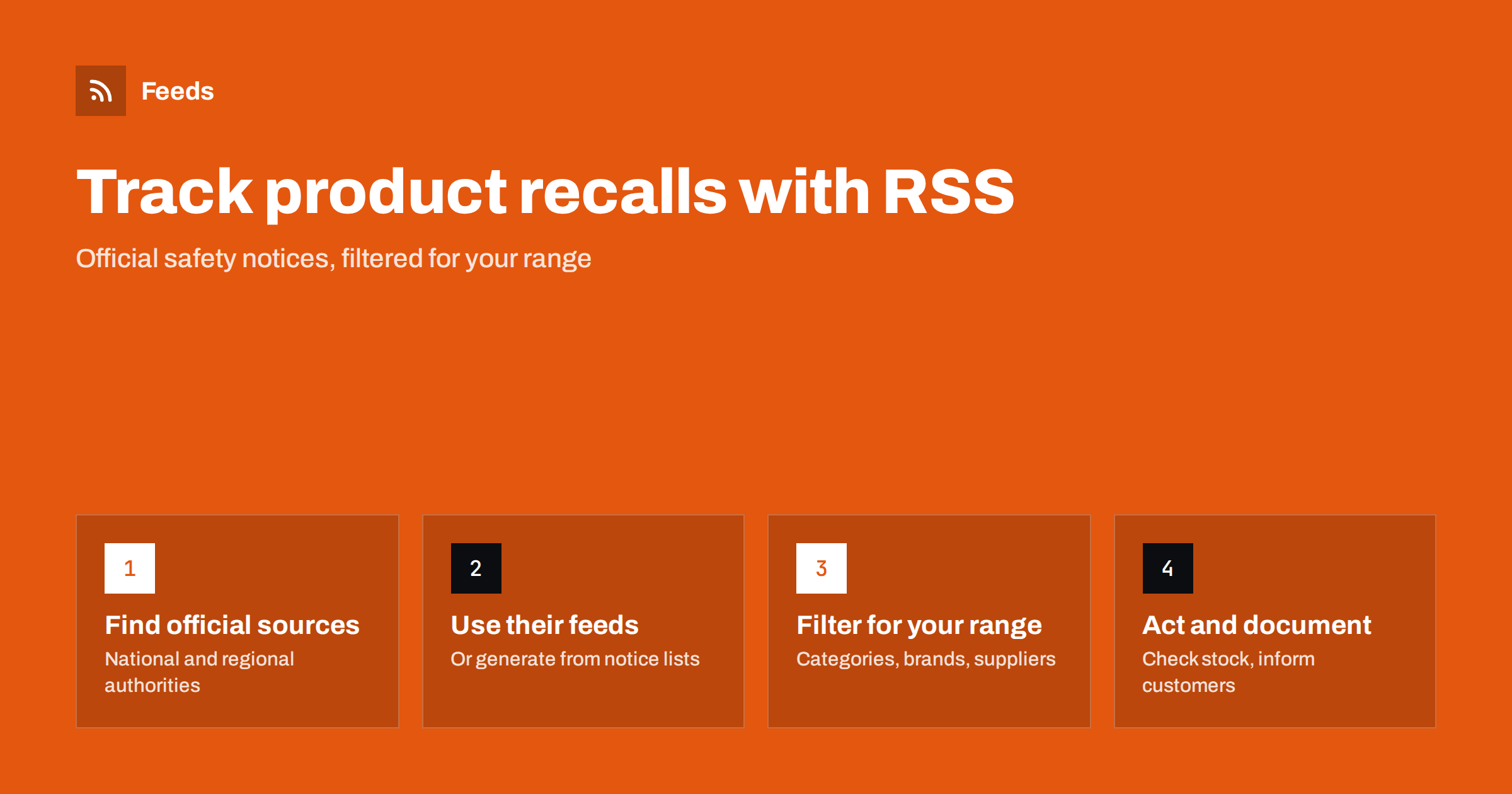
Short answer: Identify the official bodies that publish product recalls and safety notices for the markets and product categories you sell in, such as consumer product safety authorities, food safety agencies, vehicle and medical device regulators, and cross-border alert systems. Subscribe to their feeds where offered and create feeds from notice list pages that have none. Merge them, filter for your product categories, brands and suppliers, and route matches to someone who can check stock and act the same day.
A product recall affecting something you sell, import or use as a component is not news you want to discover late. Retailers need to pull stock and inform customers, importers need to contact suppliers, manufacturers need to check whether their products use an affected part, and food businesses need to act within hours. Official bodies publish recalls and safety warnings openly, but across many separate websites. Feeds bring them into one place and let you filter them down to what concerns you.
This does not replace the obligations and procedures that apply to your business. Depending on your sector and country, you may have legal duties to notify authorities, trace products or keep specific records, and suppliers may have their own recall procedures. Monitoring official notices is an early-warning layer on top of those processes, so that you hear about relevant recalls promptly even when information from the supply chain is slow.
Who needs recall monitoring
- Retailers and online shops, including marketplace sellers, who may be selling an affected product.
- Importers and distributors responsible for products they bring to market.
- Manufacturers whose products contain components or ingredients that could be affected.
- Food businesses such as restaurants, caterers and food shops.
- Compliance and quality teams who document how their organization responds to safety information.
Small businesses are often the most exposed. A large retailer has a product safety team and direct lines to suppliers; a small online shop may hear about a recall only when a customer mentions it. For small sellers, a well-filtered recall feed checked each morning is one of the simplest and most effective safety habits available.
Step 1: Map the official sources
Which sources apply depends on where you sell and what you sell. Typical categories include:
| Area | Typical publisher | What is published |
|---|---|---|
| Consumer products | National consumer product safety authorities | Recalls, withdrawals, safety warnings |
| Cross-border consumer alerts | Regional systems such as the EU’s Safety Gate | Alerts about dangerous non-food products across countries |
| Food | National food safety agencies | Food recalls, allergy alerts, withdrawals |
| Vehicles and parts | Transport or vehicle safety regulators | Vehicle and equipment recalls |
| Medicines and medical devices | Health product regulators | Recalls, field safety notices |
| Electrical and toys | Often covered by consumer product authorities | Product-specific warnings |
If you sell in several countries, include each country’s relevant authority. Rules and publication practices differ, and a product recalled in one market may be sold in others.
Also look at sources close to your supply chain: the recall pages of major brands you stock, trade associations in your sector and, for imported goods, the authorities in the country of manufacture if they publish in a language you can read. Some brands publish recall notices on their own websites before or at the same time as the authorities.
Step 2: Subscribe or generate feeds
Many safety authorities offer RSS feeds of recalls and alerts, sometimes per product category, alongside email subscriptions. Look for “subscribe”, “RSS” or “alerts” links on their recall pages, and check the page source for feed links.
Where no feed exists, create a feed from the recall or notice list page with a page-to-feed tool. Recall lists are usually simple lists of product names with dates and links, which convert well. Check the preview: each item should be one recall or notice, linking to its details. If the list can be filtered by category and the filter appears in the address, use the filtered address to reduce volume.
Weekly reports and databases
Some systems publish weekly reports or searchable databases rather than simple lists. Weekly report pages can often be followed as feeds, with each new report as an item, although you will then need to open each report to see which products it covers. For searchable databases, check whether a search with your category has a stable address; if so, it may work as a feed source.
Step 3: Filter for your range
Recall feeds from large authorities cover every product category, so filtering is essential for most businesses.
- Product categories: the kinds of products you sell, in the language the authority uses, for example “children’s products”, “chargers”, “cosmetics”.
- Brand names: brands you stock or import.
- Supplier and manufacturer names where they are likely to appear.
- Hazard words relevant to your category, such as “allergen”, “choking”, “electric shock”, if you want to prioritize.
Be careful: recall titles do not always include the brand, and product descriptions can be generic. For your most important categories, consider reading the category feed unfiltered.
Language matters too. If you follow authorities in several countries, the same product category may appear under different words. Add the category terms in each relevant language, and check a few recent notices from each source to see how they are typically titled.
Step 4: Respond quickly and document
When a relevant recall appears:
- Check whether you stock, sell or use the product, including batch or model numbers.
- If affected, remove it from sale, including from online listings, and follow the authority’s and supplier’s instructions.
- Inform customers where required, and contact your supplier to agree on returns, refunds or replacements.
- Record the notice, the check you made and the actions taken, with dates.
That record matters. Being able to show that you monitor official notices and act on them is part of responsible product stewardship, and it helps with audits and customer questions.
A simple recall log is enough for most small businesses: date seen, source and link, product, whether you are affected, what you did and who did it. Even “checked, not affected” entries are worth keeping, because they show that the monitoring works every day, not only when something goes wrong.
Common mistakes
- Relying on suppliers to tell you. They usually will, but not always quickly. Official notices are an independent check.
- Following only one country. Products sold online often reach several markets.
- Filtering too narrowly. Brand names may be missing from titles. Use category words as well.
- No same-day owner. Recalls, especially food and allergy alerts, need fast action. Make sure someone sees the feed daily.
- Not documenting. Actions you cannot show are hard to defend later.
- Forgetting marketplace listings. If you sell through several channels, remove the product everywhere, not only from your own shop.
A worked example
An online shop selling baby and children’s products ships to three countries. The owner finds the consumer product safety authority in each country and the EU’s Safety Gate alerts. Two of the national authorities offer feeds; the third lists recalls on a page without a feed, so she generates one. She merges the four sources and filters for “baby”, “child”, “children”, “toy”, “pram”, “cot”, “high chair” and the twenty brands she stocks. The feed goes to her phone reader, checked each morning.
When an alert about a model of baby carrier appears, she checks her catalog, confirms she stocks a different model from the same brand, notes the check in her recall log and moves on. A month later, an alert matches a teething toy she does sell; she removes the listing within an hour, emails the customers who bought it, and contacts her supplier.
How Feeds helps
Feeds turns official recall and notice list pages into RSS feeds when they have none, and uses existing feeds when they do. It finds the list of notices on the page and shows a preview before anything is created. You can merge authorities from several countries into one feed and keep only items with your categories or brands, with duplicates removed automatically. Feeds refresh on their own; for the fastest notice of urgent recalls, also subscribe to the authorities’ own email alerts. See the plans for refresh intervals.
Related reading
- How to Track Government and Regulator Updates with RSS
- How to Monitor Suppliers and Partners for Early Risk Signals
- How to Set Up Keyword Alerts Using RSS Feed Filters
The bottom line
Recalls and safety notices are published openly but scattered across authorities and countries. Map the sources for your markets and categories, subscribe to their feeds or generate feeds from their notice lists, filter for your range, and make sure someone checks the stream daily and documents every response. It is a simple safeguard for your customers and your business.
FAQ
How can I get alerts about product recalls?
Subscribe to the RSS feeds or email alerts of the safety authorities in your markets, and create feeds from their recall list pages where no feed exists. Filter them for your product categories and brands.
Do recall authorities publish RSS feeds?
Many do, sometimes per product category. Others publish recall lists without feeds, which can be turned into feeds with a page-to-feed tool.
Should I filter recall feeds by brand?
Brand filters help, but brand names are not always in recall titles. Combine them with product category words, and read your most important categories unfiltered.
How quickly should I act on a recall?
As quickly as possible, and on the same day for food and serious safety issues. Follow the instructions of the authority and your supplier.
Why document recall checks?
A record of notices, checks and actions shows that you monitor safety information responsibly. It helps with audits, insurers and customer questions.


