ENEnglish
 LTLietuviškai
 DEDeutsch
 FRFrançais
 RUРусский
 ESEspañol
 PLPolski
 ITItaliano
 UKУкраїнська
 CSČeština
 PTPortuguês
 JA日本語
 LVLatviešu valoda
 ETEesti
 HUMagyar
 IDBahasa Indonesia
 TRTürkçe
 HIहिन्दी
 ELΕλληνικά
 ARالعربية
 THไทย
 VITiếng Việt
 RORomână
 MSBahasa Melayu
 BNবাংলা
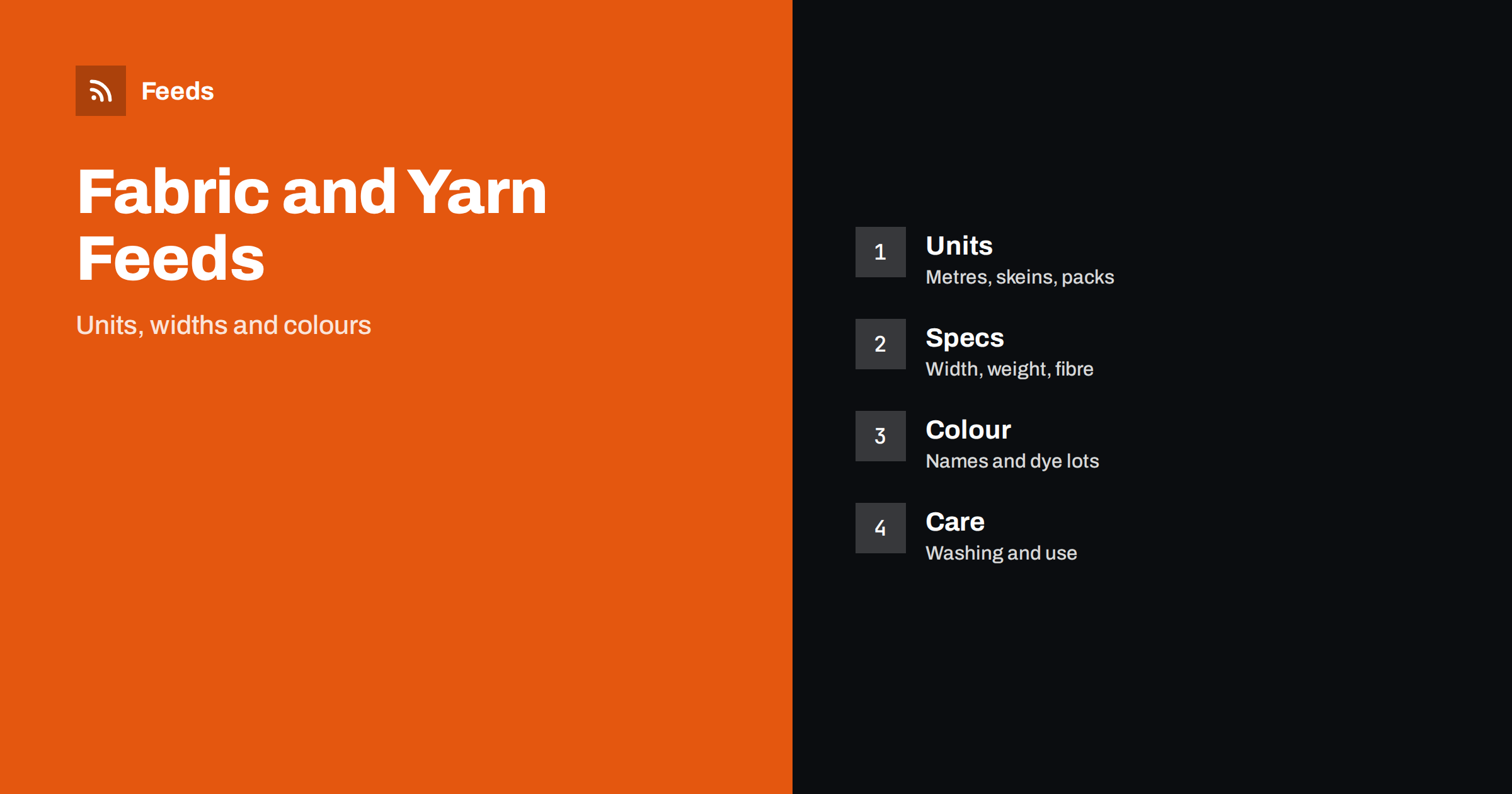
Short answer: Fabric, yarn and sewing products are sold by the metre, the skein, the pack or the reel, and a feed that hides the unit of sale causes returns and disapprovals. Put the product type, the fibre and the unit in the title, record width, weight and colour as separate values, handle dye lots honestly and keep price and stock in step with the shop. A clear feed saves your customers from ordering the wrong amount.
Why these feeds are different
A sewing shop sells things that look similar and behave very differently. Two cottons can differ in weight and width, two yarns can look alike and knit to different gauges, and a pack of ten needles is not the same product as a single needle. Shoppers cannot touch the goods, so the feed and the product page must answer the questions that a person in the shop would ask: how wide, how heavy, what is it made of and how much do I get?
The unit of sale is the first of these questions. If a price is for a metre, a half metre or a fat quarter, the title and the price must say so. The general principles for building the feed are in product feed explained: what it is and how it works, and this article adds the points that matter for textiles and crafts.
Titles that lead with type, fibre and unit
A good title starts with what the product is and adds the figures that decide a purchase. For fabric, that is the type, the fibre, the width or weight and the unit, for example a cotton poplin sold by the metre. For yarn, it is the brand or line, the fibre, the weight category and the ball or skein size. For notions, it is the item, the size and the pack count.
Keep the colour name near the end and do not stuff the title with search words. A title that reads naturally does better than a list of terms, and the same order for every product makes the catalogue easier to check. Product feed title optimization explains the pattern in more detail, and writing product feed descriptions covers the text under the title.
Width, weight, fibre and other specifications
Record the specifications that people filter on. For fabric these are width, weight per area, fibre content, pattern and finish. For yarn they are fibre, weight category, length per ball, recommended needle size and gauge. For thread and notions they are length, size, material and compatibility. Use the same units everywhere and write them out, so that metres and yards are never mixed in one catalogue.
Fibre content needs to be accurate. Write the blend as it is stated by the maker, for example the percentages of each fibre, and do not round up a blend to sound better. If a product is a blend, avoid the name of a single fibre in the title. Where a country requires fibre labelling for textiles, follow the rules that apply to your market and keep the data in the shop, not only in the feed.
Colours, dye lots and variants
Colour is difficult in textiles. Screens show colours differently, and yarn and fabric can vary between production batches. Use the maker’s colour name and number, add a plain colour value that shoppers recognise, such as blue or green, and show a photo of the real product. If a product has several colours, create variants and group them, as explained in product variants and item_group_id.
Dye lots deserve an honest note. A yarn bought in two orders may come from different lots and look slightly different, so say on the product page that customers should buy the full amount at once, and keep the lot number on the invoice if you can. Do not promise an exact match across lots unless you can deliver it.
For quantity, consider how people buy. A customer who needs three metres should be able to choose the length, and the feed should show the price for the unit and, if possible, the minimum order. Unit pricing in a product feed explains how to present a price per measure where it is required.
Kits, bundles and patterns
Many shops sell kits: a pattern, fabric and notions in one box. Treat a kit as its own product with its own identifier, and list its parts in the description. If you sell the same items separately, make sure that the kit and the separate products do not use the same title, and that stock is counted for both. Bundles and multipacks in a product feed covers the details.
Patterns sold as downloads follow different rules from physical goods. A digital file has no shipping and no stock, and product feeds for digital products and downloads shows how to describe it. Print patterns, on the other hand, are physical products with sizes and weights, and should be listed like any other item.
Think about how customers use the goods after they arrive. Many buyers of fabric and yarn are planning a project, and a short note on the amount needed for a common project, such as a cushion cover or a hat, helps them order the right quantity. Add a line that suggests buying a little extra for cutting and matching. This reduces the number of small reorders, and it is a service that customers remember.
Care, safety and age information
Care instructions are useful both for the shopper and for the shop. Wash temperature, shrinkage and drying advice reduce returns, and they belong in the description. For products used by children, such as fabric for toys or small buttons and beads, state the age range and safety warnings that apply, and follow the toy and children’s product rules of your market.
Small parts are a common issue. Buttons, beads, snaps, eyes and stuffing are sold in large quantities, and some are unsuitable for young children. Write the warning on the product page and keep it consistent with the feed, because a mismatch between the two can cause a disapproval and, more importantly, a poor customer experience.
Seasonal timing is important in this category. Interest in knitting and wool rises in autumn, sewing for gifts rises before the holidays, and summer fabrics are searched in spring. Check your stock levels before each season and update availability in the feed quickly, because a product shown as available that has sold out creates the same problems as a wrong price. Use a custom label to group seasonal products, as described in custom labels for shopping campaigns.
Identifiers, images and landing pages
Many fabrics and notions have no barcode, especially goods sold by the metre. Where a manufacturer assigns one, such as for yarn balls, notions and branded threads, use it. Where it does not exist, do not invent it. GTIN, MPN and brand: product identifiers explained shows what to do for products without a code.
Images should show the real product on a plain background, with a second image that shows the texture or a project made from it. Avoid text and watermarks. The landing page must show the same price, unit and stock status as the feed, as described in product landing page requirements. A small mismatch in unit is one of the most common reasons for a price warning in this category.
Finally, keep a small test routine. Before each submission, pick five products at random: one fabric by the metre, one yarn with several colours, one notion pack, one kit and one product that is out of stock. Compare the price, the unit, the colour and the availability in the preview with the product page. If all five match, the rest of the catalogue is probably right. If one fails, find the rule that caused it and fix the rule, not only the product.
How RSS Feed Creator helps
RSS Feed Creator builds Google Merchant Center and Meta catalog XML straight from your store. WooCommerce and Shopify are read automatically, and any other store can use a CSV link. You can skip out-of-stock products, rewrite titles with rules so that fabric, yarn and notions appear in the same order every time, and adjust prices. Before you submit anything, check the preview and the Merchant Center diagnostics to confirm that prices per unit, colours and stock arrive as you expect. The free plan includes product feeds with up to 50 products, and the Store plan covers one store with 3 product feeds and up to 2,000 products. The details are on the pricing page.
Related reading
- Product Feeds for Craft and Hobby Supply Stores: A Guide
- Unit Pricing in Product Feeds: Measures and Base Units
- Product Variants in Feeds: How item_group_id Works
The bottom line
Fabric, yarn and sewing feeds succeed when the unit of sale, the width or weight, the fibre and the colour are clear. Lead the title with type and fibre, group colour variants, be honest about dye lots, and keep price and stock identical in the shop and the feed. Check the preview before each submission.
FAQ
How should I show a price per metre?
Say it in the title and the description, and use the same unit on the product page. Where unit pricing is required in your market, add the price per measure.
Do I need a GTIN for fabric sold by the metre?
Not if the manufacturer has not assigned one. Use identifiers where they exist for branded yarn, thread and notions, and do not invent codes.
How do I handle dye lots?
Tell customers to buy the full amount at once and state that colours can vary between lots. Do not promise a match across lots.
Should each colour be its own variant?
Yes, group colours of one product as variants with the same item group, each with its own image, stock and identifier where one exists.
What about kits and patterns?
Treat a kit as its own product and list its parts. Digital patterns have no shipping or stock, so describe them as downloads.