ENEnglish
 LTLietuviškai
 DEDeutsch
 FRFrançais
 RUРусский
 ESEspañol
 PLPolski
 ITItaliano
 UKУкраїнська
 CSČeština
 PTPortuguês
 JA日本語
JA日本語 LVLatviešu valoda
 ETEesti
 HUMagyar
 IDBahasa Indonesia
 TRTürkçe
 HIहिन्दी
 ELΕλληνικά
 ARالعربية
 THไทย
THไทย VITiếng Việt
 RORomână
 MSBahasa Melayu
 BNবাংলা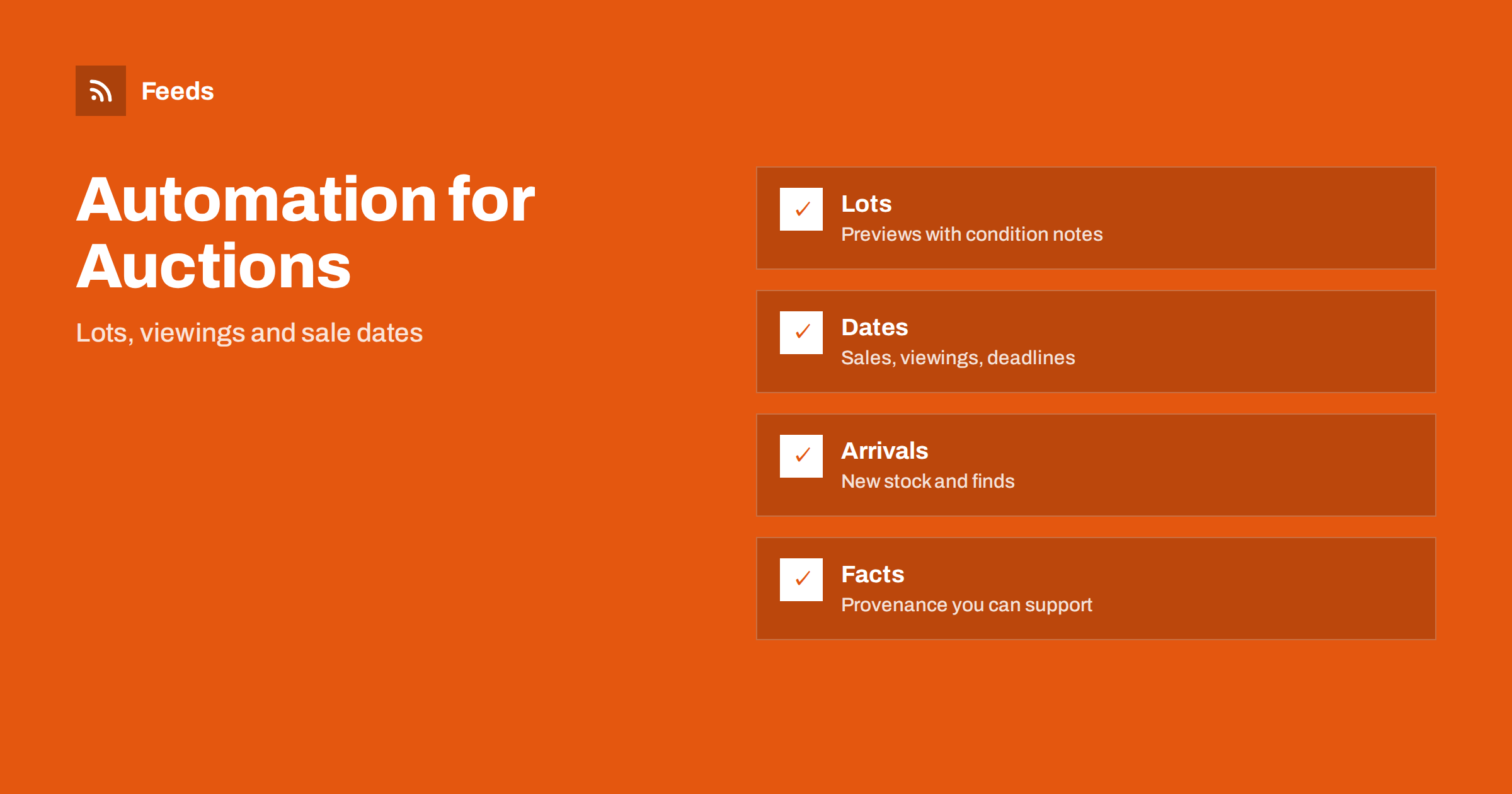
Short answer: Auction houses and antique dealers have a natural rhythm: consignments arrive, catalogues are prepared, viewing days open, sales take place and results follow. Content automation turns reliable sources, such as your catalogue, your calendar and your stock list, into scheduled posts and updates. Keep a person in charge of descriptions, provenance, estimates and condition notes, because buyers rely on them and mistakes are costly.
What auctioneers and dealers need to publish
Buyers and sellers follow auction houses and dealers for different reasons. Buyers want to know which lots are coming, when viewings take place and how to bid. Sellers want to know how to consign, what sells and what fees apply. Both groups look for proof that the business knows its subject and handles items carefully.
Useful content includes sale announcements, highlights from the catalogue, viewing hours, results, short stories about notable items, advice on valuation and care, and notices about opening hours and deadlines. The overview in content automation for local businesses describes the general approach, and this article adapts it to auctions and antiques.
Build a calendar around sales and viewings
An auction has fixed dates, which makes it ideal for planning. For each sale, mark the date when the catalogue goes online, the viewing days, the bidding deadline for absentee and online bids, the sale day and the date for payment and collection. Then plan four kinds of posts: a catalogue announcement, highlight posts in the weeks before, a viewing reminder and a final countdown.
Keep this calendar in a spreadsheet or in your tool of choice, and review it once a year. The idea is described in building a content calendar from feeds and automation, and it works well when posts are scheduled in batches after the catalogue is finished.
Turn catalogue lots into posts
If your auction software or website lists lots with a title, estimate, photo and link, those entries can feed your posts. A feed of new lots gives a title, a picture and a link, and an automation can turn each selected lot into a draft post with a short template. The approach is shown in sharing new shop products on social media automatically and publishing a new arrivals RSS feed.
Do not post every lot. Choose highlights and use an approval step, and check that the description, dimensions, condition note and estimate are correct. If a lot is withdrawn, remove or update the post immediately. Dealers can do the same with new stock, and mark items as sold as soon as they are.
Accuracy, provenance and condition
Trust is the product. A description should say what is known, what is attributed and what is uncertain, and use the terms your trade body or your own conditions of sale define. Do not make claims about age, maker or value that you cannot support, and keep the condition note honest, including repairs, wear and replacements. If provenance is documented, say where the documents are, and if it is not, do not suggest it.
An automation should copy descriptions from the catalogue without rewriting them, because a changed word can change a legal meaning. Review the final text of each post. Estimates are estimates, and a post should say so when it quotes one. If your market has rules on cultural property, ivory or restricted materials, make sure that posts follow the same rules as the catalogue.
Viewing days, bidding and practical notices
Practical information reduces phone calls and mistakes: where the viewing takes place, opening hours, how to register to bid, how absentee and online bids work, buyer’s fees and how to collect or ship purchases. Put the same information on the website, in the catalogue and in the posts, and update all of them together. A mismatch between a post and the conditions of sale causes disputes.
An automation can repeat a reminder, but a person should confirm dates and fees before each sale. If the schedule changes because of an event or a closure, pause the scheduled posts, as described in when to pause automated posting: a crisis and holiday plan, and publish the change by hand.
Consignors, valuations and stories
Sellers need to find you. Publish a short page that explains how to consign, how valuations work, which items you accept and what costs apply, and link to it from your posts. Share stories about interesting items, with permission from the consignor, and avoid personal details such as names, addresses or the reasons for a sale.
Evergreen content, such as how to care for silver, how to recognise a marked piece of furniture or what to prepare before a house clearance, can be reshared on a schedule if it is reviewed once a year. A careful approach to repeating content is described in resharing evergreen content automatically without spamming. Date each piece so that outdated advice does not stay online.
Online bidding adds another layer of care. If you use a bidding platform, check that the lot numbers, estimates and closing times shown there match the catalogue and the posts, and test links before a sale. Tell bidders what to do if a connection fails, and keep a phone number available on the sale day. Small, clear instructions prevent most of the complaints that come after an auction.
Results, reputation and community
Publish sale results with care. Hammer prices are public information in many auction houses, but sellers may prefer privacy, and your conditions of sale should say what you publish. Celebrate notable results without naming the seller, and keep a consistent format. Thank bidders and buyers in a general way, and respond to messages and questions by hand.
Local clubs, collectors’ societies and museums are natural partners and sources of news. A feed of their event pages can show what is coming, and turning event calendars into RSS feeds explains how. Alerts from competitors’ catalogues and classified sites help you learn about the market, as described in alerts for new classified ads and auction lots.
Photos, brand voice and results
Good photography is essential. Use consistent lighting and backgrounds, show marks and signatures in close-up and include a size reference. Name and store the pictures so that an automation can find the right ones, and keep high-resolution files private if you worry about reuse. Write captions with the lot number, the title, the estimate, the date and a call to action, and add a personal sentence about why the piece is interesting.
Because automated posts go out under your name, set rules for banned words, hashtags and a delay before posting. Brand safety for automated posting covers these settings, and securing content automation accounts lists practical steps for access.
Plan for the busy periods around major sales, house clearances and seasonal fairs, and for quiet months when evergreen posts keep the profile alive. After each sale, review what worked: which posts led to registrations, which lots attracted questions and which channels brought new bidders. Add UTM tags to links so that visits from posts are visible in your analytics, as explained in tracking traffic from automated posts. Write down what you would change next time, such as an earlier announcement or clearer shipping information. Keep the notes in one place, so that the next sale starts from what you learned, and ask a new bidder each time how they found you. After a year, the notes become a clear picture of which channels matter and which do not.
How RSS Feed Creator helps
RSS Feed Creator turns the public news, events or listings pages of auction platforms, museums, collectors’ societies and local organizations into clean RSS feeds, even when those sites have no feed of their own. It reads titles, images, summaries and dates, uses an existing feed when there is one, and shows a preview of the items before the feed is created. You can merge several sources into one feed (up to 10 with the PostRSS add-on), keep only the items that contain your keywords and have duplicates removed automatically, which suits a feed of fairs, sales and cultural events. Feeds refresh every 3 hours on the free plan and every 30 minutes on paid plans, and the PostRSS add-on sends an alert when a page changes and a feed stops finding items. The free plan allows up to 20 items per feed, and the details are on the pricing page.
Related reading
- Content Automation for Second-Hand, Vintage and Resale Shops
- How to Get Alerts for New Classified Ads and Auction Lots
- Content Automation for Museums, Galleries and Cultural Venues
The bottom line
Auctioneers and antique dealers can automate the routine parts of publishing: a calendar of sales and viewings, highlight posts from the catalogue, practical notices and reviewed evergreen advice. Keep an approval step for descriptions, provenance, estimates and dates, protect consignor privacy and review the results after each sale. Automation should leave more time for the objects and the people who care about them.
FAQ
What should an auction house automate first?
Start with the sale calendar and reminders for viewings and bidding deadlines, because they repeat for every sale. Add highlight posts from the catalogue after that.
Should every lot be posted automatically?
No. Choose highlights and use an approval step to check descriptions, condition notes and estimates, and remove a post when a lot is withdrawn.
Can I rewrite catalogue descriptions for social posts?
Keep the wording of the catalogue for facts such as attribution and condition, and add your own short intro. A changed word can change a legal meaning.
Can I publish results automatically?
Only in line with your conditions of sale and with care for seller privacy. Review each results post before it goes out.
How do dealers use this for new stock?
Turn new stock entries into draft posts with a template, check details in an approval step and mark items as sold as soon as they are.