 ENEnglish
 LTLietuviškai
 DEDeutsch
 FRFrançais
 RUРусский
 ESEspañol
 PLPolski
 ITItaliano
 UKУкраїнська
 CSČeština
 PTPortuguês
 JA日本語
 LVLatviešu valoda
 ETEesti
 HUMagyar
 IDBahasa Indonesia
 TRTürkçe
 HIहिन्दी
 ELΕλληνικά
 ARالعربية
 THไทย
 VITiếng Việt
 RORomână
 MSBahasa Melayu
 BNবাংলা
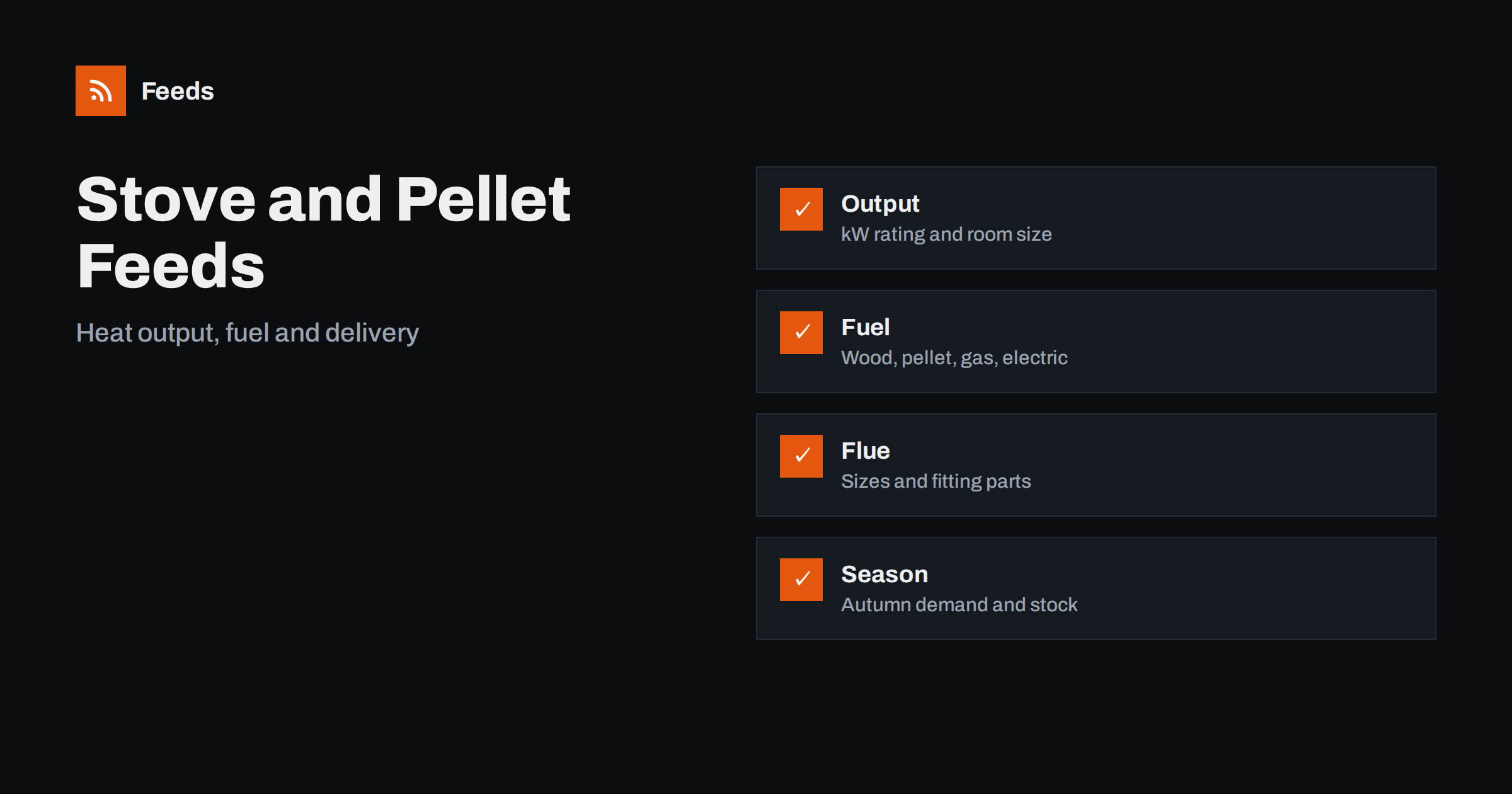
Short answer: Fireplace, stove and wood pellet shops sell technical, heavy and seasonal products, so the feed must be precise. Put the fuel type, heat output and size in the title or attributes, list fitting parts and accessories as their own products, state delivery limits honestly and keep availability current in autumn, when demand peaks. Check the preview and diagnostics before each season, and describe certifications only when you can prove them.
Accessories and fuels bring repeat purchases, which makes them valuable for your shop. A customer who buys a stove once may return every year for pellets, glass cleaner and gaskets. A well-organized feed that includes these items brings the same customer back through shopping results, and it spreads advertising costs across a larger basket.
Why this catalog needs care
A buyer of a stove is making a decision that lasts for many years. The product has to fit the room, the chimney, the fuel they plan to use and the rules that apply to their building. They ask questions about output, efficiency, size, clearance distances and installation. If your listing does not answer them, they will go to a shop that does.
The products are also heavy and bulky, which affects shipping, and demand is highly seasonal. Pellets, logs and firelighters sell in tonnes in October and almost nothing in July. A feed that handles these facts honestly protects both your advertising budget and your customers. For the basics, what is a product feed explains how a feed moves your catalog to shopping platforms.
Titles that carry the technical facts
Buyers search by type, fuel and power. Build a title formula that includes the brand, the type of appliance, the fuel and the nominal output in kilowatts, for example “Brand Model Wood Burning Stove 6 kW, Black, Steel”. Add the colour and the material where relevant. Put the words people search first, because long titles are cut off.
Do not stuff the title with marketing words. Facts such as output and fuel are more useful than “premium” or “best”. Product feed title optimization describes formulas that work, and rules in your feed tool can assemble the title from the fields you already keep in your shop.
Avoid mixing sizes in one listing. A bag of pellets in 15 kg and a pallet of 66 bags are different products with different prices and shipping, and each should have its own identifier. Use the unit pricing fields where they apply, as explained in unit pricing in product feeds, so that shoppers can compare the price per kilogram.
Fuel types and product groups
The catalog usually includes several groups: wood burning stoves, multi-fuel stoves, pellet stoves, gas and electric fires, fireplace inserts, stove boards and hearths, flue pipes and liners, chimney accessories, tools, fire guards and the fuels themselves. Give each group a clear category path, so that the shop looks organized to platforms and shoppers.
Make the fuel type explicit, since a stove built for wood is not necessarily suitable for coal or pellets. Where a product can burn more than one fuel, say so exactly as the manufacturer states. For fuels, state the species or type, moisture content and packaging weight, because these decide quality and price. Google product category vs product type explains how to classify such a mixed catalog.
Keep a record of where each figure comes from. A spreadsheet with a column for the source document (manufacturer data sheet, test report or label) makes it easy to answer questions from customers and platforms. When a manufacturer updates a model, update the numbers in your shop first, and the feed will follow.
Heat output, room size and efficiency
Output and efficiency figures are central, but they must be accurate. Use the numbers given by the manufacturer or the test report, and keep the units clear. Mention the nominal output, and the range if the manufacturer gives one. If you give a room size guide, label it as a guide and note that insulation, ceiling height and the layout of the house matter.
Avoid claims you cannot prove, such as “smokeless” or “eco-friendly”, unless a recognised certification supports them. Rules on emissions and approved fuels vary by country and region, and some areas restrict wood burning. State which standards or labels apply to each product and link to the official text where possible. When in doubt, leave the claim out.
Flues, fittings and compatibility
Many customers need a flue system, a liner, a stove pipe or a register plate along with the stove. These parts come in diameters and lengths, and a wrong part is expensive to return. List each part with its diameter, material and length in the title, and state which stoves it is meant for if the product page does. Compatibility is key.
The same structure applies to spare parts such as glass, fire bricks, gaskets and grates. Product feeds for spare parts and compatible accessories shows how to describe compatibility clearly. Where installation by a qualified person is required or recommended, say so on the product page, because regulations may apply.
Check images on a phone. Many shoppers browse stoves on small screens, and a dark image of a black stove on a dark background can disappear. Choose a background that shows the outline, and make sure the image is sharp enough to show the door glass and the controls.
Images, manuals and documents
A stove is a visual purchase. Provide a clean main image, additional views from the side and rear, a photo of the glass door and, if possible, a lifestyle photo in a room. The main image should show only the product on a plain background, without a logo overlay or promotional text. See product feed image requirements for Google and Meta for details.
Put dimension drawings, installation manuals and certificates on the product page, since buyers look for them. They do not belong in the feed itself, but a link in the description helps. Show clearance distances and flue outlet positions in the drawing; they answer many pre-sales questions.
Think about returns. Heavy goods are costly to return, so your policy should be clear and visible. Separate rules for pellets, which are often not returnable once opened, from rules for stoves, which may be returnable if unused and in original packaging. Customers appreciate honesty before the purchase.
Heavy items, pallets and delivery
Stoves weigh dozens of kilograms, and pellets are sold on pallets. Delivery costs and options vary by weight and region, and some areas cannot be reached by the usual carriers. Make sure the shipping information in the feed matches your shop, and exclude regions you do not serve. Shipping in product feeds explains account settings and attributes.
Be honest about lead times. If a stove is made to order and takes six weeks, say so. Use the availability field correctly, for instance “backorder” for items that are not in stock but can be ordered, as described in preorder and backorder products in feeds. A delivery promise that cannot be met leads to complaints and poor reviews.
Autumn demand and seasonal planning
Demand begins in late summer, rises with the first cold days and peaks in October and November. Prepare the feed in August: check stock, prices and images, remove discontinued models and add new ones. Plan advertising budgets by product group, with pellets and accessories as entry products and stoves as the high-value items. Use custom labels such as “bestseller” or “clearance” to control campaigns, as described in custom labels in product feeds.
After winter, move stock that did not sell to a clearance label or pause it. Review which products brought the best margin and which created the most returns, and adjust next year’s range.
How RSS Feed Creator helps
RSS Feed Creator builds Google Merchant Center and Meta catalog XML straight from your store. WooCommerce and Shopify are read automatically, and any other store can use a CSV link. You can skip out-of-stock products, rewrite titles with rules so that stove and fuel titles appear in the same order every time, and adjust prices. Before you submit anything, check the preview and the Merchant Center diagnostics to confirm that output, fuel type and delivery details arrive as you expect. The free plan includes product feeds with up to 50 products, and the Store plan covers one store with 3 product feeds and up to 2,000 products. The details are on the pricing page.
Related reading
- Product Feeds for Heating, Plumbing and HVAC Supplies
- Product Feeds for Outdoor Furniture, Patio and BBQ Stores
- Product Feeds for Spare Parts and Compatible Accessories
The bottom line
A fireplace, stove and pellet feed works when titles carry fuel, output and size, parts are listed with exact compatibility, claims rest on certificates, delivery is honest and stock follows the season. Prepare before autumn and keep the data in your shop accurate, because these are expensive, long-lived purchases.
FAQ
What should a stove title include?
The brand, appliance type, fuel, nominal output in kilowatts, colour and material, in a consistent order.
Should flue parts be separate products?
Yes. List each part with its diameter, length and material, and state which stoves it fits.
Can I describe a stove as eco-friendly?
Only if a recognised certification or the manufacturer’s test report supports the claim. Otherwise leave it out.
How do I list made-to-order stoves?
Use the backorder or preorder availability value where it applies and state the lead time on the product page.
When should I prepare the feed for the heating season?
In late summer, before demand begins. Check stock, prices, images and delivery settings.


