ENEnglish
 LTLietuviškai
 DEDeutsch
 FRFrançais
 RUРусский
 ESEspañol
 PLPolski
 ITItaliano
 UKУкраїнська
 CSČeština
 PTPortuguês
 JA日本語
JA日本語 LVLatviešu valoda
 ETEesti
 HUMagyar
 IDBahasa Indonesia
 TRTürkçe
 HIहिन्दी
 ELΕλληνικά
 ARالعربية
 THไทย
THไทย VITiếng Việt
 RORomână
 MSBahasa Melayu
 BNবাংলা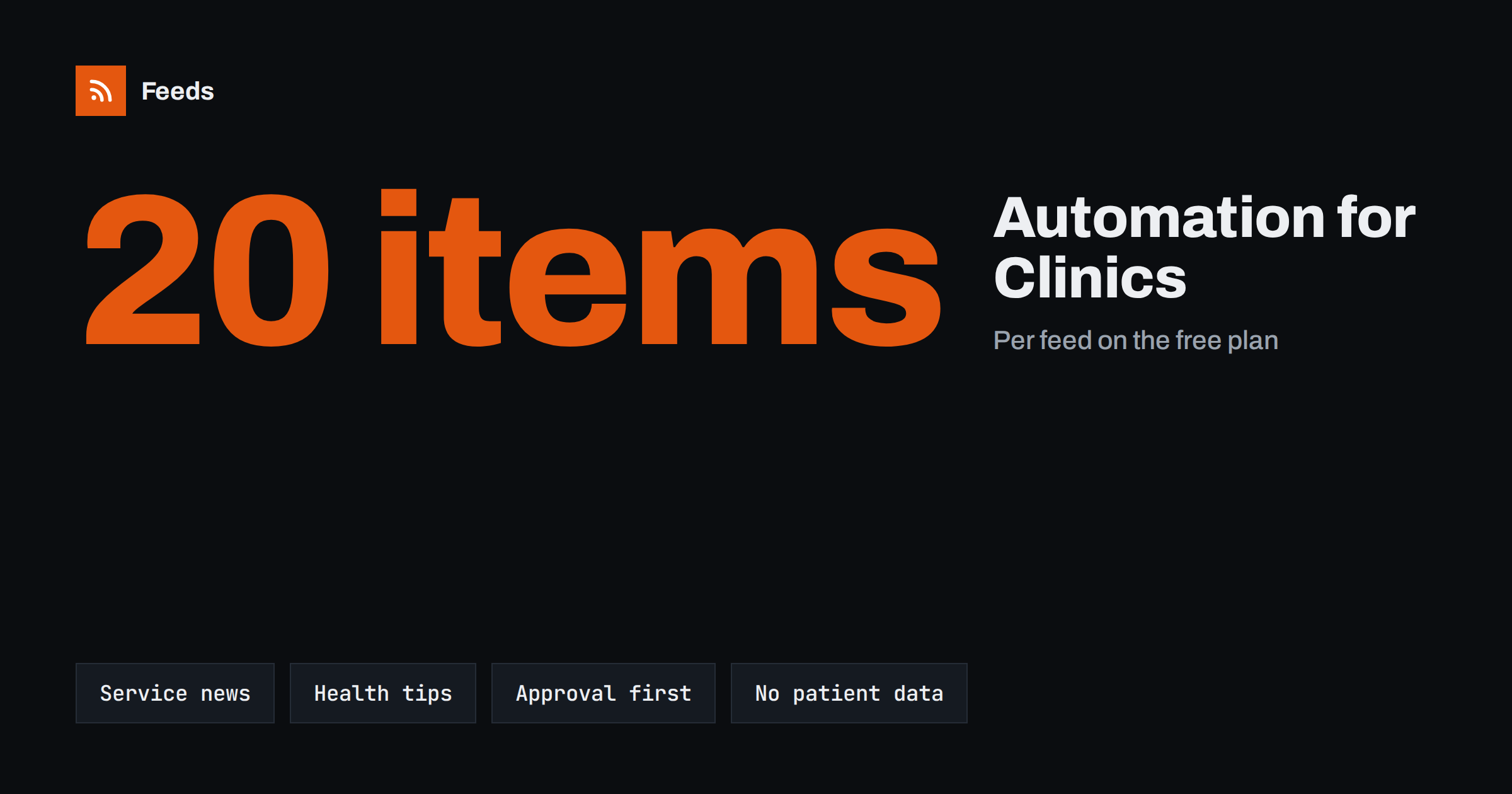
Short answer: A clinic can automate its content safely if the automation only moves information the clinic has already approved: opening hours, new services, team news, general health tips and practice announcements. Keep a named person responsible for approval, never include patient data or individual medical advice, follow the advertising rules of your country and your professional body, and use a queue where every post is reviewed before it goes out.
Why clinics need regular content, and why they hesitate
Patients look for a dentist or a doctor online before they call. They check opening hours, services, reviews and whether the practice looks active. A page or a social profile that has not been updated for months suggests the opposite. Yet most clinics have no marketing team. The people who could write posts are busy with patients, and a missed day easily becomes a missed month.
The hesitation is also justified. Healthcare is a field with strict rules about advertising, privacy and the accuracy of information. A careless post can mislead a patient or breach professional rules. This is why the right model for a clinic is not full automation. It is a controlled workflow in which the tool collects and prepares content and a person approves it. The principles are the same as in content automation for local businesses, with more care at the approval step.
What content is safe to automate
Start with material that carries little risk and large value for patients:
- Practice news. A new doctor or hygienist joins, a service is added, a new room or machine is available.
- Opening hours and holiday notices. Changes around public holidays, summer closures or on-call arrangements.
- General health information. Short tips on topics such as brushing, check-up intervals, vaccination reminders or seasonal advice, taken from your own articles.
- Events. Open days, screening campaigns and talks. See how to promote upcoming events automatically from a calendar.
- Answers to frequent questions. What to bring to a first visit, how to prepare for a procedure, how to book.
Leave out anything that depends on an individual: diagnoses, treatment results, before and after pictures without written consent, or replies to personal health questions. Those belong in a private conversation with the patient, not in an automated stream.
It also helps to separate two kinds of content in your plan. Operational content, such as hours and holiday notices, can follow a fixed template and needs only a quick check. Informational content, such as health tips, needs a closer look at the facts and the wording every time, ideally by a clinician who knows the topic. Marking each source with one of the two labels makes the review faster and prevents a rushed approval of something that needed more attention.
Publish on your own site first
The most reliable source of automated content is your own website. A news page, a blog or a page with service updates can be published once and reused in many places. If your site publishes a feed, it can drive posts on social networks and your Google Business Profile. If it does not, a tool can read the list of articles and turn it into one. The idea is explained in how to create an RSS feed for a website without one.
This order has a side effect that helps compliance. Every item is first reviewed and published on the clinic’s site, where the wording is complete and the context is clear. Social posts then only point to it. Posts to a business listing follow the same pattern, and the options are discussed in whether you can auto-post to Google Business Profile from RSS.
Write posts with a patient in mind
A post template saves time and keeps the tone consistent. A good template for a clinic has a plain title, one sentence about what changes for the patient, and a link to the page with details. Avoid fear, pressure and promises. Do not write that a treatment is painless or guaranteed. Avoid superlatives such as “the best” or “the most advanced”, because many advertising rules for healthcare restrict them.
Use simple words, a calm tone and the language your patients speak. Add the practice name and the way to book. For templates and placeholders, see writing post templates for automated social media feeds. When you use pictures, take them from your own practice with permission from everyone shown, and avoid stock images that suggest results you cannot show.
Think about accessibility and language as well. Many patients read on a phone, so keep titles short and put the key information first. If your area has several common languages, publish the important notices, such as changes in opening hours, in each of them rather than relying on one version. Always include the way to reach the clinic for urgent matters, and make it clear that social media is not a channel for emergencies.
Keep a person in the approval loop
For a clinic, an approval queue is not optional. Set the automation so that new items appear as drafts and one named person, such as the practice manager or the doctor in charge, must approve each one. That person checks the facts, the wording and the privacy of the post, then schedules it. The comparison between the two modes is in full auto versus approval queue.
Write down who may approve, what a post must never contain and how to correct a mistake. If an error does slip through, remove the post quickly, publish a correction where needed and fix the source so that the same item does not return. What happens when a source item is changed is described in edited and deleted source items in automated posting.
Rules, privacy and security
Healthcare advertising is regulated, and the rules differ by country and by profession. Before you start, check the guidance of your professional body and the law on advertising health services where you work, and ask a qualified adviser if you are unsure. This article gives general practice, not legal advice.
Some points hold almost everywhere. Do not publish information that identifies a patient without explicit consent, and remember that a name, a face or a rare case can be enough to identify someone. Do not answer medical questions in public comments, and give a way to contact the clinic instead. Protect the accounts that publish: use strong passwords, two-step sign-in and a limited number of people with access, as recommended in securing content automation: accounts, tokens and access. Add brand and content filters so that automated posts do not appear next to unsuitable items, as in brand safety for automated posting.
Plan a simple weekly rhythm
A small clinic does not need daily posts. A rhythm such as one practice news item or health tip per week, plus holiday and opening-hour notices when needed, is enough to look alive. Prepare four to six posts in advance, review them together once a month and let the schedule release them. Add seasonal topics: check-ups before school begins, sun protection in summer, flu and vaccination reminders in autumn. Use your own articles as the source so that the information matches what you tell patients in the surgery.
Measure what helps by looking at calls, online bookings and visits to your service pages, not only at likes. If a type of post brings enquiries, repeat it. If not, drop it. A method for this is in how to measure whether content automation is worth it.
How RSS Feed Creator helps
RSS Feed Creator turns a page such as a news page or a list of services into an RSS feed, with titles, images, summaries and dates, and shows a preview before anything is created. You can keep or exclude items by keywords, which helps you hold back anything that should not be automated, and duplicates are removed automatically. Feeds refresh every 3 hours on the free plan and every 30 minutes on paid plans. The free plan allows up to 20 items per feed, and the details are on the pricing page. The feed link works in any RSS reader or automation tool, so you can send the items to an approval queue first.
Related reading
- Content automation checklist: 30 checks before you go live
- How healthcare teams can follow clinical guidance with RSS
- Content automation for law, accounting and consulting firms
The bottom line
For a clinic, automation should save time on routine updates and never replace judgement. Publish approved news on your own site, reuse it in posts through a feed, send every item through a named approver and keep patient information out of the workflow completely. Check the advertising rules that apply to you, keep the rhythm modest and judge the results by enquiries.
FAQ
Is it allowed to automate posts for a medical practice?
Automation itself is a tool, and the rules apply to the content. Follow the advertising and privacy rules of your country and profession, and keep a person responsible for approval.
Can I share patient reviews automatically?
Be careful. Reviews may contain personal or health information, and rules on testimonials in healthcare differ. Share them only if the rules allow it and the author agrees, and review each one first.
What should never be in an automated post?
Patient names, images or cases without consent, individual medical advice, promises of results and unproven claims. Keep the workflow to general and approved information.
How often should a clinic post?
Once a week is enough for most practices, with extra notices for holidays and changes in hours. Consistency matters more than volume.
Which source should the automation use?
Your own website. Publish news and tips there first, then let a feed carry them to social profiles and listings, so that the wording is always the approved version.