ENEnglish
 LTLietuviškai
 DEDeutsch
 FRFrançais
 RUРусский
 ESEspañol
 PLPolski
 ITItaliano
 UKУкраїнська
 CSČeština
 PTPortuguês
 JA日本語
 LVLatviešu valoda
 ETEesti
 HUMagyar
 IDBahasa Indonesia
 TRTürkçe
 HIहिन्दी
 ELΕλληνικά
 ARالعربية
 THไทย
 VITiếng Việt
 RORomână
 MSBahasa Melayu
 BNবাংলা
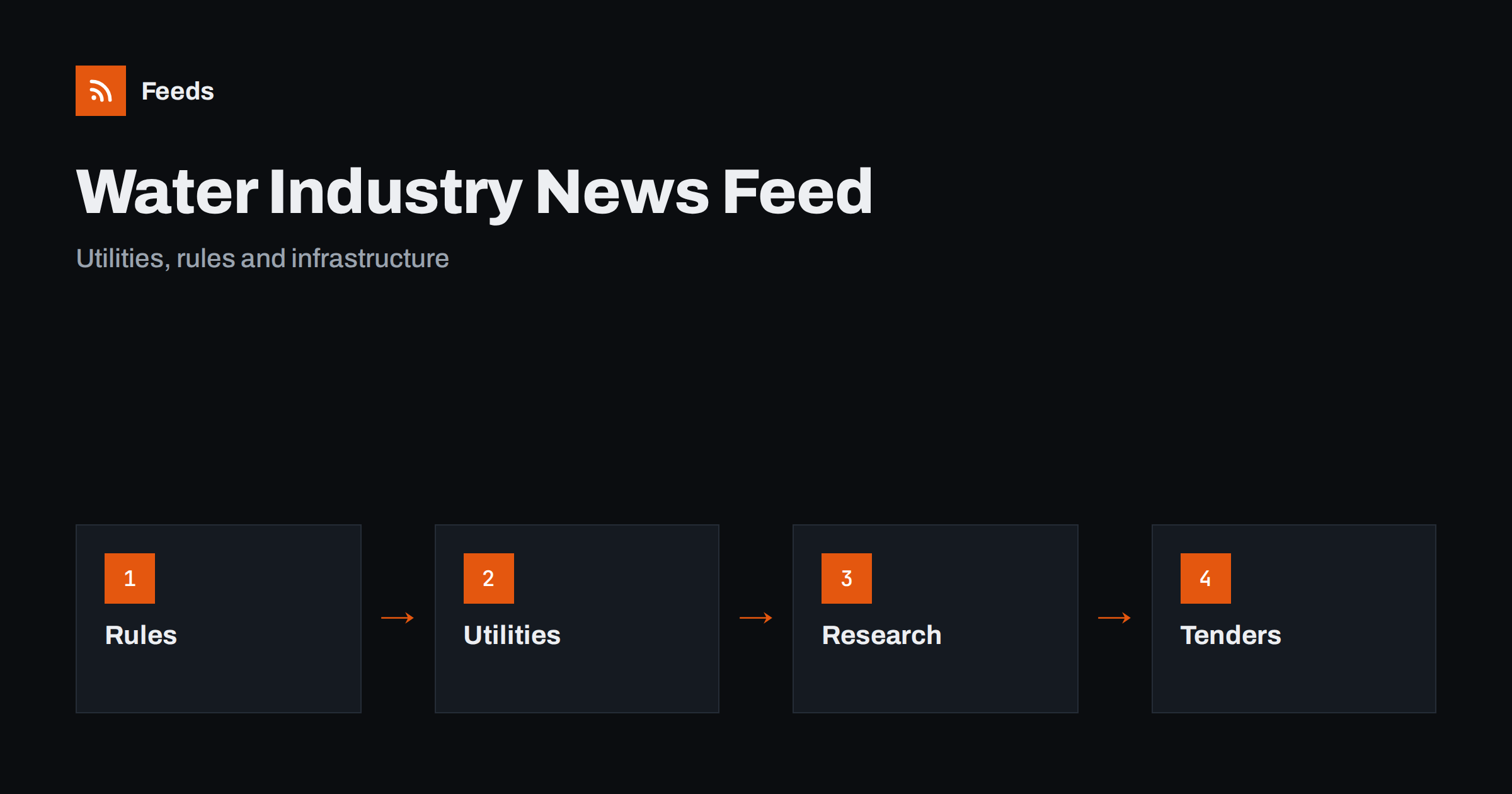
Short answer: Water and wastewater news comes from regulators, utilities, local authorities, research institutes, equipment makers and the trade press. RSS lets you bring the sources you need into one reader, filter them by region, topic or company and read the items in the order they were published. Use regulator and utility pages for rules, tariffs and notices, add research and trade titles for context and always open the original document before you act on a standard, a date or a figure.
Two facts make the news harder to follow than it looks. First, the same event has different names: a leak may be called a burst, a failure or an incident, and a treatment plant may be a works, a facility or a station. Second, the language of rules differs by country, so a search in one language misses items in another. A reading list with several words for each topic and a few sources in neighbouring regions gives a more complete picture.
Why water news is scattered
Water is a local business with global themes. Drinking water quality, wastewater treatment, flood protection, leakage, drought, pricing, infrastructure investment and new technology all belong to the same field, yet they are handled by different bodies. A national regulator sets standards, a regional utility runs the network, a city council plans the works, and a research centre tests new methods. Each of them publishes on its own page.
Readers have different needs. An engineer follows standards and technology, a plant operator follows incident notices and supply of chemicals, a consultant follows tenders and reports, a local resident follows works and quality notices, and a journalist follows investments and incidents. If feeds are new to you, what is an RSS feed explains the idea in plain words.
Consultations deserve a separate folder. They have deadlines, and a comment that arrives late is usually ignored. When an item appears, write the closing date in your calendar and share the item with the person who prepares the answer. Associations of water companies often publish summaries and model answers, and their news pages are worth adding to the list.
Begin with regulators and public bodies
Regulators and ministries publish the framework: drinking water standards, discharge limits, reporting duties, price controls and enforcement decisions. They also publish consultations, where changes are discussed before they become rules, and the consultation page is often the earliest place to see what is coming.
Make a short list for your region: the national water regulator, the environment agency, the health authority that handles drinking water and the body that sets prices. When a page has no feed, a page-to-feed tool can read its news list, as described in how to create an RSS feed for a website without RSS. How to track government and regulator updates adds more advice on following authorities.
Utilities, outages and local works
Water utilities publish service notices, planned works, quality reports, tariffs and investment plans. Local councils publish road works and construction projects that affect pipes and sewers, and flood authorities publish warnings and plans. For a resident or a business, these are the practical news items, and the feed saves you from checking each page.
Utility outages and energy notices: follow them describes the habit for services in general, and RSS feeds from municipal and public bodies covers the council side. Keep urgent notices in a folder of their own, and remember that for emergencies the official channel of the utility or the authority comes first.
Drought, floods and weather
Water supply and flood risk depend on the weather. Drought restrictions, boil notices, flood warnings and storm damage reports move quickly, and the official pages publish them first. A feed from weather and flood services brings these warnings to your reader early, and weather and natural hazard alerts with RSS for businesses explains how to set them up.
Climate reports and long-term plans shape investment, and climate and environment news and reports with RSS helps you follow them without reading everything. Do not rely on a reader for urgent safety information; use the official channel for that, and treat the feed as an early signal.
Standards and guidance from professional bodies connect research to daily work. They publish design guides, training dates and position papers, and these pages are quiet but valuable. Add one or two professional associations to the list, and use their events pages to plan which conferences and courses to attend during the year.
Technology, research and reuse
Treatment methods, sensors, leak detection, desalination, reuse of treated water and recovery of energy and nutrients from sludge are fast-moving areas. Research institutes, universities and equipment makers publish results and pilot projects, and conferences publish programmes. A small set of research feeds keeps you informed about what is possible, and academic journals and research with RSS alerts shows how to follow a topic without being overwhelmed.
Read results with care. A pilot plant is not a full-scale plant, and a lab result is not a field result. Note the scale, the conditions and who paid for the work, and look for the original report when a claim seems important.
Keep a record of what you see. A simple sheet with the date, the source, the project and the deadline lets you review the pipeline each week, and it shows which buyers publish most often. After a few months, the record becomes a map of the market that is much more useful than a long list of unread items.
Tenders, funding and equipment
Water works are often public projects. Utilities and councils publish tenders for pipes, pumps, treatment equipment, consulting and construction, and funding bodies publish calls for infrastructure and climate projects. A supplier or consultant who sees these early has time to prepare a good offer. How to monitor public tenders and procurement notices and how to track grant and funding announcements show how to follow them.
Supply chains matter too. Prices of materials, energy and chemicals affect operating costs, and commodity prices and supply chain news helps you spot changes. Planning pages also show where new housing and industry will create demand, as in track planning applications and building permits with RSS.
Filter by region, topic and company
A good water feed is narrow. A plant operator does not need every story about bottled water brands, and a consultant in one country does not need local rules from another. Use keyword filters that keep items about your region, topics and companies, and drop the rest. Review the words every month, because new terms and projects appear regularly.
| Interest | Include words | Exclude words |
|---|---|---|
| Rules | Standard, discharge, consultation, permit | Other regions |
| Operations | Boil notice, outage, leak, works | Sports, leisure |
| Projects | Tender, funding, pilot, plant | Opinion, lifestyle |
Words can mislead: “water” appears in countless stories about lakes, sports and drinks. Check the filters on ten recent items before you rely on them. Set up keyword alerts using RSS feed filters explains the method, and reduce noise in RSS alerts without missing anything helps when the list grows.
A routine that keeps the list short
Read notices and warnings first, rules and consultations in a fixed slot twice a week, and technology and market news once a week. Open the primary source for anything you plan to use, write down the document name and the date, and mark the rest as read. A routine such as RSS triage: a fast daily routine for reading less helps keep it short.
Once a month, review the sources. Remove feeds that stopped publishing and add new ones you found, such as a new regulator page or a project website. If you work in a team, share the list as described in shared RSS reading lists for teams, so that everyone sees the same notices on the same day.
How RSS Feed Creator helps
RSS Feed Creator turns the news, consultation and notice pages of regulators, utilities, councils and research institutes into clean RSS feeds, even when the site has no feed of its own. It reads titles, images, summaries and dates, uses an existing feed when there is one, and shows a preview of the items before the feed is created. You can merge several sources into one feed (up to 10 sources), keep only the items that contain your keywords and have duplicates removed automatically, which suits a regional reading list on rules, works and tenders. Feeds refresh every 3 hours on the free plan and every 30 minutes on paid plans. The free plan allows up to 20 items per feed, and the details are on the pricing page.
Related reading
- Utility Outages and Energy Notices: Follow Them with RSS
- How to Follow Climate and Environment News and Reports with RSS
- How to Monitor Public Tenders and Procurement Notices with RSS
The bottom line
RSS gives you an ordered view of a local sector with global themes. Start with regulators and public bodies, add utilities and weather services, keep notices in a folder of their own and use research and the trade press for context. Filter by region and topic, and read the original document before you act.
FAQ
Which sources should I follow first?
Begin with the national water regulator, the environment agency and your utility or council. Add research bodies and the trade press after that.
Can RSS warn me about boil notices or floods?
It can bring official notices to your reader early, but for urgent safety information follow the official channel of the authority and do not rely on a reader alone.
What if a utility page has no RSS feed?
A page-to-feed tool can read the list of notices on the page and build a feed. Check the preview to make sure it shows real items with titles and dates.
How do I avoid unrelated stories?
Use keyword filters for your region, topics and companies, and test them on recent items before you rely on them.
How often should I read the list?
Notices daily, rules and consultations twice a week and technology news once a week.