 ENEnglish
 LTLietuviškai
 DEDeutsch
 FRFrançais
 RUРусский
 ESEspañol
 PLPolski
 ITItaliano
 UKУкраїнська
 CSČeština
 PTPortuguês
 JA日本語
JA日本語 LVLatviešu valoda
 ETEesti
 HUMagyar
 IDBahasa Indonesia
 TRTürkçe
 HIहिन्दी
 ELΕλληνικά
 ARالعربية
 THไทย
THไทย VITiếng Việt
 RORomână
 MSBahasa Melayu
 BNবাংলা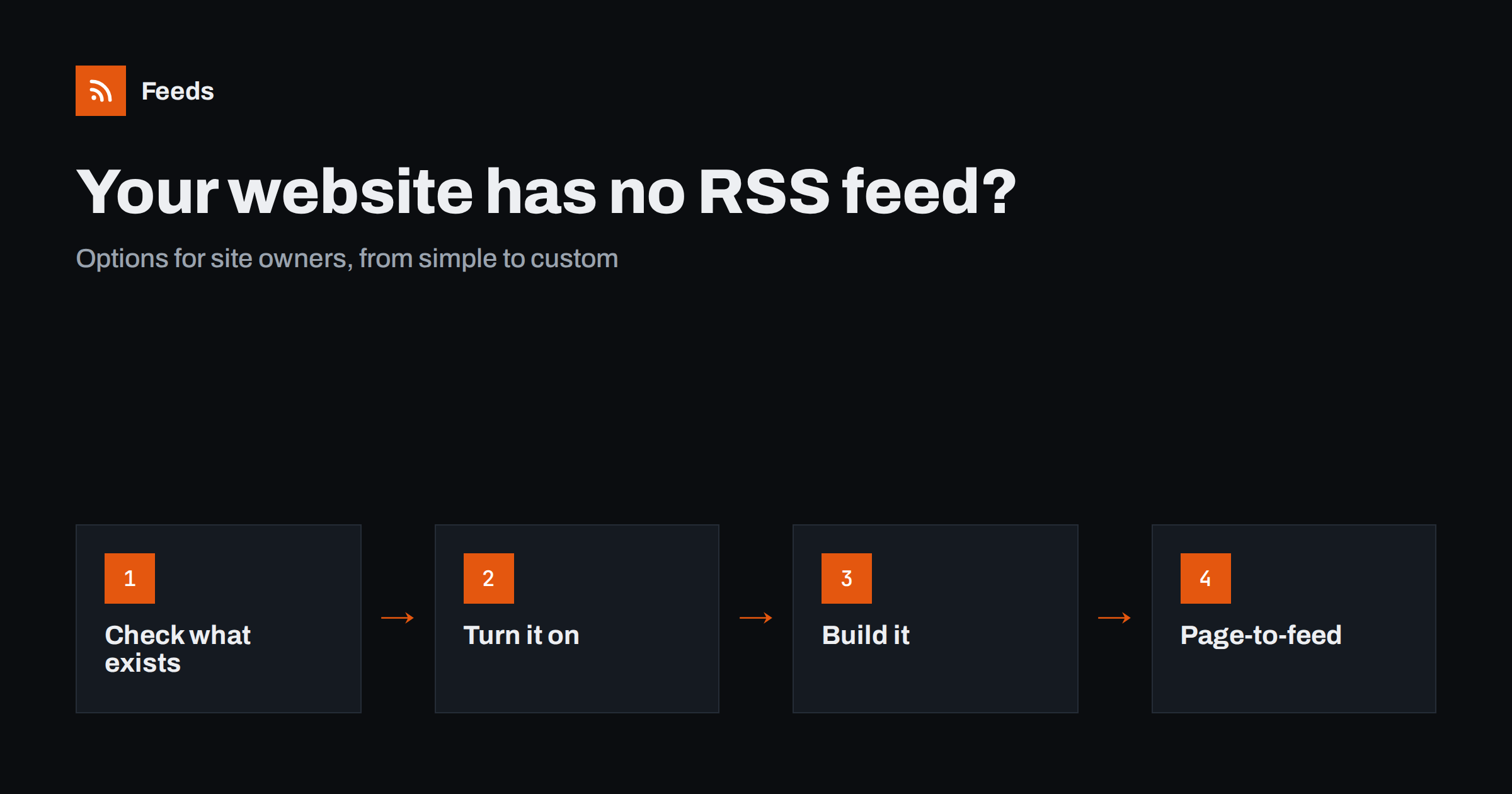
Short answer: First check whether your platform already generates a feed you did not know about. If it does not, look for a built-in setting, plugin or app that adds one, or ask your developer to add a simple feed for your news or blog section. When you cannot change the site quickly, for example on a restrictive website builder or a legacy system, you can create a feed from your own news page with a page-to-feed tool and share that link instead.
A feed is how readers, partners, aggregators and automation tools follow a website. Without one, people who want to keep up with your news have to visit your site or rely on your social media posts. Tools that could republish your updates to other channels or include them in digests have nothing to read. Many site owners discover they have no feed only when someone asks for it, often a partner, a journalist or a colleague setting up automation. The good news is that there are several ways to fix it, and at least one of them usually takes minutes.
Why your site should have a feed
- Loyal readers can follow you in a feed reader without depending on social media algorithms or email.
- Partners and aggregators can include your news in their pages or newsletters automatically.
- Automation becomes possible: posting new articles to social networks, sending them to team channels or building newsletters from them.
- Monitoring tools used by journalists, analysts and researchers can pick up your announcements.
- It is cheap: for most sites, a feed costs nothing to run.
A feed also gives you independence. Social platforms change their rules and reach, and email lists depend on inbox providers. A feed is an open channel that you control, readable by any tool, today and in the future.
Option 1: Find the feed you may already have
Many platforms generate feeds automatically, even if the theme does not show a link. Before building anything, check:
- Your page source for
application/rss+xml. - Common addresses such as
/feed/,/rss.xml,/blog/rssor/blog?format=rss, depending on your platform. - Your platform’s help center, searching for “RSS”.
If a feed exists, the fix is simply to make it discoverable: add a link element to the page head if it is missing, and a visible “RSS” or “Subscribe” link near your news or blog section.
Also check whether separate sections have their own feeds. A site-wide feed that mixes job ads, event notices and news may be less useful to followers than a feed for news alone. Many platforms create section or category feeds automatically; link to the ones your audience will want.
Option 2: Enable it in settings, plugins or apps
Where a platform supports feeds but they are not enabled, the fix is usually a setting or an extension.
| Situation | Typical fix | Effort |
|---|---|---|
| Traditional CMS with feeds disabled | Re-enable in settings or remove the plugin that disabled them | Minutes |
| CMS with feeds only for the blog | Add feeds for other content types with a plugin or configuration | Minutes to an hour |
| Website builder with a blog feature | Check the builder’s blog settings; many provide a feed for blog posts | Minutes |
| E-commerce platform | Check for blog feeds or apps that add them | Minutes to an hour |
After enabling the feed, open it in a browser and check that titles, links, dates and summaries are correct, and that images appear if you want them.
Option 3: Build a feed on a custom site
Custom-built sites, headless setups and static site generators do not always include feeds. Adding one is usually a small task for a developer:
- Decide which content goes in the feed: news, blog posts, press releases or all of them.
- Generate an XML file following the RSS 2.0 specification or Atom, with a title, link, date and summary for each of the latest items.
- Serve it at a stable address and add a link element in the page head so readers can discover it.
- Regenerate it whenever new content is published, or on each build for static sites.
- Validate it with a feed validator before announcing it.
Most frameworks and static site generators have plugins or examples that make this straightforward. Once in place, a feed rarely needs maintenance. The main thing to watch after later changes to the site is that links in the feed still point to live pages and that dates stay correct.
Option 4: Create a feed from your own news page
Sometimes you cannot change the site quickly: the platform does not support feeds, the developer is not available, the site is a legacy system nobody wants to touch, or the news section is a simple page edited by hand. In those cases, a page-to-feed tool can create a feed from your own news or blog page, just as it would for any other site. You get a working feed link today, which you can share with readers and partners or connect to automation.
- Use the page that lists your news or articles, newest first.
- Check the preview: titles, links, dates and images should match your posts.
- Consider adding structured data, such as Schema.org article markup, to your pages; it helps both search engines and feed tools read your content accurately.
- Replace the generated feed with a native one later if you rebuild the site; tell subscribers or use the same address if you can.
Which option should you choose?
The right choice depends on your platform, your resources and how soon you need a feed. A simple rule: use the most native option you can manage without delay. A feed generated by your own platform is the most robust in the long run; a page-to-feed link is the fastest way to be followable right now. Many organizations use both in sequence, starting with a generated feed and replacing it once the site is updated.
Consider a small architecture practice whose website was built years ago by an agency that no longer exists. The news page is edited by hand, and there is no feed. A partner firm asks for a feed to include the practice’s project announcements in its own newsletter. Rebuilding the site is planned for next year, so the office manager creates a feed from the news page with a page-to-feed tool, checks that each announcement appears with its title and image, and sends the link the same day. When the new site launches, the developer adds a native feed and the office manager sends partners the new address. The partner newsletter never missed an announcement.
For a company with an in-house developer and a modern CMS, the answer is different: enable or build the native feed now, because it takes little time and will serve for years.
Making your feed good, not just present
- Useful summaries: a two or three sentence summary makes items readable in readers and when shared.
- Images: include a featured image so items look good in tools that display them.
- Correct dates and stable links: wrong dates confuse readers; changing links create duplicates.
- Sensible length: the latest ten to twenty items are enough for most sites.
- Discoverability: a link in the page head and a visible subscribe link.
- Stable address: keep the feed at the same address through redesigns, or redirect the old address, so existing subscribers are not lost.
How Feeds helps
Feeds covers option 4. Paste your news or blog page and Feeds uses your site’s existing feed if it finds one, or finds the list of articles on the page, reads JSON-LD article data, and shows a preview before creating the feed. No plugin or code is needed on your site. The feed refreshes on its own and works in any reader or tool, and you can merge it with other sources if needed. It is a quick way to be followable while a native feed is planned. See the plans.
Related reading
- Adding RSS to a Static Site: Hugo, Jekyll, Eleventy and Astro
- Why So Many Websites No Longer Offer RSS Feeds
- How JSON-LD Structured Data Helps Turn Pages into Feeds
The bottom line
If your website has no feed, check first whether one exists already, then enable it through settings or extensions, or ask a developer to add a simple one. When changing the site is not practical, create a feed from your own news page so readers and tools can follow you today. Whichever route you take, make the feed useful with good summaries, images, correct dates and a visible subscribe link.
SSS
How do I know if my website has an RSS feed?
Search your page source for application/rss+xml, try common addresses like /feed/ or /rss.xml, and check your platform’s help pages for RSS.
Can I add an RSS feed without a developer?
Often yes, through platform settings, plugins or apps. If that is not possible, a page-to-feed tool can create a feed from your news page without any change to the site.
What should a good website feed include?
Each item should have a clear title, a stable link, a correct date, a short summary and ideally an image. The latest ten to twenty items are usually enough.
Does an RSS feed help with SEO?
A feed mainly helps people and tools follow your content. It can support discovery, but it is not a ranking factor on its own.
Can I switch from a generated feed to a native one later?
Yes. Tell your subscribers the new address or keep the same address if your setup allows it, and check that links and dates stay consistent to avoid duplicates.


