ENEnglish
 LTLietuviškai
 DEDeutsch
 FRFrançais
 RUРусский
 ESEspañol
 PLPolski
 ITItaliano
 UKУкраїнська
 CSČeština
 PTPortuguês
 JA日本語
JA日本語 LVLatviešu valoda
 ETEesti
 HUMagyar
 IDBahasa Indonesia
 TRTürkçe
 HIहिन्दी
 ELΕλληνικά
 ARالعربية
 THไทย
THไทย VITiếng Việt
 RORomână
 MSBahasa Melayu
 BNবাংলা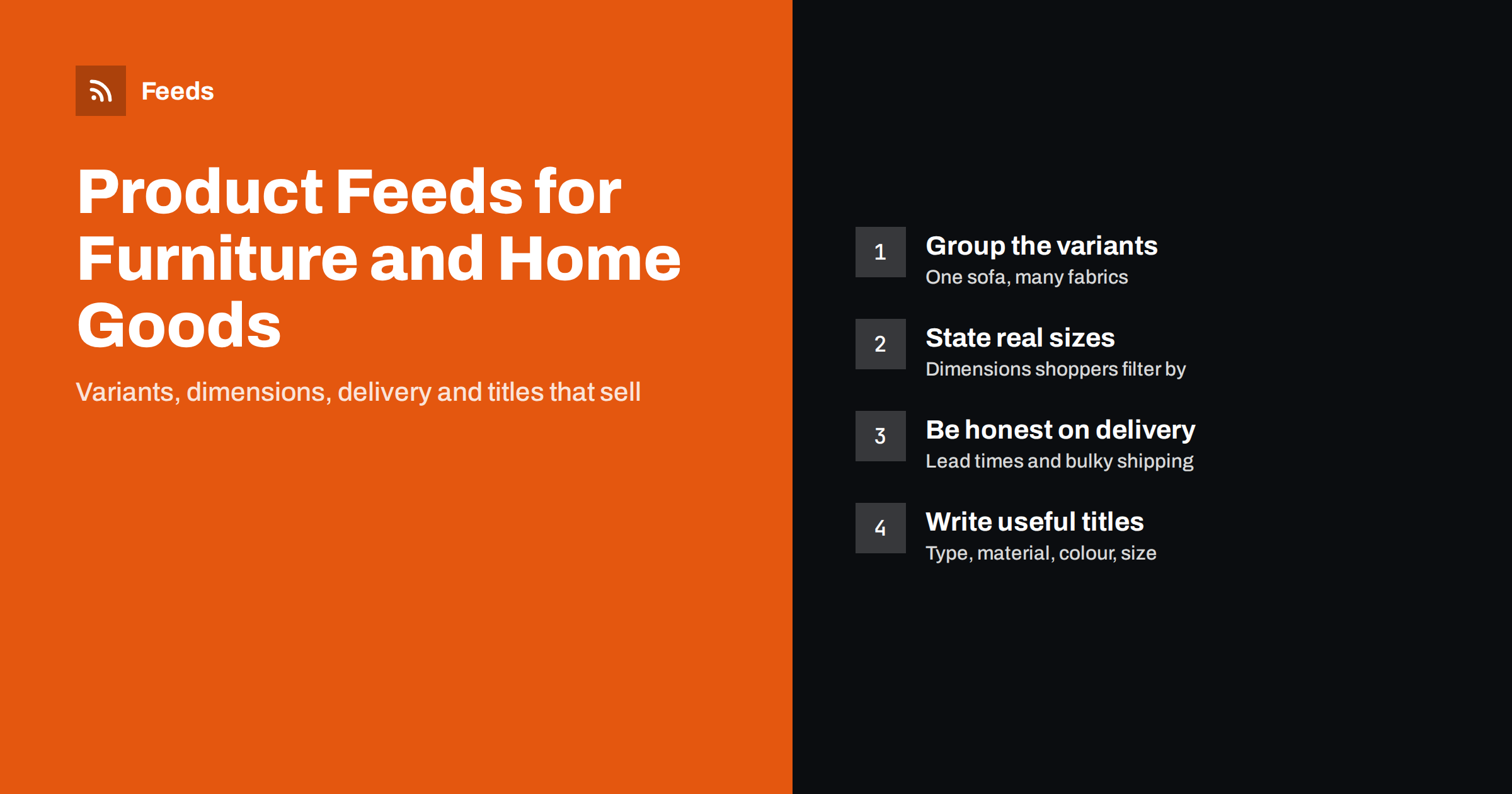
Short answer: A good furniture or home goods product feed groups colour, fabric and size variants under one product, puts the type, material, colour and key dimension in the title, shows the real availability including made-to-order lead times, and sets shipping costs that match bulky delivery. Use clean images that show the actual variant. Most problems in this category come from mismatched variants, missing dimensions and delivery promises the feed does not reflect.
Why furniture feeds are harder than most
A phone case is one item with one picture and one price. A sofa can come in four sizes, twelve fabrics and two leg finishes, ship in two to eight weeks, and cost far more to deliver than a parcel. Each of those details affects whether a shopping ad is approved, whether it matches what the shopper wants and whether the click turns into a sale.
Home goods share many of the same issues on a smaller scale: bedding has sizes and colours, rugs have dimensions and materials, lamps have finishes and bulb types. The general rules in our guide to required Google product feed attributes still apply, but furniture needs extra care in five areas: variants, titles, dimensions, availability and shipping.
Variants: one product, many versions
Every variant that a customer can buy at a separate price, or with a separate picture, should be its own item in the feed, with its own id, link, image and availability. The items are then tied together with a shared item_group_id, so Google and Meta understand they are versions of one product.
- Use the attributes that actually vary. For furniture these are usually
color,material,patternandsize. Do not invent a size value for products that only vary by colour. - Link to the selected variant. The product link should open the page with that variant preselected, or at least show the same price and image as the feed.
- Do not bundle all fabrics into one item. A single item with the cheapest fabric price and a picture of the most expensive one is a common cause of price and image mismatch warnings.
- Keep the variant count sensible. If a configurator allows thousands of combinations, include the combinations you actually stock or sell most, not every theoretical one.
The mechanics are explained in product variants and item_group_id.
Titles that match how people search for furniture
Shoppers rarely search for a collection name. They search for “3 seater velvet sofa green” or “oak dining table 180 cm”. Titles built only from your internal naming (“Milano Collection Lounge 3”) waste the most visible part of the ad.
A practical title pattern for furniture is:
- Product type (sofa, bed frame, dining table, wardrobe)
- Key size or capacity (3-seater, 160 x 200 cm, 6-person)
- Material (solid oak, velvet, rattan)
- Colour or finish
- Brand or collection name, if people know it
For example, “Velvet 3-Seater Sofa, Emerald Green – Milano” says more than “Milano Lounge 3 Emerald”. Put the words that change between variants in the title so each item is distinct. Our article on product feed title optimization goes deeper, and feed rules let you change titles in the feed without rewriting your shop.
Dimensions, materials and details buyers check first
Furniture is bought by measurement. A buyer who clicks an ad for a table that does not fit the room will bounce, and you pay for that click. Make the essentials visible in the feed and on the landing page.
- Size in the title or description when it decides the purchase: bed sizes, table lengths, rug dimensions, wardrobe widths.
- Material in the
materialattribute and in the description. Be precise: “solid oak”, “oak veneer” and “oak-effect” are different things, and claiming more than the product is risks complaints and policy trouble. - Product details such as seat height, weight capacity or assembly requirements can go into
product_detailwhere supported; see product highlights and product details. - Descriptions should answer practical questions: what is included, whether assembly is needed, how to care for the fabric. Our tips on writing product feed descriptions apply directly.
Availability, made-to-order and long lead times
Many furniture products are not sitting in a warehouse. They are made to order or shipped from a supplier in several weeks. The feed must tell the truth, because shopping platforms compare the feed with the landing page and with what shoppers experience.
| Situation | Feed availability | What to add |
|---|---|---|
| In stock, ships within days | in_stock | Shipping time in your shipping settings |
| Made to order, can be bought now | backorder (or in_stock with a longer handling time) | Realistic handling time; clear lead time on the product page |
| Not yet released, orders accepted | preorder | availability_date with the expected date |
| Sold out, no restock date | out_of_stock | Consider excluding it from ads |
Whichever you choose, the product page must say the same. The details of each status are in our guide to preorder and backorder in product feeds, and out-of-stock products in feeds explains when to keep or hide sold-out items.
Shipping bulky items without surprises
Delivery is a large part of the real price of furniture. If your ad shows free shipping and the checkout adds a large two-person delivery fee, both shoppers and the platform will notice.
- Use shipping labels to separate parcel items (cushions, lamps, small decor) from freight items (sofas, wardrobes, mattresses), and set different rates for each group in Merchant Center.
- Use weight or dimensions where your rates depend on them. Google supports
shipping_weightand package dimensions for this purpose. - Set handling and transit times that reflect real delivery windows, especially for made-to-order pieces.
- Limit delivery regions if you only deliver large items within certain areas, so ads are not shown where you cannot deliver.
See shipping settings for product feeds for the full setup.
Images: show the actual variant in a real room
Furniture sells visually, but feed images have stricter rules than a lookbook. The main image should show the exact variant on a plain or neutral background, without text or promotional overlays. Lifestyle photos, where the piece sits in a styled room, are valuable as additional images and, where the platform supports it, as a dedicated lifestyle image.
- Use a separate main image for each colour or fabric. Reusing one colour for all variants causes mismatches.
- Use high resolution so details like stitching, grain and texture are visible.
- Avoid watermarks, borders and “sale” badges on the main image.
The platform requirements are summarised in product feed image requirements for Google and Meta.
Organising campaigns: margins, seasons and best sellers
Furniture catalogues have very different margins and seasonality: garden furniture peaks in spring, home office pieces at the start of the year, bedding around holidays. Custom labels let you group items for bidding without changing the product data shoppers see.
custom_label_0: margin band (high, medium, low)custom_label_1: season (garden, winter, all year)custom_label_2: delivery type (parcel, freight)custom_label_3: best sellers or new arrivals
Our guide to custom labels in shopping campaigns shows how to use them in practice.
How Feeds helps furniture and home stores
Feeds creates Google Merchant Center and Meta catalog XML directly from a WooCommerce or Shopify store, or from a CSV link for other platforms, without plugins or code on your site. The feed uses the Google product XML format with id, title, link, image, price, availability and brand, and Meta reads the same file. You can skip out-of-stock products, rewrite titles and adjust prices with rules, and the currency is detected automatically. The feed refreshes on its own, so stock changes reach your ads without manual exports. Furniture-specific attributes that your store does not provide, such as shipping labels, can be added with a supplemental feed in Merchant Center. You can create a feed from your store and compare plans on the pricing page.
Related reading
- Product feed checklist
- Supplemental feeds in Merchant Center
- How to add a product feed to a Meta catalog
The bottom line
Furniture and home goods feeds succeed when every variant is a real, linkable item, titles describe type, size, material and colour, availability reflects real lead times and shipping matches bulky delivery costs. Get those right, use clean variant images, and the platforms can match your products to shoppers who are ready to buy.
SSS
Should every fabric of a sofa be a separate feed item?
Yes, if the fabric changes the price, the image or the availability. Give each version its own id and link, and connect them with the same item_group_id so they are recognised as one product.
How do I show made-to-order furniture in a product feed?
Use an availability value that matches how you sell it, often backorder or in stock with a longer handling time, and state the lead time clearly on the product page. The feed and the page must tell the same story.
Do furniture products need GTINs?
Products made by another brand that have a manufacturer barcode should include it. Custom or own-brand pieces often have no GTIN, and in that case you provide brand and MPN where you have them instead of inventing a barcode.
Can I use room photos as the main feed image?
The main image should clearly show the product itself, usually on a neutral background without text. Room and lifestyle photos work best as additional images, where they help shoppers imagine the piece at home.
How do I avoid shipping cost mismatches for large items?
Separate parcel and freight items with shipping labels and give each group its own rates and delivery times. Make sure the cost a shopper sees in the ad is the cost they see at checkout.