 ENEnglish
 LTLietuviškai
 DEDeutsch
 FRFrançais
 RUРусский
 ESEspañol
 PLPolski
 ITItaliano
 UKУкраїнська
 CSČeština
 PTPortuguês
 JA日本語
JA日本語 LVLatviešu valoda
 ETEesti
 HUMagyar
 IDBahasa Indonesia
 TRTürkçe
 HIहिन्दी
 ELΕλληνικά
 ARالعربية
 THไทย
THไทย VITiếng Việt
 RORomână
 MSBahasa Melayu
 BNবাংলা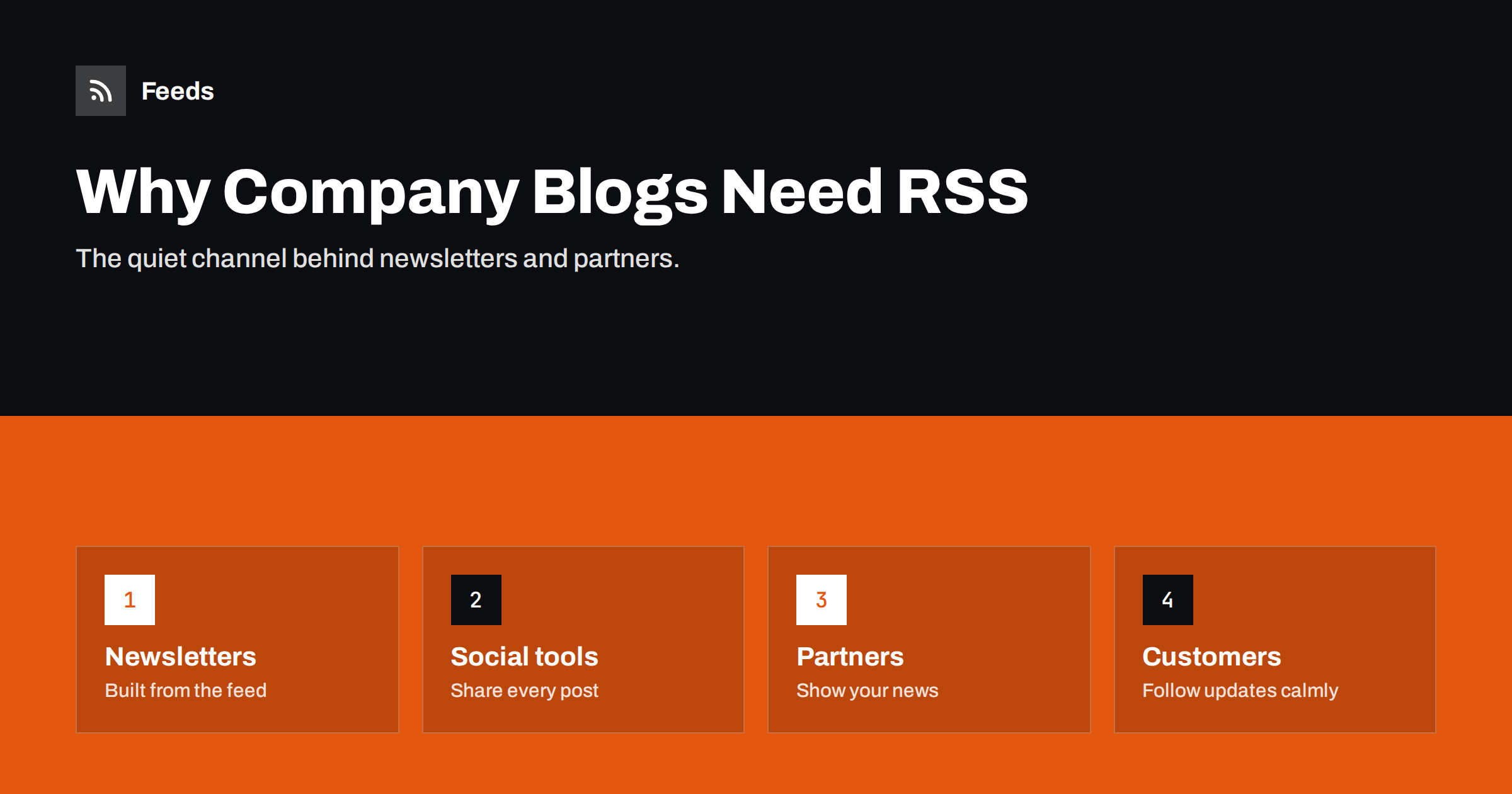
Short answer: A company blog’s RSS feed is the machine-readable version of everything you publish. It lets newsletter platforms, social posting tools, partner portals, customer dashboards, industry aggregators and interested readers pick up every new post automatically, without anyone copying links by hand. Most platforms create a feed for free; the work is making it clean, with good titles, excerpts, images and topic feeds, and telling people it exists.
Marketing teams spend a lot of effort distributing each new article: an email, a few social posts, a mention in the partner newsletter, an update on the customer portal. Much of that effort can run on the blog’s feed. Yet in many companies nobody knows what the feed looks like, whether it includes images, or whether it still works after the last redesign. This article explains why the feed deserves attention, what a good company feed contains and how to put it to work.
Who actually uses a company blog’s feed
It is easy to assume that “nobody uses RSS any more”. In practice, a company feed is used by more systems than people realise:
- Your own marketing tools. RSS-to-email campaigns, social scheduling tools and chat integrations commonly start from a feed.
- Partners and resellers who display your latest news on their sites or portals.
- Customers, especially technical ones, who follow product updates and changelogs in feed readers or pipe them into team chat.
- Journalists and analysts who follow many companies in a reader to spot announcements.
- Industry aggregators and curated newsletters that compile sources automatically.
- Competitors, honestly, who follow your announcements too; that is part of being public.
- Search and discovery tools that use feeds to learn about new pages quickly.
The business case in plain terms
- Less manual distribution. Every tool that reads the feed saves someone from copying links and summaries after each post.
- Consistency. The same title, summary and image appear everywhere, because they come from one source.
- Reliability. Nothing is forgotten when someone is on holiday.
- Reach without algorithms. Readers who follow the feed see every post, not a selection chosen by a platform.
- Low cost. The feed already exists on almost every platform; improving it takes hours, not weeks.
There is also a resilience argument. Social platforms change their algorithms and policies, email deliverability fluctuates, but a feed on your own domain stays under your control. It is one of the few distribution channels that no third party can switch off. None of this replaces thoughtful promotion of important pieces. It removes the routine work, so the team can focus on the promotion that needs a human.
What a good company feed contains
| Element | Why it matters for a company |
|---|---|
| Clear, specific titles | They become email subject lines, social posts and partner headlines |
| Hand-written excerpts | Used as summaries in emails, social posts and portals |
| Featured images at a large size | Make posts stand out in every channel |
| Categories | Allow topic feeds and filtering by tools |
| Permanent identifiers | Prevent duplicate emails and posts after site changes |
| Attribution line with a link | Keeps credit when content is shown elsewhere |
The excerpt is worth singling out. Automated tools use it wherever a summary is needed, so a lazy or automatic excerpt, such as the first sentence of an introduction about “today’s fast-changing world”, ends up in dozens of places. Writing a real two-sentence summary for each post is one of the highest-leverage habits a content team can adopt.
Topic feeds for different audiences
A company blog usually serves several audiences: prospects, customers, partners, job seekers and the press. One feed for all of them is a compromise. Category feeds let each audience follow only what matters:
- Product updates for customers and their teams.
- Company news and press releases for journalists and partners.
- Guides and insights for prospects and newsletter readers.
- Careers and culture for candidates.
Topic feeds also protect your automations. A social posting tool connected to the “Guides” feed will never accidentally share a job advert or a maintenance notice, and a partner portal connected to “Company news” will not fill up with technical release notes its visitors do not understand. On WordPress and most other platforms, each category already has a feed. Publish the list on a “Subscribe” or press page, and connect each tool to the feed that fits it.
Common problems in company feeds
- Nobody owns it. The feed is maintained by nobody and breaks unnoticed after a redesign.
- Missing images, because the theme does not include featured images in the feed.
- Empty or automatic excerpts that read badly out of context.
- Everything in one feed, including job ads and event reminders that annoy readers and trigger automations.
- Bot protection that blocks readers and tools from fetching the feed.
- Changed URLs after a migration, without redirects, silently cutting off every tool.
Most of these problems have the same root: the feed is treated as a technical by-product rather than a publishing channel. Once someone owns it, they are easy to prevent. A quarterly five-minute check, validating the feed, opening it in a reader and confirming each connected tool still receives posts, catches almost all of these.
A product updates feed: the most underrated feed
For software and service companies, a feed of product updates, release notes or changelog entries is often more valuable to customers than the marketing blog. Customers want to know what changed, especially changes that affect their work, and many would rather receive this in a feed or a team chat channel than in a promotional newsletter. A good product updates feed:
- Has one item per release or meaningful change, with a descriptive title rather than just a version number.
- States the impact first: what customers can now do, or what they need to change.
- Links to documentation for details.
- Uses categories such as “New”, “Improved”, “Fixed” and “Deprecated”, which let customers filter.
- Is kept separate from marketing content, so customers who follow it are not flooded with unrelated posts.
Customers’ technical teams frequently pipe such feeds into their chat tools or internal dashboards. A clean feed there reduces support questions and makes your product look well run. It is also one of the easiest feeds to justify internally, because its readers are people who already pay you.
Making the feed visible
Feeds work best when the right people know they exist. Simple steps:
- Make sure every page has an autodiscovery tag, so tools find the feed from any URL.
- Add a small “RSS” link in the footer and on the blog index.
- List topic feeds on your press or partner page.
- Mention the product updates feed in customer documentation and onboarding.
- Tell partners which feed to use rather than letting them scrape your pages.
Measuring the value
Nobody needs a precise subscriber count to justify a feed that costs almost nothing to maintain, but a rough picture helps prioritise improvements. Measurement is approximate but useful. Add UTM parameters to feed links to see visits from readers, count the tools and partners connected to the feed, and look at the subscriber numbers some readers report in your server logs. The most convincing figure is often the simplest: how many emails, social posts and partner listings each new article produces without anyone lifting a finger.
Following other companies’ blogs
Feeds work in the other direction too. Following competitors, partners, suppliers and industry sources in a reader keeps your team informed with little effort. Many company news pages still have no feed. Our tool, Feeds, creates an RSS feed from a public page that lists articles, uses a site’s own feed when it has one, and merges several sources into one feed filtered by your keywords. The result is a single link for your reader or team chat. See the plans.
Related reading
- RSS Feed Best Practices for Publishers: A 24-Point Checklist
- How to Turn an RSS Feed into an Automatic Email Newsletter
- How to Track Competitor Blogs and News with RSS Feeds
The bottom line
A company blog’s feed is the quiet backbone of content distribution: it feeds newsletters, social tools, partner portals and customers’ readers from one reliable source. Give it an owner, clean titles and excerpts, large images, topic feeds for different audiences and a quarterly check, and make it visible. The payoff is less manual work and more consistent reach for every article you publish.
SSS
Does my company blog already have an RSS feed?
Almost certainly. WordPress, HubSpot, Ghost and most other platforms publish one automatically, and Webflow can generate one for a CMS collection once you enable it. Try your blog address followed by /feed or /rss, or look for an alternate link in the page source.
Is RSS still worth it for B2B companies?
Yes, mostly because of the tools that use it: newsletter platforms, social schedulers, partner portals and customers’ team chats. The feed saves routine distribution work for every post, and it costs almost nothing to maintain.
What is the most important thing to fix in a company feed?
Excerpts and images. They appear wherever tools display your posts, so hand-written summaries and large featured images improve every channel at once.
Should job ads and events be in the main feed?
Usually not. Keep them in their own categories and feeds, so readers and automations following the main feed receive articles and news only.
Who should own the company feed?
Whoever owns the blog or website, typically marketing or web operations. The owner checks it after changes and keeps a list of the tools and partners that depend on it. That list is invaluable during redesigns and migrations, when feeds most often break.


