 ENEnglish
 LTLietuviškai
 DEDeutsch
 FRFrançais
 RUРусский
 ESEspañol
 PLPolski
 ITItaliano
 UKУкраїнська
 CSČeština
 PTPortuguês
 JA日本語
JA日本語 LVLatviešu valoda
 ETEesti
 HUMagyar
 IDBahasa Indonesia
 TRTürkçe
 HIहिन्दी
 ELΕλληνικά
 ARالعربية
 THไทย
THไทย VITiếng Việt
 RORomână
 MSBahasa Melayu
 BNবাংলা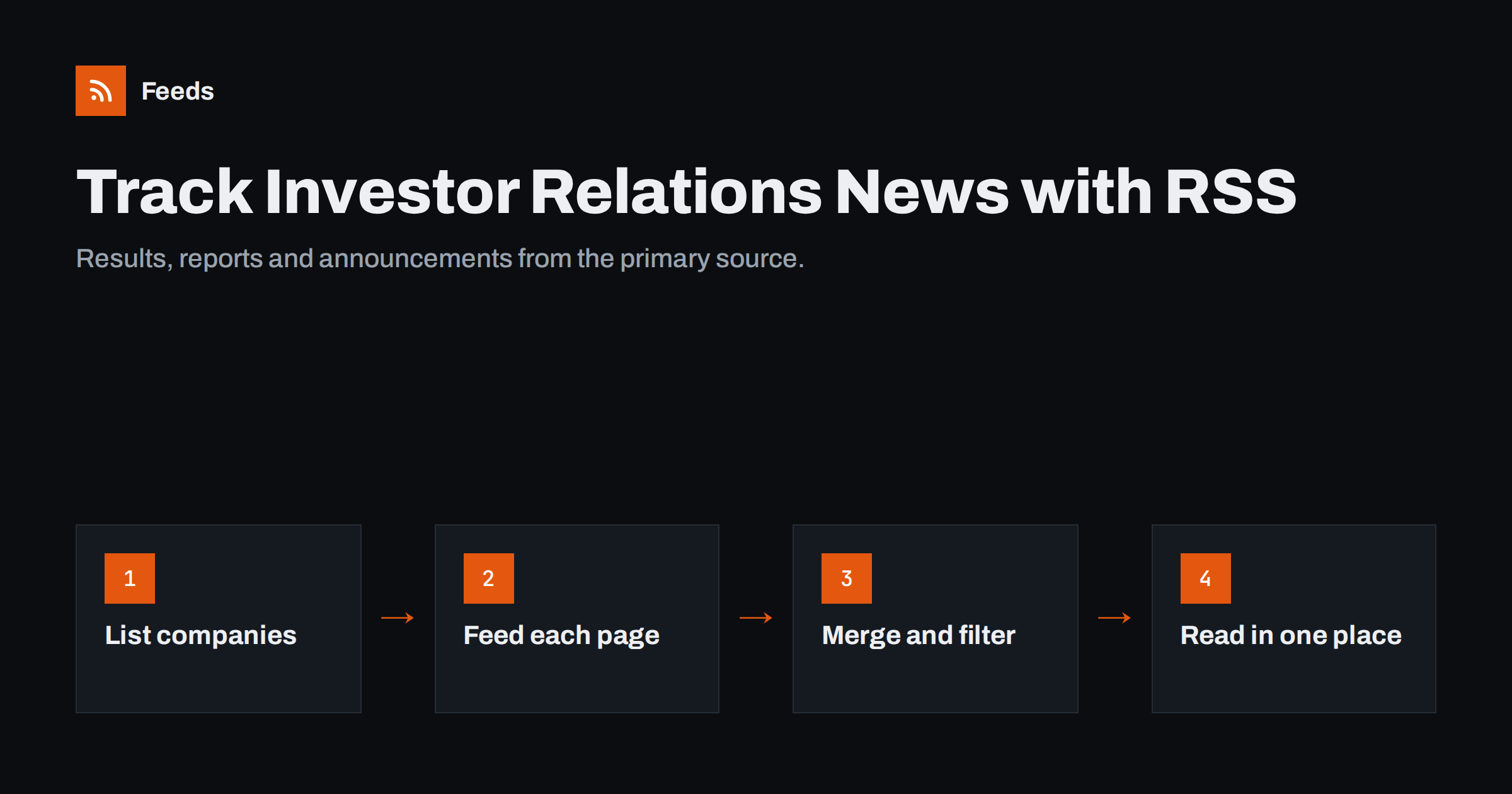
Short answer: To track investor relations announcements, collect the pages where each company publishes news, results, reports and filings, then turn each one into an RSS feed: use the company’s own feed or alert service where one exists, official filing feeds where your regulator offers them, and a page-to-feed tool for everything else. Merge the feeds into one, filter by keywords such as results, dividend or appointment, and read them in an RSS reader or a team channel.
Who needs investor relations monitoring
Investor relations (IR) pages are where listed companies publish information that must reach the market: results, annual reports, presentations, notices of meetings and material events. They are useful far beyond investors:
- Investors and analysts who follow a portfolio or a sector and want primary sources instead of headlines.
- Competitive intelligence teams watching strategy, acquisitions, restructurings and guidance from competitors.
- Sales and account teams who want to know when a large customer or prospect announces a new plan, a leadership change or an expansion. The approach in tracking customer and prospect news with RSS pairs naturally with IR monitoring.
- Suppliers and credit teams who need early signals about the financial health of important customers.
- Journalists covering companies, markets or a region.
What they have in common is a need for completeness and speed without checking dozens of websites by hand.
What to watch on an IR page
Most IR sections are organised into a few recurring lists. Each is worth its own feed, because each carries a different kind of signal:
- Press releases and regulatory announcements: the fastest-moving list, with results, acquisitions, contracts and management changes.
- Financial results and reports: quarterly or half-year results, annual reports and sustainability reports, often published as PDF files.
- Presentations and webcasts: investor day slides and results presentations that explain strategy in the company’s own words.
- Financial calendar: dates of upcoming results, meetings and dividend events.
- Shareholder meeting documents: notices, resolutions and voting results.
- Governance news: board and executive appointments, and changes to committees.
Reports and presentations are often links to PDF files rather than articles. The techniques in getting alerts when a website publishes new reports or PDFs apply directly.
Where to get feeds for each source
You will typically combine three kinds of sources.
The company’s own feed or alerts
Some IR sites offer an RSS feed for press releases, often linked with an RSS icon or hidden in the page source. Look for an RSS link near the news list, try adding /feed or /rss to the news URL, or check the page source for an autodiscovery link. Many IR sites also offer email alerts. Email works, but it mixes company news into your inbox; routing everything into feeds keeps it in one place.
Official filing systems
Regulators and exchanges publish filings in central systems. Some provide feeds. In the United States, for example, the SEC’s EDGAR system offers feeds of company filings, described on the SEC’s RSS feeds page. In other markets, regulatory announcements go through exchange news services or officially appointed storage systems, whose feed options vary. Filing feeds are authoritative, but they are also dense and formal, so they pair best with the company’s own releases.
Page-to-feed for everything else
Many IR pages, especially at smaller companies, publish lists of news and documents with no feed at all. A page-to-feed tool reads the list on the page and turns each entry into a feed item. How this works under the hood is explained in how page-to-feed tools find the articles on a web page.
Step by step: build your IR watchlist
- List the companies. Start with the ten or twenty that matter most. A focused list that you actually read beats a large one that you ignore.
- Find the right pages. For each company, note the URLs of the news or announcements list, the reports list and, if useful, the presentations list. Use the list pages, not the IR landing page, which often shows only a few highlights.
- Get a feed per page. Use the company feed if it exists, otherwise create one from the page. Check the preview: titles and dates should match what you see on the site.
- Merge by theme. Combine feeds into a few streams, for example “competitors”, “key customers” and “portfolio”. The guide on merging multiple RSS feeds into one shows how to keep merged feeds clean.
- Filter by keywords. Decide which announcement types matter to each stream and filter accordingly.
- Choose where to read. An RSS reader works well for personal monitoring; a team chat channel or daily digest works better for shared monitoring.
- Test with a real event. After the next results day, check that every company’s announcement arrived and nothing important was filtered out.
Filtering: keywords that separate signal from noise
IR news lists mix routine notices with important announcements. Keyword filters, described in detail in keyword alerts using RSS feed filters, let each stream carry only what its readers care about. Useful starting sets:
| Stream | Keep items containing | Often worth excluding |
|---|---|---|
| Results watch | results, quarter, half-year, annual report, guidance, outlook | share buyback daily updates |
| Deals and strategy | acquisition, merger, divestment, agreement, contract, partnership | routine transaction notices |
| People | appoint, resign, CEO, CFO, board, chair | employee share plan notices |
| Shareholder events | dividend, general meeting, AGM, notice, resolution | voting rights notifications |
Adjust the words to the language and style of the companies you follow. Some firms write “interim report”, others “Q3 results”. Look at a few months of their headlines before you finalise the list, and prefer inclusive words over narrow ones at first.
Timing, reliability and limits
RSS monitoring is excellent for completeness and convenience, but be realistic about timing. Feeds are checked on a schedule, so an item may arrive minutes or hours after publication depending on the refresh interval. Market-moving announcements are also distributed through official channels and news wires that professional traders watch in real time. For research, sales, competitive and editorial work, a delay of that size rarely matters; for trading decisions it might.
Other practical limits to keep in mind:
- IR sites are often hosted by specialist providers and redesigned every few years, which can change page structure.
- Some lists load through JavaScript or embedded widgets, which can make them harder to read.
- Announcements may appear first in PDF form, with a short or generic title such as “Announcement”.
Nothing in an automated feed is investment advice. Always read the original announcement before acting on it.
Mistakes to avoid
- Following the IR landing page. Landing pages show a handful of highlights and change often. Follow the full news and reports lists instead.
- Filtering too tightly on day one. Narrow keyword lists miss announcements worded in unexpected ways. Start broad and tighten after you have seen real headlines.
- One giant stream for everyone. Sales, research and leadership care about different announcements. Separate streams keep each audience reading.
- Ignoring language. Companies in non-English markets may publish local-language announcements first. Add filter words in both languages.
- Never checking the setup. After each reporting season, confirm that every company’s results arrived. A silent feed is easy to miss.
How Feeds helps
Feeds turns IR news and report pages into clean RSS feeds, and uses a company’s existing feed when there is one. You paste the address, check which items were found, with titles and dates, and get a feed link that refreshes by itself. Several companies can be merged into one feed, duplicates are removed automatically, and keyword filters keep only the announcement types you care about. On paid plans you get an alert if a page changes and a feed stops finding items, which matters because IR sites are redesigned from time to time. Plan limits are on the pricing page.
Related reading
- Media monitoring with RSS: track brand mentions in the news
- How to track competitor blogs and news with RSS feeds
- How to reduce noise in RSS alerts without missing anything
The bottom line
Investor relations pages are one of the richest primary sources of company information, and RSS makes them easy to follow. Pick a focused list of companies, create a feed for each news and reports list, merge the feeds by purpose, filter them by announcement type and read them where your team already works. Treat the feeds as a reliable early signal and always confirm details in the original announcement.
SSS
Do investor relations websites have RSS feeds?
Some do, usually for press releases, and many offer email alerts instead. When a page has no feed, a page-to-feed tool can create one from the list of announcements or documents on the page.
Can I get company filings as an RSS feed?
In some markets, yes. The SEC’s EDGAR system in the United States offers feeds of company filings. Other markets use exchange news services or official storage systems with varying feed options, so check your regulator’s website.
How fast will RSS alerts show new announcements?
That depends on how often the feed is checked, which can range from minutes to a few hours. It is fast enough for research, sales and competitive monitoring, but not a substitute for real-time market data services.
How do I follow annual reports that are published as PDFs?
Create a feed from the reports or publications list page. Each new PDF link becomes a feed item, so you get an alert when a new report appears even though the report itself is a file.
Which keywords work best for investor relations alerts?
Start with broad announcement types such as results, acquisition, appoint, dividend and general meeting, then refine after a few weeks. Check how each company words its headlines, because terminology varies.


