 ENEnglish
 LTLietuviškai
 DEDeutsch
 FRFrançais
 RUРусский
 ESEspañol
 PLPolski
 ITItaliano
 UKУкраїнська
 CSČeština
 PTPortuguês
 JA日本語
JA日本語 LVLatviešu valoda
 ETEesti
 HUMagyar
 IDBahasa Indonesia
 TRTürkçe
 HIहिन्दी
 ELΕλληνικά
 ARالعربية
 THไทย
THไทย VITiếng Việt
 RORomână
 MSBahasa Melayu
 BNবাংলা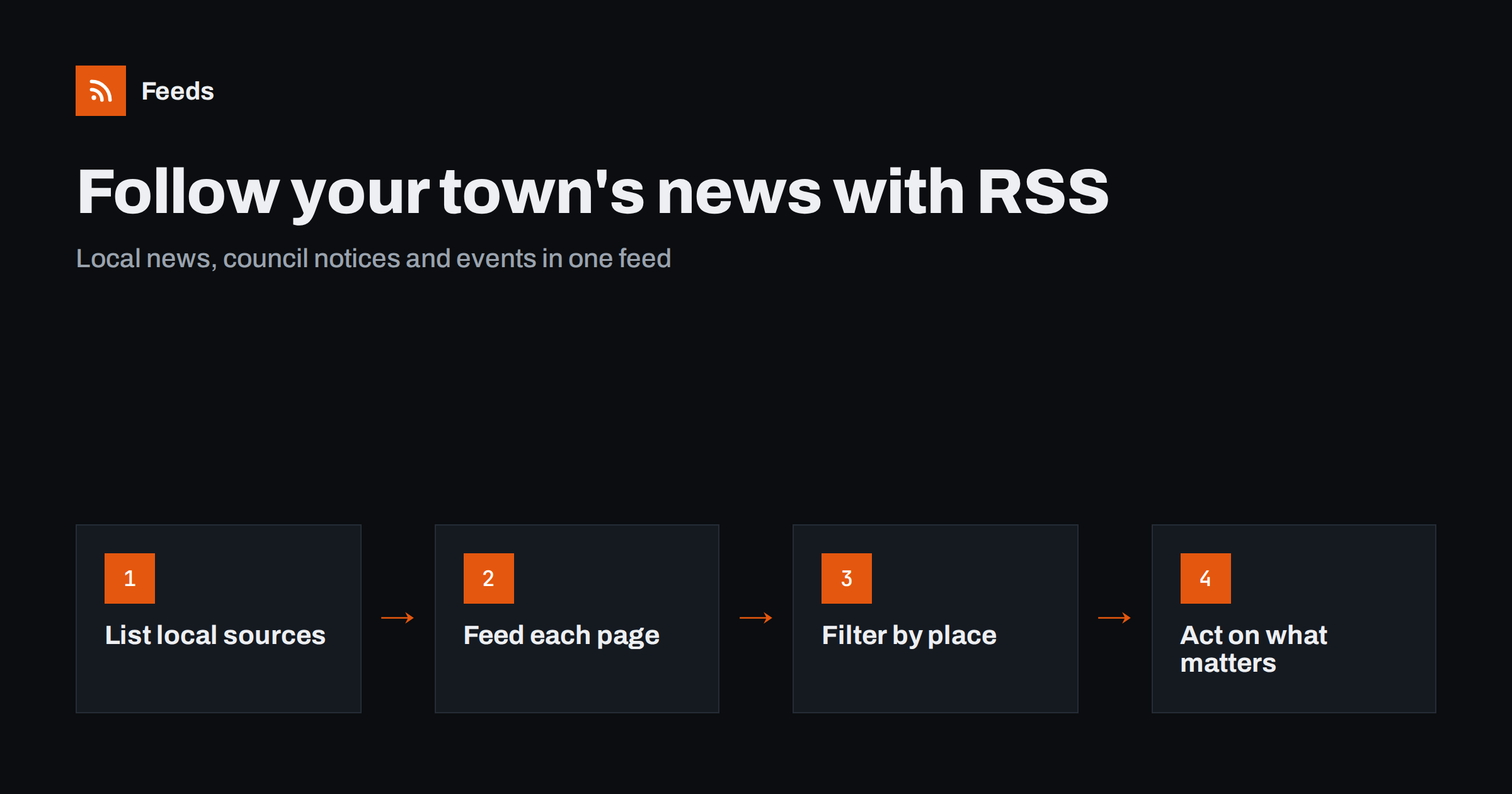
Short answer: List the websites that publish news about your area: local news outlets, the council or municipality, the chamber of commerce, business associations, venues and community groups. Get a feed for each relevant page, generating feeds for the many local sites that do not publish RSS, merge them into one local feed, and filter for your town, district and street names, your business name and topics that affect you. A few minutes a day keeps you ahead of changes that affect trade.
For a local business, much of what matters happens within a few kilometres: a road closure that cuts footfall for three weeks, a planning application for a competing store across the street, a festival that doubles visitors on one weekend, a new parking policy, a council grant for shop fronts. This news is published, but it is scattered across small websites that rarely offer email alerts or feeds. Owners typically hear about it by chance, often too late to prepare. A feed-based setup changes that without adding another task to a busy day, because the news comes to one place instead of you going to twenty.
Why local monitoring pays off
- Plan around disruption. Road works, utility works and closures announced in advance let you adjust opening hours, staffing and deliveries.
- Catch opportunities. Events, markets and festivals bring visitors; knowing early lets you stock up, extend hours or run promotions.
- React to competition. Planning applications and licensing notices reveal new businesses before they open.
- Use local support. Grants, business rate relief, training programs and networking events are announced by councils and chambers.
- Protect your reputation. Mentions of your business in local news or community sites are worth seeing quickly.
Step 1: Build a list of local sources
Spend half an hour listing everything that publishes news about your area. Typical sources include:
| Source | Pages to follow | What it tells you |
|---|---|---|
| Local news outlets | Local news, business section | Openings, closures, incidents, local stories |
| Council or municipality | News, public notices, consultations, road works | Decisions, closures, policies, grants |
| Planning portal | New applications list | New developments and businesses nearby |
| Chamber of commerce and business associations | News, events | Support programs, networking, advocacy |
| Tourism office | Events, news | Festivals, campaigns, visitor peaks |
| Venues and stadiums | Events list | Days with large crowds |
| Transport operators | Service changes, news | Route changes and disruptions |
Focus on the specific pages, not just the sites. A council website might have separate pages for news, public notices, consultations and road works, each worth following.
Ask neighbouring business owners which sources they use. Local knowledge is uneven: one owner may follow the transport operator’s service changes, another the tourism office’s campaign calendar. Pooling that knowledge once gives everyone a better list, and some business associations are happy to share a merged local feed with their members.
Step 2: Get a feed for every page
Local websites are the least likely to publish feeds. Some larger news outlets still offer RSS per section, and councils on common government platforms sometimes do. Check each page source for feed links first.
For the rest, which will usually be the majority, create feeds from the list pages with a page-to-feed tool. Council notice pages, planning application lists and event calendars are typically simple lists that convert well. Check each preview: items should be individual notices, applications or events, each with a title and a link.
Planning and licensing lists
Planning portals and licensing registers can be awkward: some require a search before showing results, and the results page may or may not have its own address. If a search for your ward or postcode produces a results page with a stable address, you can often use that address as a feed source. If not, check whether the council publishes a weekly list of new applications as a page or document, which can be followed instead.
Step 3: Merge and filter for your area
Merge all local sources into one feed, or two if volume is high: one for news and notices, one for events. Then filter for relevance.
- Place names: your town or district, the names of nearby streets and landmarks, and neighbouring districts.
- Your business: its name and common variations.
- Topics: “road works”, “closure”, “parking”, “planning”, “licence”, “grant”, “market”, “festival”, plus terms specific to your trade.
- Exclude words for topics that never matter to you, added after you see real noise.
Be careful not to over-filter council sources. Their titles can be formal, and a notice about “temporary traffic regulation order” may not contain the word “road works”. It is often better to keep council notices unfiltered and filter only the busier news sources.
Step 4: Turn items into actions
Local news only helps if it changes what you do. Keep a simple habit:
- Scan the feed once a day, perhaps with morning coffee.
- Put dates that matter, such as closures and events, into your business calendar immediately.
- Share relevant items with staff: “the street is closed next Tuesday, deliveries at the back entrance”.
- Decide on responses to competitor openings or planning applications, including whether to comment on consultations.
- Use events as marketing prompts: a post about the festival, a special offer for match days.
Where to read the feed
Choose a place that fits into your day. A feed reader app on your phone works well for owners who are rarely at a desk. If several people share responsibility, for example a manager and the owner, a shared reader folder or a team chat channel that receives new items keeps everyone informed without forwarding links. Whatever you choose, keep local news separate from other feeds you follow, so it gets the daily attention it needs rather than being buried among industry news or personal reading.
Commenting on local decisions
Many local decisions, such as planning applications, parking changes and licensing, include a consultation period where businesses can comment. These periods are usually a few weeks. Seeing notices on the day they are published is what makes it realistic to respond, alone or together with neighbouring businesses through a local association.
Common mistakes
- Following only the local newspaper. Newspapers report decisions after they are made. Council notices and consultations tell you before.
- Filtering council notices too strictly. Formal wording hides relevant items from keyword filters.
- Forgetting neighbouring areas. A closure or event one district away can still change your footfall.
- Not checking feeds after website changes. Councils periodically move to new website platforms, and generated feeds can stop finding items. Check the newest item date now and then.
A worked example
A family-run café on a busy shopping street follows the local news site’s town section, the council’s news, road works and public notices pages, the planning portal’s weekly list, the chamber of commerce’s events page and the events page of the nearby concert hall. Only the news site offers RSS; the others become generated feeds. Everything is merged into one feed, with the news site filtered for the town name and street names.
Over a few months, the owner learns about a two-week resurfacing project a month in advance and arranges a temporary sign and a delivery offer, spots an application for a chain coffee shop two doors away during its comment period, and schedules extra staff for twelve concert evenings. None of this required visiting a single website on purpose.
How Feeds helps
Local sources are where page-to-feed matters most, because so few of them publish RSS. Feeds turns council notice pages, event lists and news sections into feeds by finding the list of items on the page, and uses an existing feed when one exists. You see a preview before anything is created. You can merge local sources into one feed and keep only items with your place names or topics, with duplicates removed automatically. Feeds refresh on their own, and paid plans alert you if a feed stops finding items. Start with the free plan on one source and see what it finds.
Related reading
- How to Track Government and Regulator Updates with RSS
- How to Turn Event Calendars into RSS Feeds You Can Follow
- How to Set Up Keyword Alerts Using RSS Feed Filters
The bottom line
Local businesses are affected by decisions and events that are published but scattered across small websites. List your local sources, get a feed for each page, merge them, filter carefully for your area and trade, and act on what you see. The result is fewer surprises, better-timed promotions and a real chance to have a say in local decisions.
SSS
How can I get alerts about news in my town?
Collect feeds from your local news outlets, council pages and community sites, merge them and filter for your town and street names. Sites without RSS can be turned into feeds from their list pages.
Can I get notified about planning applications near my business?
Often yes. If the planning portal shows new applications on a page with a stable address, or publishes a weekly list, you can follow it as a feed and filter for your street or ward.
Why should I follow council notices and not just local news?
Council notices and consultations announce decisions and works before they happen, while news usually reports them afterwards. Following notices gives you time to plan or comment.
How much time does local monitoring take?
With merged, filtered feeds, a daily scan usually takes a few minutes. Most of the effort is the initial setup of sources and filters.
What if my council’s website changes?
Generated feeds can stop finding items after a website migration. Check each feed’s newest item date occasionally, or use a tool that alerts you when a feed stops finding items, and update the source address.


