ENEnglish
 LTLietuviškai
 DEDeutsch
 FRFrançais
 RUРусский
 ESEspañol
 PLPolski
 ITItaliano
 UKУкраїнська
 CSČeština
 PTPortuguês
 JA日本語
 LVLatviešu valoda
 ETEesti
 HUMagyar
 IDBahasa Indonesia
 TRTürkçe
 HIहिन्दी
 ELΕλληνικά
 ARالعربية
 THไทย
 VITiếng Việt
 RORomână
 MSBahasa Melayu
 BNবাংলা
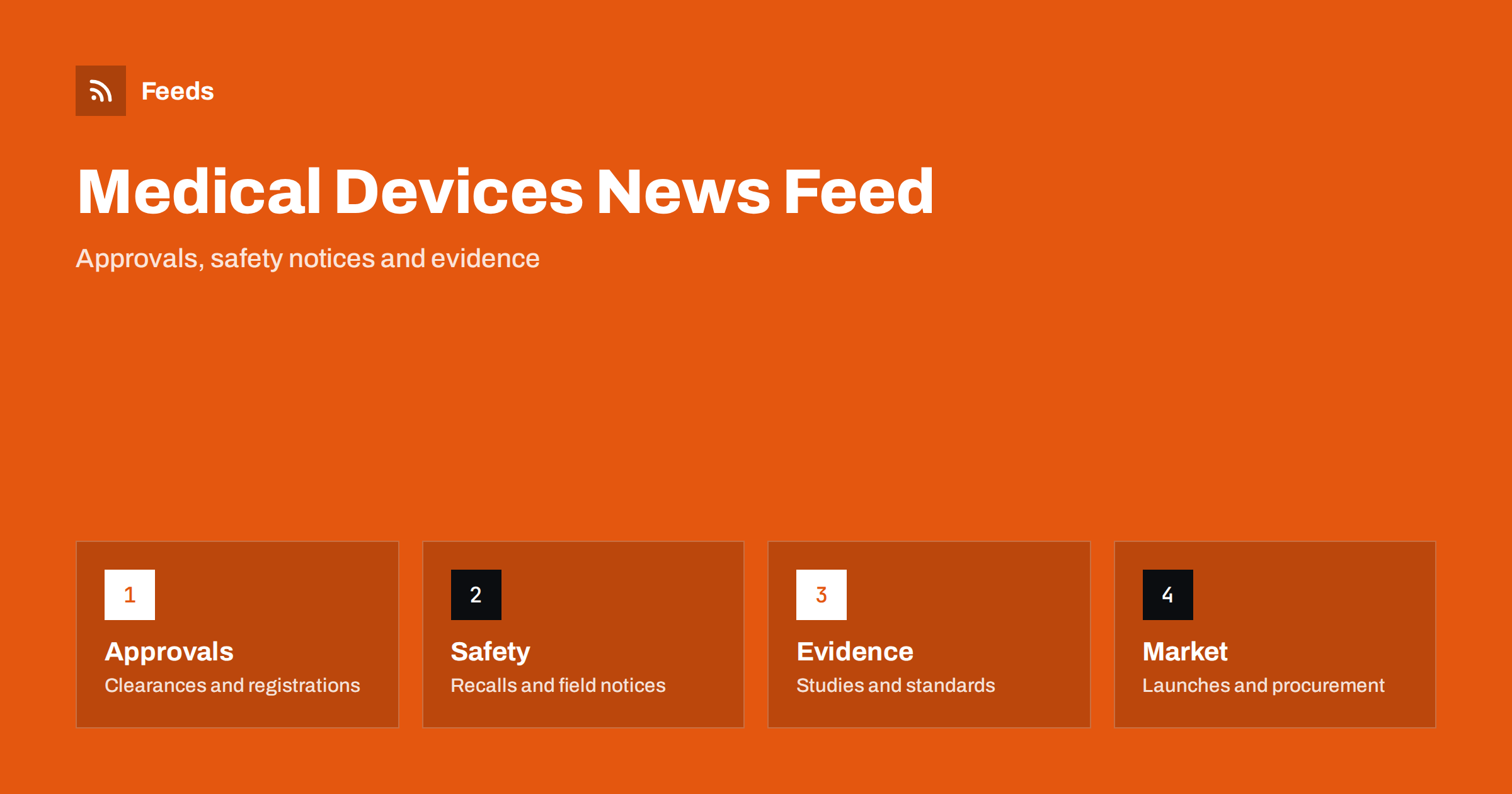
Short answer: Medical device and diagnostics news comes from regulators, manufacturers, standards bodies, hospitals and procurement agencies, journals and the trade press. RSS lets you bring the sources that matter into one reader, filter them by device type, market or company and read the items in the order they were published. Use regulator pages for approvals, safety notices and rules, add journals and the trade press for context, and always read the original notice before you act on it.
Why this news is hard to follow
The field is wide, from simple dressings and syringes to imaging systems, implants, software and laboratory tests. Every country has its own rules, registers and notices, and a single product may be handled by several bodies. A safety notice may appear on a regulator page, in a manufacturer letter and in a trade article days later, and each version has a slightly different wording.
Readers have different needs. A regulatory specialist follows rules and guidance, a quality manager follows recalls and field safety notices, a hospital buyer follows procurement and supply news, a founder follows approvals and funding, and a clinician follows evidence. This article is about following public information, not about medical advice. If feeds are new to you, what is an RSS feed explains the idea in plain words.
Start with regulators and registers
Regulators publish the facts that matter most: new rules and guidance, approvals and registrations, safety communications, recalls and inspection findings. Many also publish databases of devices and adverse events, and some provide a news page or a feed for each topic. These pages are the primary source, and everything else is commentary.
Make a short list for your markets: the main regulator, the body that coordinates in your region and the national authority of any country where you sell. When a page has no feed, a page-to-feed tool can read its news list, as described in how to create an RSS feed for a website without RSS. For the wider habit of following authorities, how to track government and regulator updates is a useful companion.
Safety notices and recalls
Safety notices need the fastest reaction. A manufacturer or a regulator may announce a field safety notice, a recall or a correction, and the people who use or sell the product must know quickly. Put these sources in a folder of their own, check it every day and make sure that the notice reaches the person who can act on it.
Read the full notice, and not only the headline. The affected models, serial numbers, dates and required actions are in the details, and a summary can leave them out. How to track product recalls and safety notices explains how to set up such alerts, and how to monitor security advisories for your website stack shows a similar approach for software, which matters for connected devices and device software.
Trade shows and conferences are part of the picture. Exhibitor lists, programmes and abstracts often reveal new products months before the press release, and the pages of the organizers can be turned into a feed. Add the shows that matter to your segment, and note the dates when the programme is published, because these are the moments when new names appear.
Manufacturers, launches and competitors
Manufacturers announce launches, approvals, partnerships and clinical results on their news pages and investor pages. These items show where the market is going and what competitors are doing, but they are written to present the company well. Read them as announcements, and compare them with the regulator record when an approval or a claim matters.
If you follow listed companies, add their investor pages, as described in how to track investor relations announcements. For competitors that are not listed, their news pages and trade show pages are enough. Keep the list focused: five to ten companies is a better base than fifty.
Keep a short note for each standard that applies to your products: the number, the version, the date of the last change and the person who owns it. When the feed shows a revision, you can see at once which products and documents are affected, and the quality team does not have to search through files to find out.
Standards, evidence and journals
Standards bodies publish new and revised standards for safety, quality and software, and industry associations explain what they mean in practice. Following industry associations and standards bodies with RSS shows how to keep up. Journals and conference sites publish the clinical and technical evidence, and academic journals and research with RSS alerts explains how to follow a topic without reading everything.
Evidence and guidance are not the same as rules. A study shows what happened in a group of patients, and guidance recommends what to do. Keep them apart in your reader, and use how healthcare teams can follow clinical guidance if your work depends on both.
Public health agencies and hospital groups also publish shortage lists and supply notices. A shortage of a single component can stop a production line or empty a store room, so follow the pages of your key suppliers and the agencies in your markets, and keep these items next to the safety folder where the right person will see them early.
Procurement, reimbursement and supply
For many devices, the market depends on who pays and how supply works. Hospitals and public bodies publish tenders, framework agreements and reimbursement decisions, and a notice on a procurement portal may matter more to a supplier than a press release. How to monitor public tenders and procurement notices shows how to follow them, and commodity prices and supply chain news covers shortages and prices of materials.
Data protection and software rules also matter for devices that collect or send data. Data protection and privacy law updates with RSS and cybersecurity breach and data leak news belong in the list of a company that sells connected products.
Filter by device type, market and company
A good feed is narrow. A company that makes diagnostic tests does not need every story about orthopaedic implants, and a buyer in one country does not need local rules from another. Use keyword filters that keep items about your device types, markets and companies, and drop the rest. Review the words every month, because new product names and terms appear all the time.
| Interest | Include words | Exclude words |
|---|---|---|
| Rules | Regulation, guidance, approval, registration | Other regions |
| Safety | Recall, field safety notice, correction | Veterinary |
| Market | Launch, tender, acquisition, supply | Opinion, lifestyle |
Terms can be misleading: “monitor”, “pump” and “test” appear in many unrelated stories. Check the filters on ten recent items before you rely on them. Set up keyword alerts using RSS feed filters explains the method, and reduce noise in RSS alerts without missing anything helps when the list grows.
Plan for holidays and absences. Name a deputy who reads the safety folder when the main reader is away, and agree how an urgent notice is passed on, for example by a message to a shared channel. A feed that nobody reads for two weeks is worse than no feed, because it creates a false sense of safety.
A routine that fits a busy week
Read safety notices first, every day. Read rules and guidance in a fixed slot twice a week, and read the market and trade press once a week. For any item you plan to use, open the primary source, write down the date and the document name and mark the rest as read. If you work in a team, a shared list means everyone sees the same notice on the same day, as described in shared RSS reading lists for teams.
Keep the limits of the tool in mind. A feed shows what is published, and it does not replace the formal channels that a company must use to receive official notices. Treat RSS as an early signal and a way to stay informed, and keep the required processes in place.
How RSS Feed Creator helps
RSS Feed Creator turns the news, notice and guidance pages of regulators, standards bodies, manufacturers and procurement portals into clean RSS feeds, even when the site has no feed of its own. It reads titles, images, summaries and dates, uses an existing feed when there is one, and shows a preview of the items before the feed is created. You can merge several sources into one feed (up to 10 sources), keep only the items that contain your keywords and have duplicates removed automatically, which suits a feed of rules, safety notices and tenders for one device type. Feeds refresh every 3 hours on the free plan and every 30 minutes on paid plans. The free plan allows up to 20 items per feed, and the details are on the pricing page.
Related reading
- How to Track Product Recalls and Safety Notices with RSS
- How to Follow Pharma and Biotech Industry News with RSS
- How to Track Government and Regulator Updates with RSS
- How to Follow Academic Journals and Research with RSS Alerts
The bottom line
RSS gives you a calm, ordered view of a sector with many regulators and many small notices. Start with regulator and register pages, keep safety notices in a daily folder, add manufacturers, standards and evidence, and filter by device type and market. Read the original document before you act, and keep the formal notification channels your company must use.
SSS
Which sources should I follow first?
Begin with the regulators for your markets, then the safety notice pages, then manufacturers and standards bodies. Add journals and the trade press after that.
Can RSS replace official recall notifications?
No. It is an early signal. Keep the formal channels that your company is required to use, and treat the feed as a second layer.
What if a regulator page has no RSS feed?
A page-to-feed tool can read the list of notices on the page and build a feed. Check the preview to make sure it shows real items with titles and dates.
How do I avoid unrelated stories?
Use keyword filters for your device types, markets and companies, and test them on recent items before you rely on them.
How often should I read the list?
Safety notices daily, rules and guidance twice a week and the market news once a week.