 ENEnglish
 LTLietuviškai
 DEDeutsch
 FRFrançais
 RUРусский
 ESEspañol
 PLPolski
 ITItaliano
 UKУкраїнська
 CSČeština
 PTPortuguês
 JA日本語
JA日本語 LVLatviešu valoda
 ETEesti
 HUMagyar
 IDBahasa Indonesia
 TRTürkçe
 HIहिन्दी
 ELΕλληνικά
 ARالعربية
 THไทย
THไทย VITiếng Việt
 RORomână
 MSBahasa Melayu
 BNবাংলা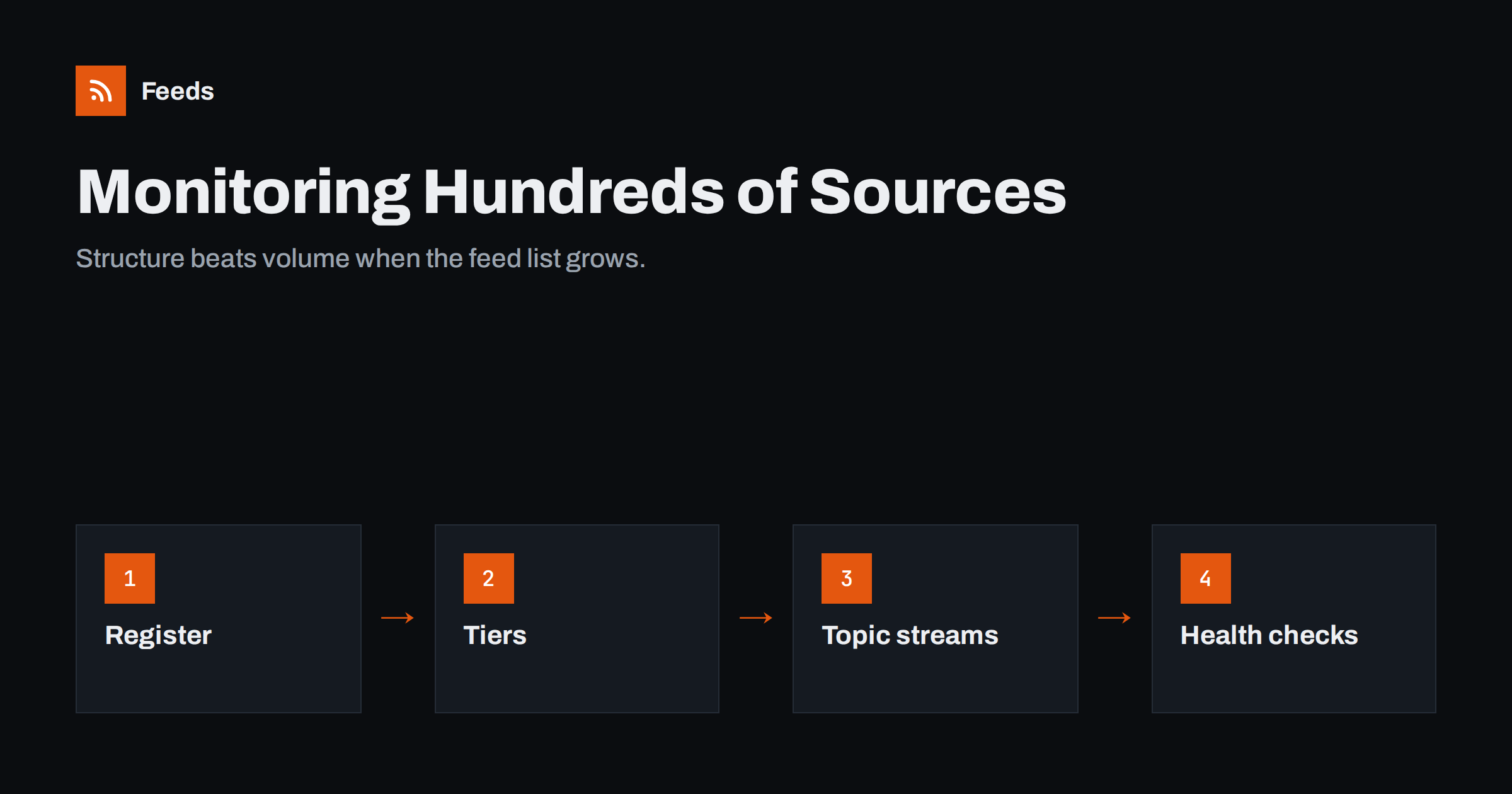
Short answer: monitoring hundreds of sources with RSS works when you stop treating them as a long list of subscriptions and start managing them as a system. Keep a source register with the URL, purpose, owner and priority of every feed; sort sources into tiers by how quickly you must react; merge and filter sources into a few topic streams instead of reading each feed; and run regular health checks for feeds that stopped updating or started producing noise. Without that structure, large reader setups become unread folders within weeks.
Why large monitoring setups fail
Most monitoring starts small: ten competitor blogs, a few news sites, some regulators. It works, so sources keep being added. At around a hundred feeds, cracks appear. At several hundred, a typical setup looks like this: thousands of unread items, important news spotted by colleagues before the person who is supposed to monitor it, feeds that died months ago without anyone noticing, and the same story arriving from eight different sources.
The problem is not RSS itself. Feeds scale well technically; readers can handle thousands of subscriptions. The problem is organisation. Human attention does not scale, so the system has to decide what reaches it. The common failure patterns are described in website monitoring mistakes that make RSS alerts useless. This article is about the structure that prevents them.
Step 1: build a source register
A source register is a simple spreadsheet or database that lists every source you monitor. It becomes the single place where decisions about sources are recorded. Useful columns:
- Source name and URL of the website or page.
- Feed URL, and whether it is a native feed or one created from the page.
- Topic or stream the source belongs to.
- Tier (see below).
- Owner: the person who decided to add it and who fixes it.
- Date added and date last reviewed.
- Notes: known quirks, such as “posts duplicates on Mondays”.
The register pays for itself the first time a reader account is lost, a colleague leaves or someone asks “why do we follow this?”. Export an OPML file from your reader regularly and keep it next to the register, so the subscriptions themselves can be restored quickly; see OPML files explained.
Step 2: sort sources into tiers
Not every source deserves the same attention. Three tiers work for most organisations:
| Tier | What it contains | How it is delivered | Reaction time |
|---|---|---|---|
| 1. Critical | Regulators, key customers, direct competitors, own-brand mentions | Filtered alerts to chat or email | Same day |
| 2. Important | Industry media, partners, suppliers, main associations | Topic streams in the reader, read daily | Within a few days |
| 3. Background | Broad news, adjacent industries, interesting blogs | Weekly scan or digest | No fixed time |
Tiers also decide the technical setup. Tier 1 feeds deserve the shortest refresh interval your tools allow and delivery to a place people look at several times a day. Tier 2 streams can refresh every hour or two and live in a reader. Tier 3 sources can be checked once or twice a day and summarised weekly without losing anything important. Matching refresh rates to tiers also keeps the load on the monitored websites reasonable.
Most sources belong in tier 2 or 3. If tier 1 grows beyond a small number of sources, it stops being critical. Be strict: a source moves up a tier only when it has repeatedly produced something that needed a quick reaction.
Step 3: merge sources into topic streams
Reading hundreds of feeds individually is impossible. Reading ten topic streams is not. A topic stream is one merged feed that combines all sources about a subject, such as “Competitors – product news”, “Regulation – EU” or “Suppliers – announcements”, with duplicates removed and filters applied.
- Merge all sources for a topic into one feed, as described in how to merge multiple RSS feeds.
- Filter with keywords: include terms that define the topic, exclude recurring noise such as “webinar recording” or “weekly roundup”.
- Remove duplicates, so a story syndicated by five sites appears once.
- Name streams clearly, so anyone on the team knows what they contain.
Streams also make delivery flexible: the same stream can go to a reader folder, a chat channel for the relevant team and a weekly digest for management. Techniques for keeping streams quiet are covered in reducing noise in RSS alerts.
Step 4: fill the gaps for sites without feeds
In any large monitoring list, a significant share of the sources you care about will not publish RSS: government bodies, small competitors, supplier news pages, associations and many corporate newsrooms. Leaving them out creates blind spots, and checking them by hand does not scale.
Create feeds from those pages instead, and record in the register that the feed is created from a page. These feeds need slightly more attention, because a website redesign can change the page structure. That is why health checks, the next step, are essential. The overall approach to starting a monitoring setup is described in setting up website monitoring with RSS in 30 minutes; the same principles hold at scale.
Step 5: run regular health checks
At scale, some feeds are always broken. The question is whether you notice. Schedule a monthly check that looks for:
- Silent feeds: no new items for much longer than usual. The source may have stopped publishing, moved its feed or changed its page layout.
- Error feeds: the reader reports fetch errors, redirects or invalid XML.
- Noisy feeds: a sudden jump in volume, often from a site republishing its archive or changing item identifiers.
- Useless feeds: sources that have produced nothing you acted on in six months.
Many readers show last-update dates per feed, which makes silent feeds easy to spot. For diagnosing why a feed stopped, see RSS feed stopped updating? How to find out why. Remove or replace what is broken and record the change in the register.
Step 6: share the work across a team
When several people monitor, divide responsibility by stream, not by source. Each stream has one owner who reads it, triages important items and maintains its sources and filters. Helpful habits:
- A shared channel for tier 1 alerts, so critical items are seen by more than one person.
- A simple triage rule: when something needs action, the reader of the stream forwards it with a one-line note to the person responsible.
- A short weekly summary of the most important items per stream for people who do not read the streams themselves.
- A process for new source requests, so colleagues can suggest sources without adding them directly to someone else’s streams.
Agencies monitoring for many clients face the same scaling problem multiplied by the number of clients; see how agencies run client monitoring with RSS.
Step 7: review and prune
A monitoring system that only grows eventually collapses. Every quarter, review the register:
- Remove sources that produced nothing useful.
- Move sources between tiers based on experience.
- Tighten filters on streams people complain about, and loosen them where important items were missed.
- Check whether new topics need a stream of their own.
It helps to track a single number per stream: how many items led to an action, such as a forwarded alert, a sales call or a change in plans. Streams that regularly lead to actions are clearly valuable. Streams that never do are candidates for stronger filters, a lower tier or removal, even if their sources look important on paper.
Pruning is not a sign of failure. The best monitoring setups are those where every source has earned its place, and the total stays manageable even as the organisation’s interests change.
How Feeds helps
Feeds is built for the parts of large monitoring setups that take the most effort. It turns any public page into a clean RSS feed, and uses an existing feed where a site has one, so sources without RSS can join the register. You can merge several sources into one topic feed, keep only items with or without your words, and duplicates are removed automatically. Feeds refresh on their own, and paid plans send an alert when a feed stops finding items, which catches page redesigns before they create blind spots. Plans differ in the number of feeds and sources per feed; see the plans.
Related reading
- How to Organize Your RSS Reader So It Never Overwhelms You
- Media Monitoring with RSS: Track Brand Mentions in the News
- Beyond Google Alerts: Building Source-Based Alerts with RSS
The bottom line
Hundreds of sources are manageable when structure does the work. Keep a register, sort sources into tiers, merge and filter them into topic streams, create feeds for sites without RSS, check feed health monthly, share streams across the team and prune every quarter. The number of sources can grow; the amount you have to read should not.
SSS
How many RSS feeds can one person realistically monitor?
Far more than they can read individually, as long as feeds are merged and filtered into a limited number of topic streams. What matters is the number of items reaching the person, not the number of sources.
What is a source register?
A spreadsheet or database listing every monitored source with its feed URL, topic, priority tier, owner and review date. It documents decisions and makes the system maintainable.
How do I notice when a feed stops working?
Check last-update dates and fetch errors in your reader every month, and use tools that alert you when a feed stops finding items. Silent feeds are the most common hidden failure.
Should every source get its own reader folder?
No. Group sources into topic streams and tiers instead. Individual folders for hundreds of sources quickly become unread.
How often should a large monitoring setup be reviewed?
A monthly health check for broken or noisy feeds and a quarterly review of sources, tiers and filters work well for most teams.


