 ENEnglish
 LTLietuviškai
 DEDeutsch
 FRFrançais
 RUРусский
 ESEspañol
 PLPolski
 ITItaliano
 UKУкраїнська
 CSČeština
 PTPortuguês
 JA日本語
JA日本語 LVLatviešu valoda
 ETEesti
 HUMagyar
 IDBahasa Indonesia
 TRTürkçe
 HIहिन्दी
 ELΕλληνικά
 ARالعربية
 THไทย
THไทย VITiếng Việt
 RORomână
 MSBahasa Melayu
 BNবাংলা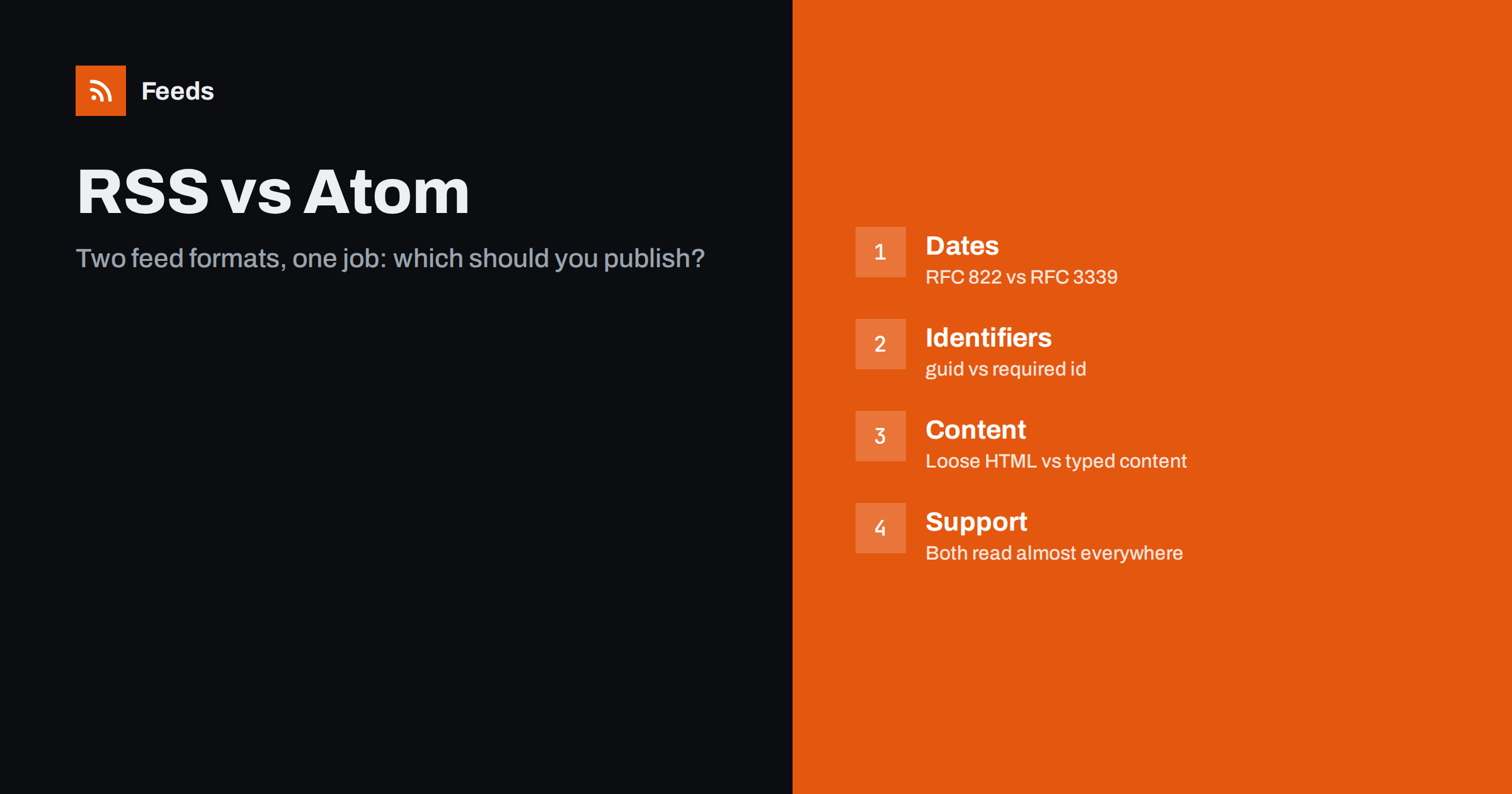
Short answer: RSS 2.0 and Atom do the same job: they list your newest items so that apps can follow your site. Atom has stricter, clearer rules for identifiers, dates and content types, while RSS 2.0 is older, looser and slightly more widely expected, especially for podcasts. For a blog or news site either is fine; for a podcast use RSS 2.0; if you can, keep the format your platform already produces and make it valid.
If you have ever looked for a site’s feed, you have probably seen both /feed/ and /atom.xml, or a feed icon that leads to one of several formats. Site owners and developers often ask which one is “better”. The honest answer is that the format matters much less than the quality of what you put in it. Still, the two formats differ in ways that affect how reliably apps read your content, and knowing the differences helps you avoid the classic mistakes.
A short history of two formats
RSS grew up in the late 1990s and early 2000s through several versions with different owners, which is why you may still see references to RSS 0.91, RSS 1.0 and RSS 2.0. RSS 2.0, published in 2002 and later frozen by Harvard’s Berkman Center, is the version almost everyone means today. Its specification is short and leaves many details open, such as exactly what may appear inside a description.
Atom was created in the mid-2000s by a group that wanted to remove that ambiguity. It became an IETF standard, RFC 4287, in 2005. Atom defines precisely which elements are required, how dates are written, and how to say whether a piece of content is plain text, HTML or XHTML.
Two decades later, both formats are stable and neither is changing. That stability is a strength: a feed you publish today will be read by apps for many years.
The key differences at a glance
| Aspect | RSS 2.0 | Atom 1.0 |
|---|---|---|
| Standard | Community specification, frozen | IETF RFC 4287 |
| Root element | rss with a channel | feed |
| Item element | item | entry |
| Unique ID | guid, optional | id, required |
| Date format | RFC 822, for example “Mon, 03 Aug 2026 12:57:00 +0000” | RFC 3339, for example “2026-08-03T12:57:00Z” |
| Updated date | Not defined for items | updated, required |
| Content type | Not declared; HTML usually escaped | Declared: text, html or xhtml |
| Attachments | enclosure, one per item | link with rel=”enclosure”, several allowed |
| Podcast support | Standard in all directories | Rarely accepted by podcast directories |
Identifiers: why Atom is stricter and why it matters
Every feed reader decides whether an item is new by looking at its identifier. In RSS 2.0 that is the optional guid element. If it is missing, apps fall back to the link, the title, or a combination, and each app does this differently. That is how you end up with readers showing the same post twice after you fix a typo in its title.
Atom makes the id element mandatory for every entry and for the feed itself, and says it must never change. In practice this pushes publishers towards good habits. In RSS you can achieve the same result simply by always including a guid that stays constant, and most platforms already do so.
- Use a permanent value, not a URL that changes when you edit the slug.
- Never regenerate identifiers during a site migration or theme change.
- If your RSS guid is not a URL, add
isPermaLink="false".
Dates and time zones
RSS 2.0 uses the old email date format from RFC 822, with day and month names in English. Atom uses the ISO-style format from RFC 3339. Both can express time zones, but broken dates are one of the most common feed errors in RSS, often because a template prints a localised month name, a missing time zone or an invalid day.
Atom also separates published from updated. This lets apps know that an entry was corrected without treating it as brand new. RSS has no standard way to say an item was updated, so some apps ignore edits entirely while others re-show the item.
Whichever format you choose, always include a time zone and generate dates from your system, never by hand.
Content: summaries, full text and HTML
In RSS 2.0, the description element holds either a summary or the full article, usually as escaped HTML. Many feeds also use content:encoded from a separate namespace to carry full HTML, with description holding a short summary. This works well, but apps must guess whether text is HTML or plain text.
Atom has two clear elements: summary and content, each with a type attribute. An app never needs to guess. For publishers who care about exact rendering of code samples, maths or special characters, this precision is a real advantage.
Support in readers, tools and directories
For ordinary reading, support is essentially equal. Every mainstream feed reader, browser extension, newsletter platform and automation service reads both. The main exceptions:
- Podcasts. Apple Podcasts, Spotify and other directories expect RSS 2.0 with specific extensions. Atom podcast feeds are generally not accepted.
- Some older or very simple tools. Small scripts and plugins sometimes only parse RSS
itemelements. If a partner says “send us your RSS”, test with them. - Merchant feeds. Google Merchant Center accepts both RSS 2.0 and Atom 1.0 for product data, with its own namespace, so either works there.
Which format your platform already uses
Most site owners never pick a format; the platform picks it for them:
- WordPress produces RSS 2.0 at
/feed/and also offers Atom at/feed/atom/. - Shopify blogs publish Atom at the blog address plus
.atom. - Ghost publishes RSS 2.0 at
/rss/. - Blogger offers both Atom and RSS.
- Static site generators such as Hugo and Jekyll produce RSS or Atom depending on the template or plugin.
You can usually tell which format a feed uses by opening it and looking at the first lines. An RSS feed starts with an rss element containing a channel; an Atom feed starts with a feed element in the Atom namespace. Your browser’s “view source” is enough, and the server’s Content-Type header, application/rss+xml or application/atom+xml, gives the same answer.
Switching formats is rarely worth the risk. If you change the feed address or the identifiers, every subscriber app may either lose you or see your whole archive again. Improve the feed you have instead.
Common mistakes in both formats
Most feed problems we see have nothing to do with the choice of format. They come from templates, plugins and migrations that quietly break a few details:
- Unescaped characters. A single ampersand or an invalid control character in a title can make a strict parser reject the whole feed.
- Relative links. Links and image addresses inside the content that start with
/instead of the full address break in many readers, because the reader does not know which site they belong to. - Wrong encoding. A feed declared as UTF-8 but served in another encoding turns quotes and accented letters into strange symbols.
- Stale caches. A caching plugin or CDN that keeps serving yesterday’s feed makes new posts invisible for hours.
- Extra output before the XML. A blank line or a PHP warning printed before the first tag makes the feed invalid in both formats.
Run your feed through a validator after any theme, plugin or hosting change. It takes a minute and catches all of these.
How to decide: a simple checklist
- Is it a podcast? Publish RSS 2.0 with the podcast namespaces. No further decision needed.
- Does your platform already produce a feed? Keep that format and that address. Make it valid.
- Are you building a feed from scratch? Atom is the cleaner choice if you control the code and value precise rules. RSS 2.0 is the safer choice if partners or simple tools will consume it.
- Do you need both? Publishing both is fine, as long as you advertise one as the main feed in your autodiscovery links, so readers do not subscribe twice.
When the format you get is not the format you need
Sometimes the problem is on the receiving end: a tool you use expects RSS, but a source site only has Atom, or no feed at all. Our tool, Feeds, accepts a page address, uses the site’s existing feed if it finds one, and gives you a single RSS feed link that works in any reader or tool. It can also merge several sources, whatever their original format, and filter them by keywords. You see a preview first, and the feed refreshes on its own. You can try it on the home page.
Related reading
- What Is an RSS Feed? A Plain-English Guide for Site Owners
- How to Create an RSS Feed for a Website Without RSS
The bottom line
RSS 2.0 and Atom are both mature, well-supported formats. Atom is stricter and more precise; RSS 2.0 is looser but universally expected and required for podcasts. For most websites the right move is to keep the format your platform already publishes, include permanent identifiers and correct dates, and validate the result. A clean feed in either format beats a messy feed in the “right” one.
SSS
Is Atom better than RSS?
Atom is better specified, with required identifiers, standard dates and declared content types. RSS 2.0 is simpler and more widely expected by older tools and podcast directories. For everyday reading, users will not notice any difference.
Can a website publish both RSS and Atom?
Yes, and WordPress does this by default. Just advertise one of them as the main feed in your autodiscovery links, so people do not subscribe to both and see every post twice.
Do podcast apps accept Atom feeds?
Generally no. Apple Podcasts, Spotify and most podcast directories expect RSS 2.0 with podcast-specific tags such as the iTunes namespace. Podcasters should always publish RSS 2.0.
Will switching from RSS to Atom lose my subscribers?
It can. If the feed address changes, apps keep polling the old address unless you redirect it permanently. If the identifiers change, apps may show old posts as new. Switch only with a 301 redirect and the same identifiers.
What about JSON Feed?
JSON Feed is a newer format that uses JSON instead of XML. Many modern readers support it, but support in older tools and services is thinner, so it works best as an extra feed alongside RSS or Atom rather than a replacement.


