 ENEnglish
 LTLietuviškai
 DEDeutsch
 FRFrançais
 RUРусский
 ESEspañol
 PLPolski
 ITItaliano
 UKУкраїнська
 CSČeština
 PTPortuguês
 JA日本語
JA日本語 LVLatviešu valoda
 ETEesti
 HUMagyar
 IDBahasa Indonesia
 TRTürkçe
 HIहिन्दी
 ELΕλληνικά
 ARالعربية
 THไทย
THไทย VITiếng Việt
 RORomână
 MSBahasa Melayu
 BNবাংলা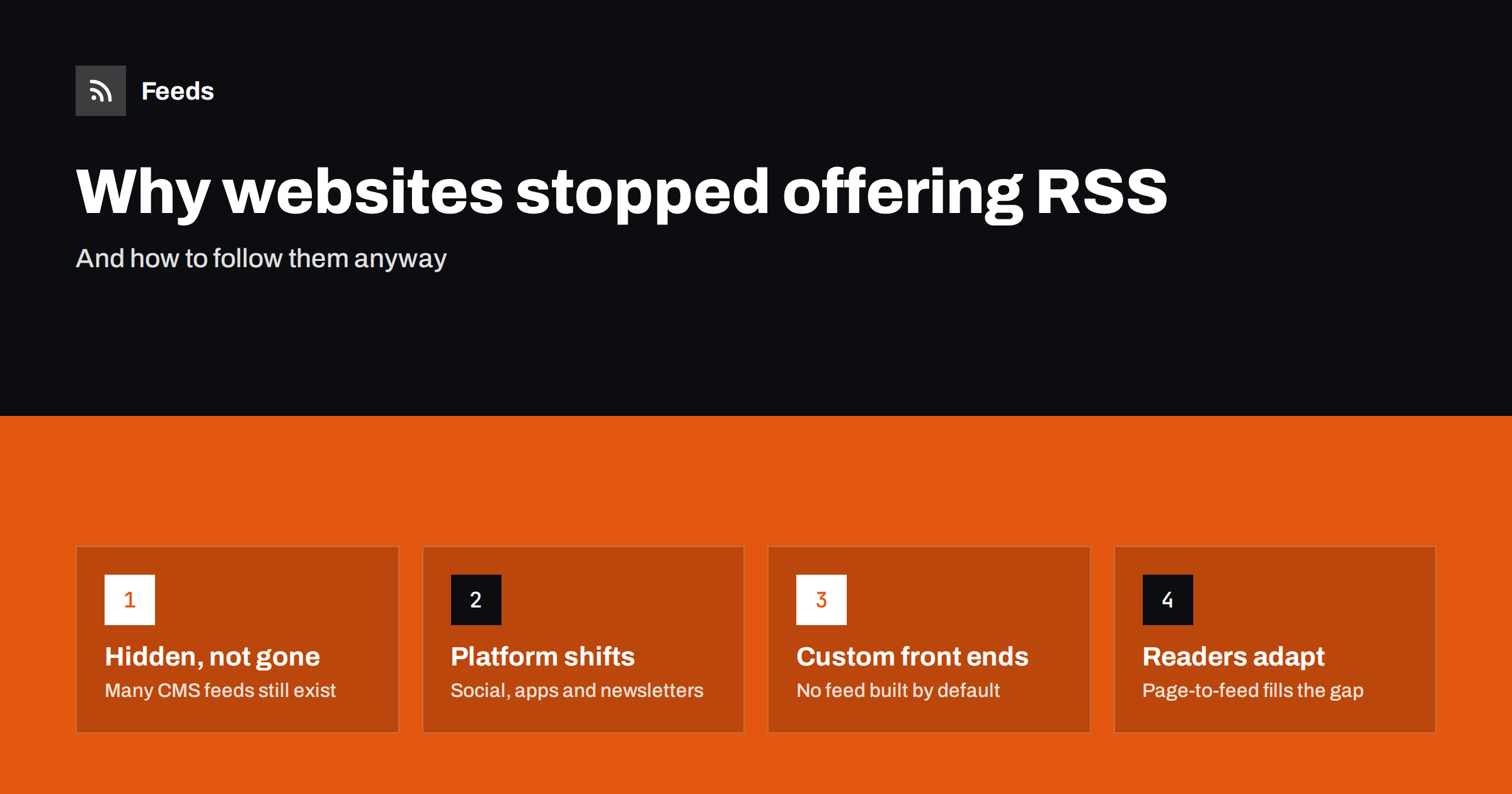
Short answer: Many websites stopped showing RSS links because publishers shifted attention to social media, newsletters and apps, redesigns dropped the icon, and modern custom-built front ends do not generate feeds automatically the way traditional content management systems do. Often the feed still exists but is hidden. Where it truly does not, readers can create a feed from the site’s list pages with a page-to-feed tool.
If you started using RSS years ago, you have probably noticed the change: the orange icon that used to sit in every blog’s sidebar is rare now, and some sites you would like to follow have no feed at all. That does not mean RSS is dead. Feeds still power podcasts, news readers, aggregators and a great deal of automation behind the scenes. But the way websites offer feeds has changed, and knowing why helps you find or replace them.
Reason 1: Attention moved to social platforms and newsletters
From the late 2000s, publishers put their energy into social media, where audiences were growing quickly, and later into email newsletters, which offer a direct relationship with subscribers and measurable engagement. A feed link in the sidebar became less important in their eyes than a follow button or a newsletter signup box.
Social platforms also changed their own relationship with feeds. Several large platforms once offered RSS for profiles, pages or searches and later removed it, preferring that people consume content inside their apps. As the biggest sources of online content stopped offering feeds, it became easy to assume that feeds in general were obsolete, even though most ordinary websites kept generating them.
Newsletters in particular give publishers things that RSS does not: subscriber email addresses, open and click data, and a channel they can monetize with sponsorships. For many marketing teams, promoting a newsletter instead of a feed is a deliberate choice.
Reason 2: The icon disappeared in redesigns
A large share of “missing” feeds are not missing at all. Content management systems such as WordPress still generate feeds automatically, but newer themes often do not show a feed icon, and browsers removed their built-in feed buttons years ago. The feed keeps working at its usual address; only the visible invitation is gone.
How to find hidden feeds
- Search the page source for
application/rss+xmlorapplication/atom+xml. - Try common paths such as
/feed/,/rss/,/rss.xmlor/atom.xml, also on section and category pages. - Paste the page address into a feed reader, which will often discover the feed on its own.
Reason 3: Modern front ends do not generate feeds by default
Many sites are now built as custom applications, headless setups or static sites generated by build tools. In a traditional CMS, the feed was part of the package. In a custom stack, someone has to build it deliberately, and when a project is under deadline pressure, a feed is easy to leave out. The result is a modern, fast website with no feed, not because anyone decided against RSS, but because nobody decided for it.
Single-page applications add another twist: the page content is assembled in the browser by scripts, so even the list of articles may not be present in the HTML the server sends. That makes these sites harder to follow for any tool that does not run scripts, and it is one reason why a site’s structured data or an alternative archive page can be a better source than the main page.
The same applies to sites built on hosted website builders and landing page tools, some of which offer feeds only for their blog feature, or not at all.
Reason 4: Business concerns about content reuse
Some publishers removed full-text feeds, or feeds entirely, because they saw their content copied by scraper sites that republished feeds automatically. Others worried that readers who consume headlines in a feed reader do not visit the site, reducing advertising impressions. Many compromised by offering summary-only feeds; some removed them altogether.
Ironically, removing feeds does little to stop determined copying, because scrapers can read pages directly. It mainly inconveniences legitimate readers and tools. Summary feeds with links back to the full article are usually a better balance: they let people follow the site while sending them to the original page to read.
Reason 5: Some content was never feed-shaped
Many of the pages people want to follow were never blogs: job listings, press rooms built as simple pages, public notices, event calendars, product updates, tender lists, research publication lists. These pages are lists that change over time, but their owners never thought of them as something to subscribe to. They simply never had feeds.
These are often the pages where following matters most. A new tender, a new job opening or a new public notice has a deadline, and missing it has a cost. Because such pages were built as simple lists in a CMS or a custom system, adding a feed would be technically easy, but it is rarely on anyone’s list of priorities.
Is RSS actually in decline?
It is more accurate to say that RSS became infrastructure. Podcasts are distributed via RSS feeds. News aggregators, feed readers, content automation tools and social publishing services rely on feeds every day. Search engines and other systems read feeds and sitemaps to discover content. What declined is the visibility of feeds to ordinary visitors, not their usefulness.
In recent years there has also been renewed interest in feeds among people who want to follow sources without algorithmic ranking, and among teams that use feeds for monitoring and automation. The demand for feeds is there; the supply on individual websites is patchy.
What readers can do
| Situation | What to do |
|---|---|
| Site has a hidden feed | Find it in the page source or at common paths and subscribe normally |
| Site has a site-wide feed but you need one section | Try category or tag feed paths, or create a feed from the section page |
| Site has no feed at all | Create a feed from its list page with a page-to-feed tool |
| Site offers only a newsletter | Subscribe to the newsletter, or create a feed from the site’s archive page if it has one |
| Content is behind a login | Feeds are not an option; use the site’s own notifications |
Mistakes readers make when a feed seems missing
- Giving up after checking the home page. Section and category pages often have their own feeds even when the home page shows nothing.
- Using an outdated feed address. After a site migration an old feed may keep returning stale items. Compare the newest item with the site.
- Subscribing to the wrong feed. A site-wide feed can bury the one section you care about. Look for the narrower feed or create one from the section page.
- Relying on a newsletter for time-sensitive items. Newsletters are often weekly digests. For jobs, notices or tenders, a feed from the list page is faster.
What site owners can do
If you run a website, offering a feed costs little and helps the people who want to follow you. Check that your CMS generates a feed and that it is linked in the page head, so readers and tools can discover it. Consider adding a visible link for those who look for one. Include summaries and images so items look good in readers and when shared, and make sure dates and links are correct. If your site is custom-built, add a simple feed for your news or blog section; it is one of the easiest ways to make your content portable.
How Feeds helps
Feeds was built for the gap described in this article. You paste a page address, and Feeds uses the site’s existing feed when there is one. If there is none, it finds the list of articles on the page, reads JSON-LD article data where available, and shows a preview of the items before anything is created. It works from the outside, so the site owner does not need to change anything. The resulting feed refreshes on its own and works in any reader or tool. You can try it on a page on the free plan and see the preview first.
Related reading
- How to Create an RSS Feed for a Website Without RSS
- WordPress RSS Feed URLs: Every Feed Your Site Already Has
- RSS vs Email Newsletters: How Should Readers Follow You?
The bottom line
Websites stopped advertising feeds for understandable reasons: shifting priorities, redesigns, custom technology and worries about content reuse. Many feeds still exist behind the scenes, and many of the pages people want to follow never had one. Look for hidden feeds first; where there is none, create one from the page. RSS did not disappear; it just stopped announcing itself.
SSS
Is RSS dead?
No. RSS still powers podcasts, feed readers, aggregators and many automation and publishing tools. What declined is the visibility of feed links on websites, not the use of feeds.
Why did the RSS icon disappear from websites?
Publishers prioritized social media and newsletters, redesigned themes dropped the icon, and browsers removed built-in feed buttons. Often the feed still exists even without a visible link.
How do I know if a website has a hidden feed?
Search the page source for application/rss+xml, try paths such as /feed/ or /rss.xml, or paste the address into a feed reader that discovers feeds automatically.
What can I do if a website has no feed at all?
Use a page-to-feed tool on the site’s list page, such as its news or blog index. It turns the list of items into a standard RSS feed that updates automatically.
Should my business website have an RSS feed?
Yes, if you publish news, articles or updates. A feed is cheap to provide, helps readers and tools follow you, and makes your content easier to reuse in automation.


