ENEnglish
 LTLietuviškai
 DEDeutsch
 FRFrançais
 RUРусский
 ESEspañol
 PLPolski
 ITItaliano
 UKУкраїнська
 CSČeština
 PTPortuguês
 JA日本語
 LVLatviešu valoda
 ETEesti
 HUMagyar
 IDBahasa Indonesia
 TRTürkçe
 HIहिन्दी
 ELΕλληνικά
 ARالعربية
 THไทย
 VITiếng Việt
 RORomână
 MSBahasa Melayu
 BNবাংলা
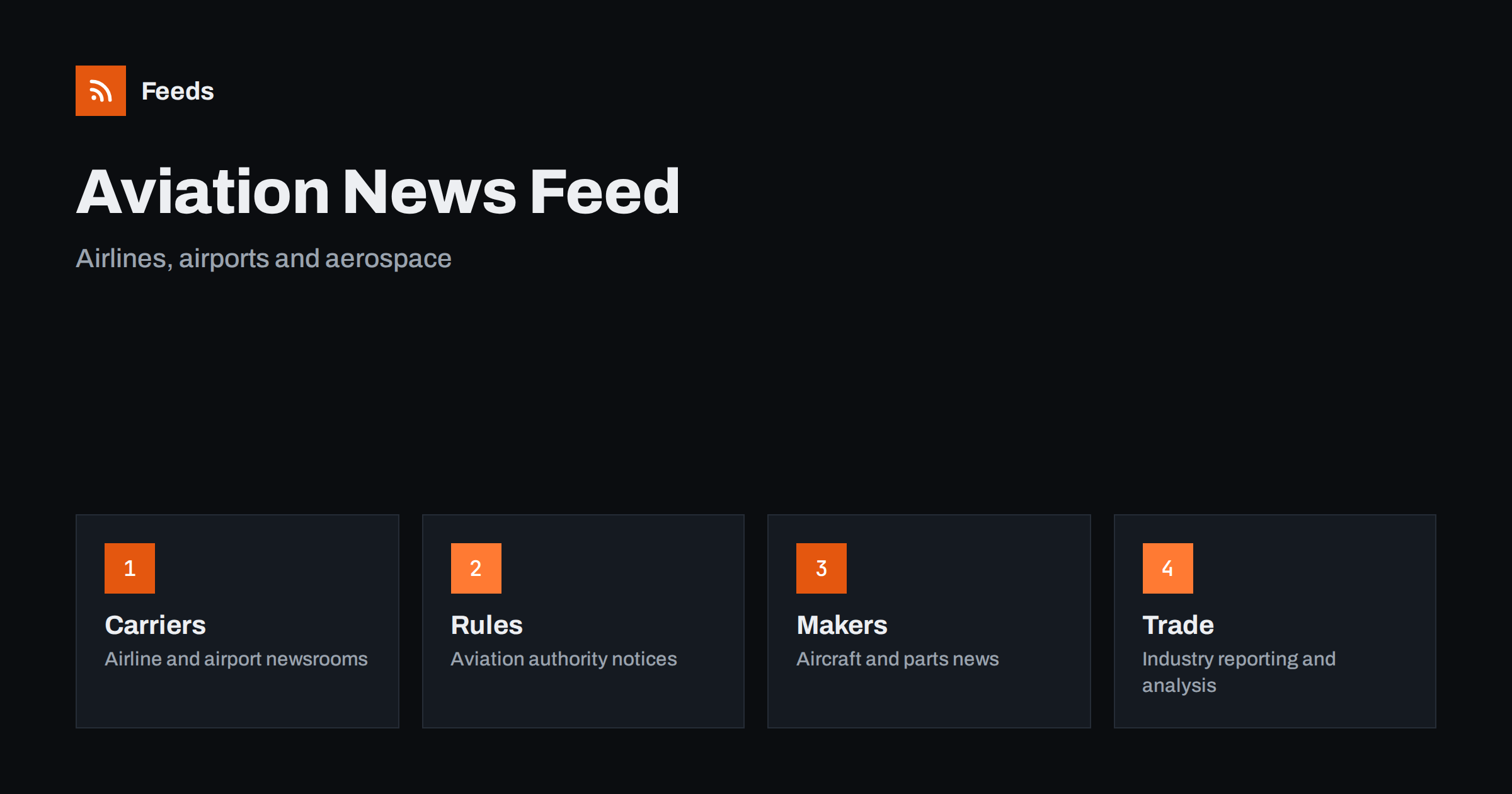
Short answer: Aviation and aerospace news comes from airlines, airports, aviation authorities, manufacturers, investigation bodies, space agencies and a large trade press. RSS lets you collect the sources that matter to your work in one reader, filter them by topic, region or aircraft type and read them in order of publication. Start with official newsrooms for facts, add trade publications for context, and treat every unconfirmed report as a lead to check, not as a result.
Why aviation news is hard to follow
The sector is wide. A route change at one airline, a rule update from an aviation authority, a delivery announcement from a manufacturer, a runway closure at an airport and a launch date from a space agency all count as aviation news, yet they appear on completely different sites. Social media mixes them with rumours and photos of unknown origin, and a search engine returns what is popular, not what is new.
Many people need the news for practical reasons: a travel agent who must know about schedule changes, a supplier who sells to airlines, an aviation student, a journalist or an analyst. Each of them needs a different slice, and each loses time when the slice is hidden among everything else. If you are new to the idea, what is an RSS feed explains the basics in plain words.
Start with primary sources
The most reliable aviation facts come from the organisations that make decisions. Airlines and airports publish press rooms with route announcements, schedule changes, fleet news and operational notices. Aviation authorities publish rules, safety bulletins and consultations. Accident and incident investigation bodies publish reports and updates on open cases. Manufacturers publish order and delivery news and technical announcements. Space agencies publish mission schedules and results.
Make a short list first: your home airline and airport, the authority in your country, the main authority for the region you fly or sell to, and two or three manufacturers that matter to you. The habit of going back to the original is described in fact-checking with RSS: follow primary sources, not screenshots, and it fits aviation well, because rumours spread quickly after every incident.
Add trade press for context
Primary sources tell you what happened. Trade publications explain why it matters: what an order means for a production line, how a new rule affects maintenance costs or how a merger changes competition on a route. Add a few well-known trade titles and a couple of specialist blogs for your niche, such as business aviation, air cargo, airports, defence aerospace or space.
Keep the balance in mind. If trade press makes up most of your reader, you will read opinions about facts you have not seen. A good rule is to keep at least as many primary sources as commentary sources, and to open the primary source whenever an article quotes one. Industry associations are a useful middle ground, and following industry associations and standards bodies with RSS shows how to add them.
Find feeds, even when a site has none
Many newsrooms offer an RSS link, but many airlines and manufacturers hide it or do not publish one. Look for a feed icon in the press section, try the usual feed paths or check the page source for an autodiscovery link. Find the RSS feed of any website: 7 reliable methods lists the options in order.
When there is no feed, a page-to-feed tool can read the list of articles on the news page and build a feed from it, as described in how to create an RSS feed for a website without RSS. Always check the preview: it should show real items with titles, dates and links, not menu entries or banners.
Filter by topic, region and aircraft type
A good aviation feed is narrow. If you sell to regional carriers, you do not need every long-haul route announcement. If you follow safety, you do not need marketing news. Keyword filters help: keep items that mention your region, aircraft family, airport code or topic, and drop the rest. Think about two lists of words, one to include and one to exclude, and review them every month.
Spelling matters in this field. Aircraft names appear with and without hyphens, airlines are written in full and abbreviated forms, and airports are called by city, by name and by code. Test your filters with ten recent items before you rely on them. Set up keyword alerts using RSS feed filters explains the method, and reduce noise in RSS alerts without missing anything helps when the list grows.
Safety, rules and notices
Safety information deserves special care. Authorities publish bulletins and rule changes that affect operators, maintenance organisations and suppliers, and these items often have effective dates and consultation periods. Follow the official pages directly, read the original text and note the date from which a rule applies. Do not rely on a summary from a third party for anything that affects compliance.
The same applies to investigation reports. Early information about an incident is often incomplete, and conclusions appear much later. A feed from the investigating body shows when preliminary information or a final report is published. For other areas of regulation, tracking government and regulator updates with RSS shows how the same approach works.
Travel disruptions and operational notices
Some aviation news is operational: strikes, airport works, air traffic control restrictions, weather closures and schedule changes. Travel agencies, event organisers and frequent flyers need these items quickly. Airport and airline notices pages are the best source, and a feed delivers them without checking every day.
For traveller-facing alerts, follow travel advisories and airline notices with RSS goes deeper, and weather and natural hazard alerts with RSS covers conditions that cause cancellations. Keep notices in a separate folder from general news so that urgent items are not buried.
Do not forget the people side of the sector. Airlines, airports and suppliers publish job openings, training programmes and community news that matter to students and professionals. A separate folder for careers pages, as described in RSS feeds for job listings and careers pages, keeps these items apart from operational news and makes it easy to check them once a week.
A weekly routine that stays short
Do not read aviation news all day. Check the notices folder once or twice a day if your work depends on operations, and read the general folder twice a week. During each reading, open the primary source behind every item you plan to use, mark the rest as read and move on. A short routine such as RSS triage: a fast daily routine for reading less keeps the list under control.
Once a month, review the sources. Remove feeds that stopped publishing, add a source that you keep opening by hand and adjust the filters. If you share the list with colleagues, keep one shared set of sources so that everybody works from the same facts, as suggested in shared RSS reading lists for teams.
Space and defence aerospace need their own thought. Space agencies and launch providers publish mission calendars, test results and press releases, and defence aerospace news often comes from ministries and contractors with a very different tone. Decide whether these belong in your main list or in a separate folder, and label the sources clearly so that you know whether an item is an announcement, a result or an opinion. Dates in this area move often, so open the source again before you quote a launch or delivery date.
How RSS Feed Creator helps
RSS Feed Creator turns the news, notices or press pages of airlines, airports, authorities and manufacturers into clean RSS feeds, even when the site has no feed of its own. It reads titles, images, summaries and dates, uses an existing feed when there is one, and shows a preview of the items before the feed is created. You can merge several sources into one feed (up to 10 with the PostRSS add-on), keep only the items that contain your keywords and have duplicates removed automatically, which suits a reading list for one region or topic. Feeds refresh every 3 hours on the free plan and every 30 minutes on paid plans, and the PostRSS add-on sends an alert when a page changes and a feed stops finding items. The free plan allows up to 20 items per feed, and the details are on the pricing page.
Related reading
- How to Follow Travel Advisories and Airline Notices with RSS
- How to Track Government and Regulator Updates with RSS
- How to Follow Industry Associations and Standards Bodies with RSS
The bottom line
RSS gives you a calm, ordered view of aviation and aerospace news. Start with the official newsrooms and authorities, add a few trade sources for context, filter by region, topic and aircraft type and keep operational notices in a separate folder. Always open the original source before you act on an item, and review the list every month.
FAQ
Which sources should I follow first?
Begin with your home airline and airport, the aviation authority in your country and one or two manufacturers. Add trade publications later for context.
What if an airline site has no RSS feed?
A page-to-feed tool can read the list of articles on its news page and build a feed. Check the preview to make sure it shows real items with titles and dates.
Can I rely on a feed for safety information?
Use it as an early signal, then read the original notice or report. Do not base compliance decisions on a summary.
How do I avoid a flood of items?
Use keyword filters for your region, topic and aircraft type, and keep urgent notices in a separate folder from general news.
How often should I read the list?
Operational notices once or twice a day if your work depends on them, and general news a couple of times a week.