 ENEnglish
 LTLietuviškai
 DEDeutsch
 FRFrançais
 RUРусский
 ESEspañol
 PLPolski
 ITItaliano
 UKУкраїнська
 CSČeština
 PTPortuguês
 JA日本語
JA日本語 LVLatviešu valoda
 ETEesti
 HUMagyar
 IDBahasa Indonesia
 TRTürkçe
 HIहिन्दी
 ELΕλληνικά
 ARالعربية
 THไทย
THไทย VITiếng Việt
 RORomână
 MSBahasa Melayu
 BNবাংলা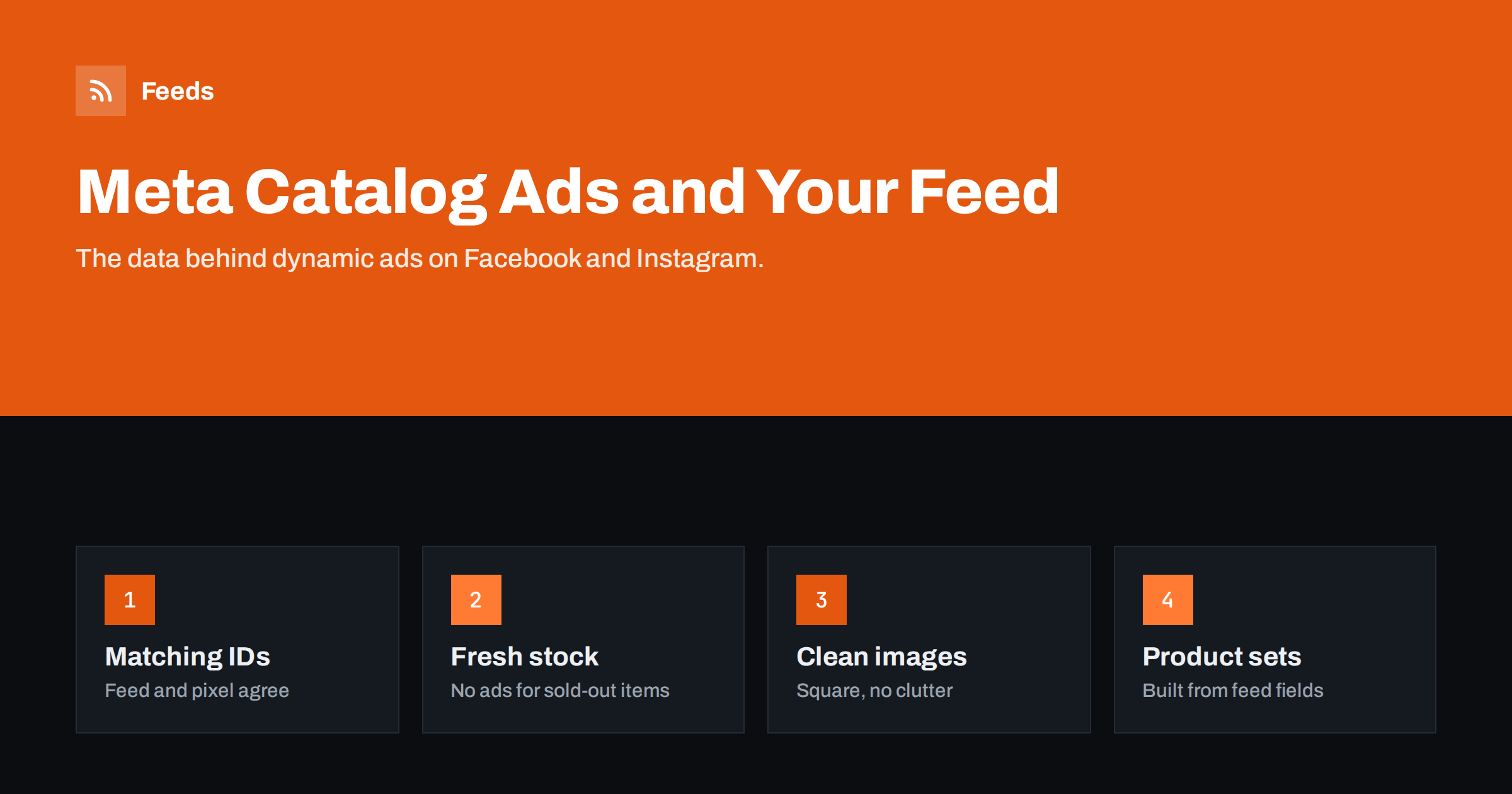
Short answer: Meta catalog ads (formerly dynamic product ads, now part of Advantage+ catalog ads) automatically show products from your catalog to people based on what they viewed or are likely to want. They depend on the product feed: IDs must match the content IDs sent by your pixel, availability and prices must be current, images should be clean and square-friendly, and fields like product_type and custom labels should be consistent so you can build useful product sets. A feed that refreshes automatically from the store is the foundation.
How catalog ads use your feed
With catalog ads, you do not design an ad for each product. You create a template, choose a product set and an audience, and Meta fills in the products for each person. For retargeting, Meta looks at the products someone viewed or added to cart on your website and shows them those products or similar ones. For broad audiences, it chooses products it predicts the person will be interested in.
Everything the ad shows comes from your catalog: the image, the title, the price, the sale price, and the link. There is no creative review step where a person looks at each ad before it runs. If the feed says a product costs 49 EUR and is in stock, that is what the ad shows, whether or not it is still true on your site.
That makes the feed behind a Meta catalog more than a technical detail. It is, in a very direct sense, your ad copy for thousands of ads at once. Every improvement or error in the feed is multiplied across all the people who see those ads.
Catalog ads can also run without any retargeting at all, reaching people who have never visited your site. In that case Meta relies even more on what the catalog tells it about each product: category, brand, price and images. A sparse catalog with generic titles and missing categories gives the system little to work with when it decides who might be interested.
Matching feed IDs with pixel events
Retargeting in catalog ads works by matching website events to catalog items. When a visitor views a product, the Meta pixel (and the Conversions API if you use it) sends a ViewContent event with a content ID. When they add to cart or purchase, similar events follow. Meta looks up those content IDs in the catalog. If the IDs match, it knows exactly which products to show. If they do not, retargeting falls back to weaker signals or does not work at all.
- Use one ID convention everywhere, usually the variant SKU.
- Check whether your pixel sends parent product IDs or variant IDs, and make the feed consistent with that choice.
- Watch for prefixes or suffixes added by plugins, such as a platform name before the ID.
- Check the event match rate in the catalog’s event sources settings and investigate anything well below full match.
This is the single most important technical check for catalog ads, and one of the most often overlooked. A beautiful feed with mismatched IDs is still a weak foundation.
Availability and price freshness
Showing an ad for a sold-out product wastes money and disappoints the person who clicks. Showing an old price damages trust and can conflict with consumer protection rules in some countries. Both happen when the catalog is updated less often than the store changes.
Set the catalog’s scheduled feed to fetch at least daily, and hourly if you run frequent promotions or have fast-selling stock. Make sure the feed itself is regenerated before each fetch, otherwise frequent fetching just reads the same old file. Exclude sold-out products from the product sets used in ads, as a second line of defense.
For sale prices, send sale_price alongside price, so ads can show the discount clearly, and use sale_price_effective_date where possible so the sale ends on time even if a refresh is delayed.
Titles, descriptions and images for social feeds
Catalog ads appear in social feeds, stories and reels, where people are not searching for anything. Your product needs to be understood at a glance. That changes a few priorities compared with search-driven Shopping ads:
- Images carry most of the weight. Use clean, well-lit photos that read well in square and vertical crops. Keep the product centered so cropping does not cut it off.
- Titles should be short and clear. Long, keyword-rich titles that work in search can look awkward in a carousel card. Some stores use a shorter title variant for Meta.
- Avoid text-heavy images. Overlays and badges clutter small placements and may be hidden by ad templates.
- Additional images give Meta more options, including lifestyle shots that fit social placements.
Meta also offers catalog-level creative options, such as overlays that show price or discount in a consistent style. These are better than baking text into your product images, because they update automatically with the feed.
Localization matters too if you advertise in several countries. Meta can use country and language feeds that override the title, description, price and link for each market. A shopper in Germany should see a German title and a price in euros, while a shopper in the UK sees English and pounds. Mixing languages in one catalog without localized feeds leads to ads that feel careless, even when the product is right.
Building product sets from feed fields
Product sets decide which products each campaign can show. They are defined by filters on catalog fields, so the quality of those fields determines how precise your sets can be. Useful fields include:
- product_type for your own category structure.
- brand for brand-specific campaigns.
- custom_label_0 to custom_label_4 for margin bands, seasons, best sellers or clearance.
- availability to exclude sold-out items.
- price and sale_price to separate premium products or discounted items.
A small store can start with two or three sets: all in-stock products, best sellers, and items on sale. As the catalog grows, add category sets so you can shift budget between departments. Because sets are rules, they update automatically as the feed changes, which is exactly what you want.
Common catalog ad problems and their feed causes
| Symptom | Likely feed cause | Fix |
|---|---|---|
| Retargeting shows unrelated products | Pixel IDs do not match feed IDs | Align ID conventions |
| Ads show sold-out items | Feed refresh too slow, sets not filtered | Refresh more often, filter sets by availability |
| Wrong price in ads | Tax, currency or sale timing differences | Send the price shown on the page |
| Products missing from sets | Inconsistent product_type or labels | Generate fields from structured data |
| Poor-looking cards | Small, cluttered or off-center images | Use full-size clean images |
When you diagnose a problem, start with a single product. Find one that appears in the wrong way, look it up in the catalog, compare it with the store and the feed file, and follow the value back to where it came from. One traced example usually reveals the rule or mapping behind hundreds of similar cases, and fixing that rule fixes them all at the next refresh.
Using one feed for Meta and Google
Meta reads feeds in Google’s product XML format, which means one master feed can serve both platforms. For many small stores, that is the right starting point: one source of truth, one refresh schedule, one place to fix data. Differences can be handled later with rules, for example a shorter title for Meta, or excluding products that are allowed on one platform and not the other.
The key is to generate both from the same store data rather than maintaining two separate lists. Separate lists drift apart, and shoppers eventually see different prices on different channels, which is exactly the kind of inconsistency that erodes trust.
How Feeds helps
Feeds builds product feeds from WooCommerce, Shopify or a CSV link in Google’s product XML format, which Meta reads as a scheduled catalog feed. The file refreshes automatically, so stock and price changes reach the catalog without manual uploads. Rules let you skip out-of-stock products, rewrite titles and adjust prices, and the currency is detected automatically. Plans are on the pricing page.
Related reading
- How to Add a Product Feed to a Meta Catalog, Step by Step
- Product Feed Image Requirements for Google and Meta
- Out-of-Stock Products in Your Feed: Keep, Mark or Remove?
The bottom line
Meta catalog ads are only as good as the catalog behind them. Match feed IDs with pixel content IDs, keep availability and prices fresh, use clean images that crop well, and keep product_type and custom labels consistent so product sets stay precise. One well-maintained feed from the store can power both Meta and Google.
FAQ
What are Meta catalog ads?
Ads that automatically show products from your catalog to people based on their behavior and interests. They were previously called dynamic product ads and are now part of Advantage+ catalog ads.
Why does my retargeting show the wrong products?
Usually because the content IDs sent by the pixel do not match the IDs in the feed. Align both on the same convention, such as variant SKUs.
How often should a Meta catalog feed update?
At least daily, and hourly for stores with frequent promotions or fast-moving stock. Make sure the feed file is regenerated before each fetch.
Can I use different titles for Meta and Google?
Yes. You can use a separate feed or rules to send shorter titles to Meta while keeping search-oriented titles for Google.
Should out-of-stock products stay in the catalog?
They can stay, marked out of stock, but product sets used in ads should exclude them so you do not pay for clicks you cannot convert.


