 ENEnglish
 LTLietuviškai
 DEDeutsch
 FRFrançais
 RUРусский
 ESEspañol
 PLPolski
 ITItaliano
 UKУкраїнська
 CSČeština
 PTPortuguês
 JA日本語
JA日本語 LVLatviešu valoda
 ETEesti
 HUMagyar
 IDBahasa Indonesia
 TRTürkçe
 HIहिन्दी
 ELΕλληνικά
 ARالعربية
 THไทย
THไทย VITiếng Việt
 RORomână
 MSBahasa Melayu
 BNবাংলা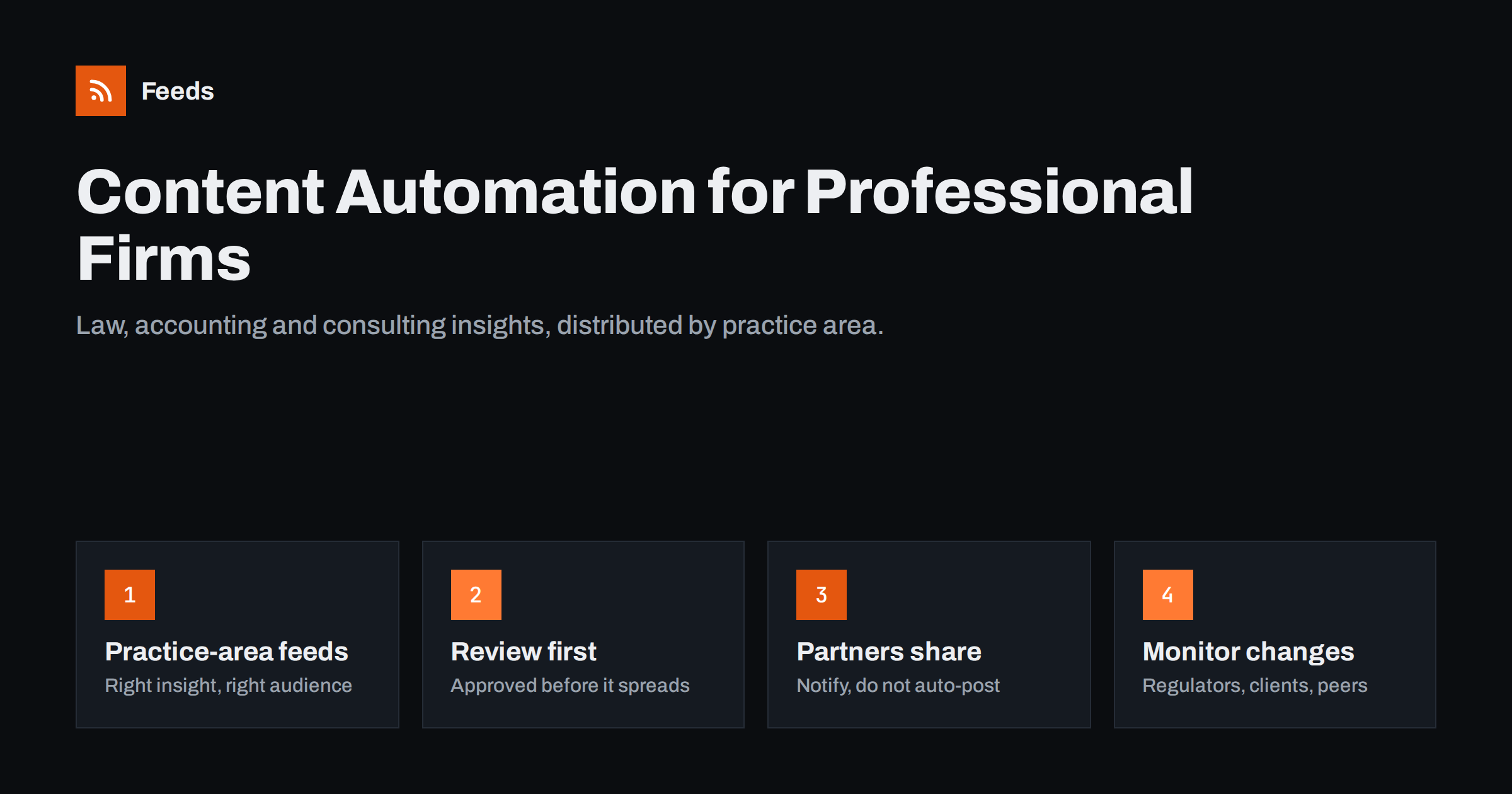
Short answer: Law, accounting and consulting firms publish expertise, not products, so their automation should revolve around practice areas. Publish each insight or client alert on the website under a practice-area category, give each category its own feed, and use those feeds to update the firm’s social pages, practice-area newsletters and internal channels, while notifying partners so they can share personally. Keep a review step for anything that could be read as advice, put standard disclaimers in templates, and check your professional body’s rules on marketing.
Why professional services firms benefit from automation
Professional services firms live on trust and visibility. Clients choose advisers whose thinking they have seen: an article explaining a new regulation, a client alert on a court ruling, a webinar on tax changes. Most firms produce this content, but distributing it well is where things break down.
The typical pattern is familiar. A partner writes an insight, the marketing team publishes it on the website, and then it is posted once on the firm’s main social page, perhaps included in a newsletter weeks later, and never seen by the clients of the practice group it matters most to. Automation fixes the distribution without touching the part that matters most: the expertise and the review.
There is also an internal benefit. Colleagues in other offices and practice groups often do not know what their own firm has published. When new insights flow automatically into internal channels, more people share them with their clients, and cross-selling conversations start more naturally.
Organise by practice area
The key design decision is to treat each practice area or service line as its own channel. Employment law readers do not want tax updates; audit clients do not need notices about mergers. A structure that works:
- Categorise every piece on the website by practice area, and optionally by industry sector.
- Create a feed per category. Most content management systems generate category feeds automatically. Where they do not, feeds can be created from the category listing pages, as explained in following one section of a website.
- Connect each feed to its audience: practice-area newsletters, sector-specific social pages if you have them, and the relevant internal team channel.
- Merge for firm-wide channels. The firm’s main pages receive a merged, filtered feed of the most important items.
Sector tags add a second dimension. A piece on data protection for hospitals belongs to both the privacy practice and the healthcare sector. If the website allows several categories or tags per article, the same item can appear in both feeds, so healthcare clients and privacy clients each receive it without anyone copying it by hand.
Where automated content should go
| Channel | Feed | Approach |
|---|---|---|
| Firm LinkedIn page | All insights, merged | Automated with approval queue and frequency limit |
| Practice-area newsletter | Practice-area feed | Automated digest with a short partner introduction |
| Partners’ personal profiles | Their practice-area feed | Notification with suggested text; partner posts personally |
| Internal team channel | Practice-area feed | Fully automated, so colleagues can share with clients |
| Client portal or extranet | Sector or client-relevant feed | Automated display of the latest items |
Automatic posting to a company page is well established; auto-posting new articles to LinkedIn covers the setup. Personal profiles are different. Posts that appear in a partner’s name should be approved, and ideally written, by that partner. A notification with a link and a suggested sentence respects that and still saves time. For newsletters, turning an RSS feed into an automatic newsletter shows how to build a practice-area digest.
Review, disclaimers and professional rules
Professional services content carries responsibilities that ordinary marketing does not:
- Review before publication. The review belongs before an item is published on the website, so everything downstream is already approved. For firm-wide social channels, an additional approval step is common; the trade-offs are in full auto versus an approval queue.
- Disclaimers in templates. Where appropriate, include a short line such as “General information, not advice” in newsletter templates, and make sure the article page carries the full disclaimer.
- Client confidentiality. Never let client names, matters or deal details enter a public feed without explicit consent. Use separate categories for anything internal.
- Marketing rules. Lawyers, accountants and other regulated professionals are often subject to rules from their professional bodies about advertising, testimonials and claims. Check what applies to your firm and jurisdiction, and reflect it in your templates.
- Records. Some firms need to keep copies of published marketing. Automated posting tools usually keep a history; make sure someone knows where it is.
Speed matters for client alerts
When a regulation changes or a significant judgment is published, the first firm to explain what it means often wins attention and instructions. Automation helps on both sides of this race:
- Incoming: monitoring regulators, courts and official gazettes with feeds means your experts hear about changes quickly. The method is in tracking government and regulator updates with RSS.
- Outgoing: once the alert is written and reviewed, publishing it on the website immediately triggers distribution to every relevant channel, without waiting for someone to update each one.
Consider a typical sequence. A tax authority publishes new guidance in the morning. The firm’s monitoring feed alerts the tax team within the refresh interval, a partner writes a short client alert by early afternoon, it passes review, and publishing it on the website sends it to the tax newsletter list, the firm’s page and the internal tax channel within minutes. Without automation, the same alert might reach clients a day or two later.
The time saved is not in writing, which should stay careful, but in everything around it.
Monitoring clients, prospects and competitors
Feeds also support business development:
- Client and prospect news. Following the news pages of key clients and targets helps partners spot needs early, as described in tracking customer and prospect news with RSS.
- Competitor insights. Seeing what other firms publish on the same developments helps you find angles they missed. See tracking competitor blogs and news.
- Sector news. Industry association and trade press feeds filtered by practice-area keywords keep sector teams informed.
Route these into internal channels per practice group. An internal news feed is a natural home for them.
Mistakes firms commonly make
- One feed for everything. Every client receives every update, and relevance drops.
- Automating partners’ personal accounts. Posts in someone’s name without their involvement can damage trust and may breach professional rules.
- Generic post text. “New article on our website” says nothing. Templates should lead with the practical implication or the question the article answers.
- Posting too often from the firm page. Busy periods can produce a burst of alerts. Limit how many posts go out per day.
- Stale content resurfacing. Resharing old insights after the law has changed is worse than not posting. Exclude outdated categories from any evergreen resharing.
A practical rollout plan
- Agree the practice-area categories with partners and apply them to existing content.
- Check which feeds your website produces and create any that are missing.
- Pilot with one practice group: firm page posting with approval, a monthly practice newsletter and an internal channel.
- Write templates with the right tone and disclaimers, and have the practice lead approve them.
- Review after two months: engagement, newsletter clicks and partner feedback, then extend to other practices.
Measure what matters to a firm rather than generic social metrics: newsletter open and click rates per practice, visits to insight pages from each channel, and, most importantly, whether clients and prospects mention the insights in conversations with partners. A short monthly note to partners on what performed well keeps them engaged with the process.
How Feeds helps
Feeds creates clean RSS feeds from website sections and listing pages that have no feed of their own, such as a practice-area insights page, a regulator’s news page or a client’s press page. It can merge several sources into one feed, remove duplicates and keep only items with (or without) your keywords, and feeds refresh by themselves without any access to the source website. The feed links work in any posting, newsletter or chat tool. You can create a feed on the free plan.
Related reading
- Content automation checklist: 30 checks before you go live
- What is content automation? A practical guide for small teams
- How often should automated feeds post to social media?
The bottom line
For law, accounting and consulting firms, content automation is about getting expert insights to the right audience consistently. Organise content by practice area, give each area a feed, and let feeds drive firm pages, newsletters, client portals and internal channels, with partners sharing personally. Keep review before publication, disclaimers in templates and confidential matters out of public feeds, and use the same feeds to monitor regulators, clients and competitors.
FAQ
What can a law or accounting firm automate in its content marketing?
Distribution of published insights and client alerts to the firm’s social pages, practice-area newsletters, client portals and internal channels. Writing, review and posts on partners’ personal profiles should stay manual.
Should partners’ LinkedIn profiles be automated?
Generally not. Posts in a person’s name should be approved and ideally written by that person. Send partners a notification with a link and suggested text instead.
How do we keep automated posts compliant with professional rules?
Review content before it is published on the website, include appropriate disclaimers in templates, keep client information out of public feeds, and check your professional body’s rules on marketing and advertising.
How can we send practice-area newsletters automatically?
Give each practice area its own category and feed, then connect each feed to an RSS-to-email campaign that sends a digest, ideally with a short introduction from the practice lead.
Can feeds help us react faster to regulatory changes?
Yes. Feeds from regulators, courts and official publications alert your experts quickly, and publishing the resulting client alert on your website triggers distribution to all relevant channels at once.


