 ENEnglish
 LTLietuviškai
 DEDeutsch
 FRFrançais
 RUРусский
 ESEspañol
 PLPolski
 ITItaliano
 UKУкраїнська
 CSČeština
 PTPortuguês
 JA日本語
JA日本語 LVLatviešu valoda
 ETEesti
 HUMagyar
 IDBahasa Indonesia
 TRTürkçe
 HIहिन्दी
 ELΕλληνικά
 ARالعربية
 THไทย
THไทย VITiếng Việt
 RORomână
 MSBahasa Melayu
 BNবাংলা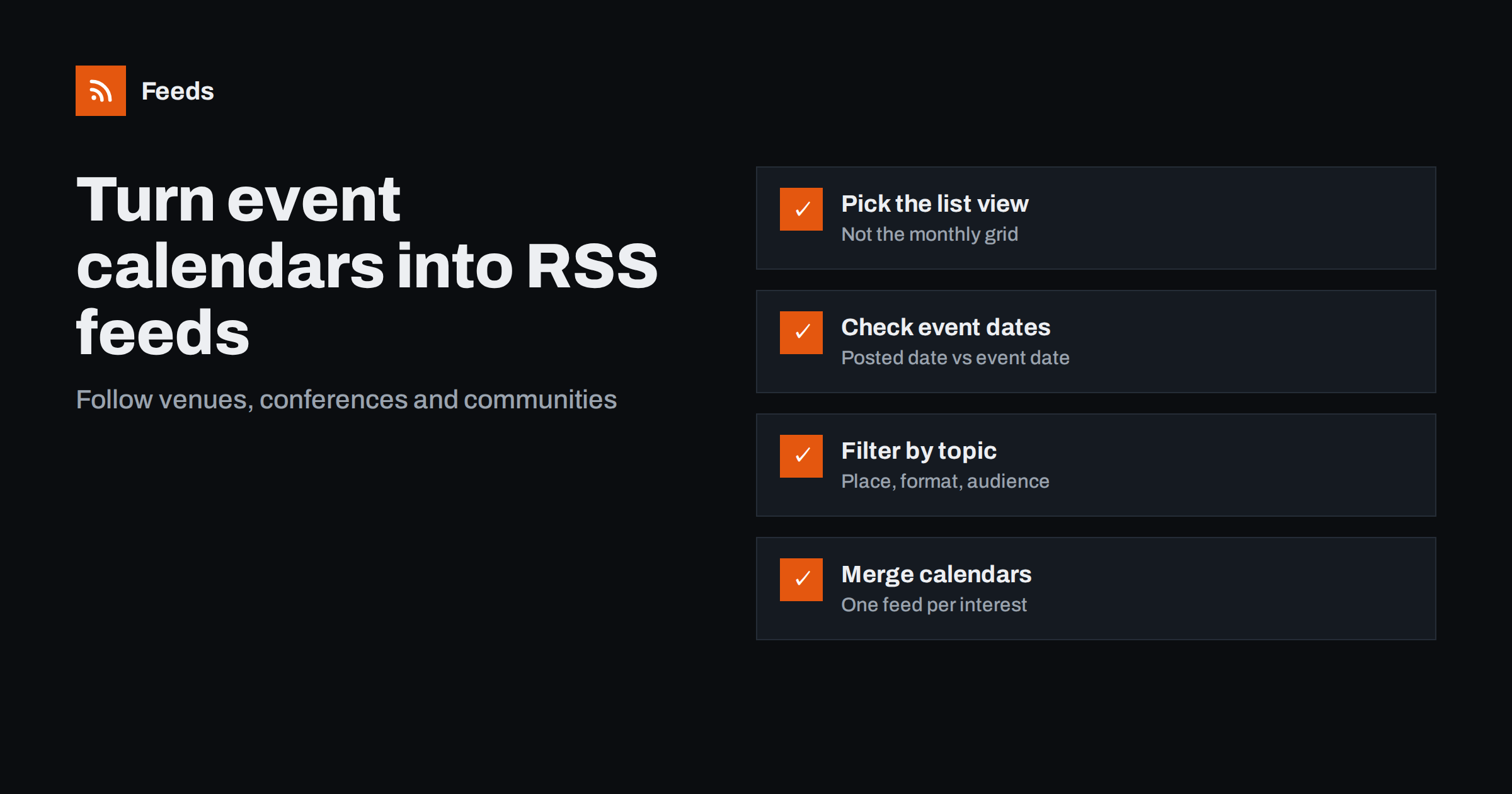
Short answer: To follow an event calendar with RSS, find the calendar’s list or “upcoming events” view rather than a monthly grid, check whether the site already offers a feed or iCal export, and otherwise create a feed from the list page with a page-to-feed tool. Filter the feed by topic, place or format, and merge several calendars into one feed per interest. Remember that a feed item’s date usually reflects when the event was listed, not when it takes place.
Events are one of the most useful things to monitor and one of the least convenient. Industry conferences announce speakers and dates, venues add performances, councils list public meetings, universities publish lectures, and community groups post meetups. Almost all of them use calendar pages designed for browsing, not following. If you want to know when something relevant is added, you usually have to keep visiting. Feeds change that.
Who benefits from event feeds
- Marketers and event managers planning their own calendar around industry dates, or looking for speaking and sponsorship opportunities.
- Sales teams who want to know where customers and prospects will gather.
- Local businesses such as restaurants, hotels and shops that benefit from knowing about nearby events.
- Journalists and community editors who compile “what’s on” listings.
- Researchers and students following seminars and lectures across several institutions.
- Anyone with a hobby who wants to hear about concerts, exhibitions or sports events without checking many sites.
Step 1: Check for existing feeds and calendar exports
Event platforms and calendar plugins often provide machine-readable outputs, even if they are not prominent.
- Nguồn cấp RSS of upcoming or recently added events, especially on sites using common content management systems and event plugins.
- iCal (ICS) exports, which are designed for calendar apps rather than feed readers. They are great if you want events in your calendar, less so if you want to be notified about new additions.
- Structured data: many event pages include Schema.org
Eventmarkup with name, start date, location and URL, because search engines use it for event listings.
If the site offers a feed of newly added events, use it. If it only offers an iCal export, consider whether you want events in your calendar or notifications of new ones; the two needs lead to different tools.
Step 2: Choose the right view of the calendar
Calendar pages come in several layouts, and not all of them make good feed sources.
| View | Suitability as a feed source | Why |
|---|---|---|
| List of upcoming events | Excellent | One block per event with title and link |
| Filtered list (by category or place) | Excellent | Fewer, more relevant items |
| Monthly grid | Poor | Items spread across cells, often truncated, and the view changes each month |
| Map view | Poor | Items usually loaded by scripts |
| Single event page | Not suitable | No list to follow |
Most calendars offer a list view somewhere, often labelled “list”, “upcoming” or “all events”. If filters for category or location change the address, use the filtered address to get a focused feed.
Step 3: Create the feed and check the preview
Paste the list view address into a page-to-feed tool and review what it finds. For event pages, look closely at three things.
- Titles: each item should be an event name, not a date heading like “Saturday 14 March” that some lists use to group events.
- Links: each item should link to its own event page, not to a shared booking page.
- Completeness: the first page of the list may show only the next few weeks. That is fine for catching new additions near the top, but events added far in the future might appear on later pages.
The date pitfall: listing date versus event date
This is the most important thing to understand about event feeds. RSS items have a publication date, which in an event feed usually means when the event was added to the calendar, or when the feed tool first saw it. The event’s own date, when it actually happens, is a different field.
In practice this means:
- Your reader sorts items by when they were listed, not by when they take place.
- An event happening next week and one happening next year may appear side by side, because both were just added.
- To see the event date, look at the title, the summary or the event page itself. Many calendars include the date in the event’s title or excerpt, which then appears in the feed.
For monitoring, listing order is actually what you want: you learn about each event once, when it is announced. If you need a chronological agenda, an iCal export into a calendar app is the better tool.
Step 4: Filter and merge by interest
Busy calendars list many events you do not care about. Filters make them useful.
- By topic: keep events mentioning your industry terms, technologies or themes.
- By place: keep events that mention your city or region, if the location appears in the title or summary.
- By format: exclude “webinar” if you only attend in person, or keep only “conference” and “summit”.
Then merge calendars by interest. A marketing team might merge the event pages of three industry associations, two trade fair venues and a regional business chamber into one “industry events” feed. A local café might merge the town council’s events page, the cultural centre and the sports stadium into a “busy days nearby” feed.
Common mistakes with event feeds
- Using the monthly grid. The address may change every month, and items are hard to detect. Always look for the list view.
- Expecting chronological order. Feeds sort by listing date. Put the event date into your own notes or calendar.
- Filtering on words that only appear on the event page. Filters see the feed item’s title and summary. If a calendar shows only event names, filter on words likely to appear in names, or skip filtering for small calendars.
- Forgetting recurring events. Some calendars list each occurrence of a weekly event as a separate item, which can flood a feed. An exclude word for the recurring series name fixes this.
- Ignoring cancellations. A feed announces new events but rarely tells you when one is cancelled or moved. Check the event page before you travel or plan around it.
Event calendars are also redesigned surprisingly often, particularly when organizers switch ticketing or calendar plugins before a new season. A quick monthly look at the newest item in each event feed, or an automatic alert when a feed stops finding items, catches this before you miss an announcement.
A worked example
A B2B software company wants to plan its conference presence for the coming year. The marketing manager lists the events pages of four industry associations, two large trade fair organizers and a technology meetup platform’s page for relevant groups. Two associations publish feeds; the rest do not, so she creates feeds from their upcoming events lists.
She merges everything into one feed filtered for the company’s industry terms and excludes “webinar”. Each new item tells her that an event has been announced, and she opens the event page to note its date, location and call-for-speakers deadline in a planning spreadsheet. Over a few months the spreadsheet becomes a complete picture of the year’s events, built with a few minutes of attention each week and without missing early speaker deadlines.
How Feeds helps
Feeds turns event list pages into RSS without any access to the organizer’s website. When a calendar already has a feed, Feeds uses it; when it does not, Feeds finds the list of items on the page and reads JSON-LD data where present, then shows a preview before creating the feed. You can merge several calendars into one feed and keep only items with your words, with duplicates removed automatically. Feeds refresh on their own, and paid plans alert you if a feed stops finding items. The feed link works in any reader or tool. See the plans for details.
Related reading
- How JSON-LD Structured Data Helps Turn Pages into Feeds
- How to Merge Multiple RSS Feeds into One Clean Feed
- How Page-to-Feed Tools Find the Articles on a Web Page
The bottom line
Event calendars become far more useful as feeds. Use the list view, check for existing feeds or exports, preview the items, and remember that feed dates reflect when an event was listed, not when it happens. Filter by topic, place and format, merge calendars by interest, and record the details you need from each event page.
FAQ
Can I get an RSS feed from an events calendar?
Often yes. Some calendars publish feeds or iCal exports, and for those that do not, a page-to-feed tool can create a feed from the calendar’s list view.
What is the difference between an iCal export and an RSS feed of events?
An iCal export puts events into your calendar app at their actual dates. An RSS feed notifies you when new events are added, sorted by when they were listed.
Why are events in my feed not in date order?
Feed items are dated by when they were published or first seen, not by when the event takes place. Check the title, summary or event page for the actual event date.
Which calendar view works best for a feed?
A list of upcoming events, ideally filtered by category or location. Monthly grids and map views are usually poor sources because items are scattered or loaded by scripts.
How can I follow events in my city only?
Use a location-filtered list view if the calendar offers one, or add your city and nearby place names as include words. This works when the location appears in the event title or summary.


