 ENEnglish
 LTLietuviškai
 DEDeutsch
 FRFrançais
 RUРусский
 ESEspañol
 PLPolski
 ITItaliano
 UKУкраїнська
 CSČeština
 PTPortuguês
 JA日本語
JA日本語 LVLatviešu valoda
 ETEesti
 HUMagyar
 IDBahasa Indonesia
 TRTürkçe
 HIहिन्दी
 ELΕλληνικά
 ARالعربية
 THไทย
THไทย VITiếng Việt
 RORomână
 MSBahasa Melayu
 BNবাংলা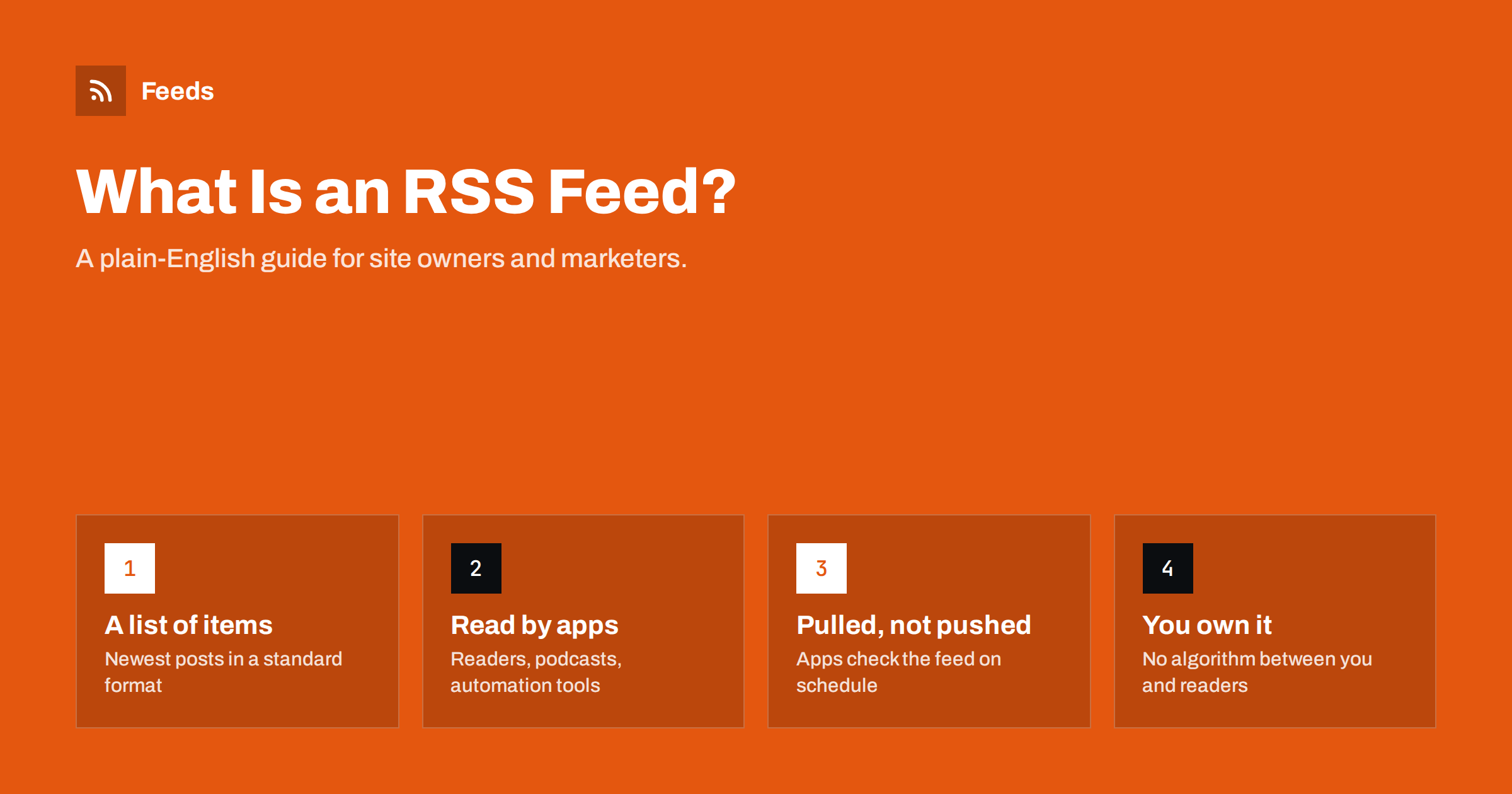
Short answer: An RSS feed is a file on a website that lists its newest items, such as articles, episodes or products, in a standard XML format. Apps like feed readers, podcast players and automation tools check that file regularly and show or reuse anything new. For a site owner, a feed is a free, algorithm-free way to let people and software follow every update.
RSS has been around since the late 1990s, and it quietly powers far more of the web than most people realise. Every podcast you have ever subscribed to reached your phone through an RSS feed. Many newsletters, news aggregators and social media scheduling tools start with one. Yet many business owners have never looked at their own feed, or do not know whether their site has one at all. This guide explains what a feed is, how it works, and what a good one looks like, without assuming any technical background.
What RSS actually is
RSS is usually expanded as “Really Simple Syndication”. In practice it is a small text file written in XML, a structured format that computers read easily. The file has two layers:
- The channel. Information about the source itself: its name, its home page address, a short description and the language.
- The items. One entry per piece of content, usually newest first. Each item typically has a title, a link, a publication date, a unique identifier and a summary or the full text.
That is essentially all there is to it. A feed does not contain your design, your menus or your adverts. It contains only the content and the facts about it, which is exactly why so many different apps can use it. A feed reader can show it as a tidy list, a podcast app can download the audio file attached to each item, and an automation tool can post each new item somewhere else.
You may also hear about Atom, a similar format created later with stricter rules, and JSON Feed, a newer format that uses JSON instead of XML. Most software reads RSS and Atom interchangeably, and people often say “RSS” to mean any of them.
How a feed reaches readers
The most important idea behind RSS is that it is pulled, not pushed. Your website does not send anything to subscribers. Instead, each app that follows your feed visits the feed address from time to time, compares what it finds with what it saw last time, and treats anything with a new identifier as a new item.
- You publish a new post. Your content management system adds it to the top of the feed automatically.
- A reader app, podcast directory or tool requests the feed address, often every 15 minutes to a few hours, depending on the app.
- The app notices an item it has not seen before and shows it to the user, downloads the episode or triggers an action.
Because the app does the checking, you never need a list of subscribers, and subscribers never have to give you their email address. That privacy is one of the reasons people still like RSS. It also means you usually cannot see exactly how many people follow your feed, a trade-off we come back to below.
Who uses RSS today
It is easy to assume that RSS died when Google Reader closed in 2013. It did not. The audience simply moved into places where RSS is less visible:
- Feed reader users. Professionals, researchers and journalists who follow dozens or hundreds of sources and want everything in one chronological list.
- Podcast listeners. Every major podcast app finds new episodes by reading RSS feeds. Directories are essentially large catalogues of feed addresses.
- Newsletter tools. Many email platforms offer “RSS-to-email” campaigns that send a digest of your newest posts automatically.
- Social media automation. Scheduling tools read a feed and post each new item to social profiles.
- Aggregators and partners. News apps, industry portals and partner websites often import content through feeds.
- Developers and AI tools. A feed is the cleanest structured source of “what is new on this site”, so scripts and assistants use it too.
In other words, even if few of your visitors say “I use RSS”, many of the tools they rely on do.
What a typical feed looks like
You do not need to write XML by hand, but seeing the shape helps. A single item in an RSS 2.0 feed usually contains these elements:
| Element | What it holds | Why it matters |
|---|---|---|
| title | The headline of the item | What readers see first in every app |
| link | The address of the full page | Sends readers back to your site |
| guid | A unique, permanent identifier | Stops apps from showing duplicates |
| pubDate | Publication date and time | Controls ordering and “new” status |
| description | A summary or the full HTML text | What readers can read without clicking |
| enclosure | An attached file, such as audio | Required for podcast episodes |
If you open a feed in a browser, you may see raw code rather than a pretty page. That is normal: feeds are built for apps, not for people browsing directly. Some sites add a stylesheet so the feed looks friendlier in a browser, but it is optional.
How to find out whether your site has a feed
Most modern platforms publish a feed automatically. Try these common addresses on your own domain:
- WordPress:
/feed/for posts, plus feeds for each category and tag. - Shopify blogs: the blog address followed by
.atom, for example/blogs/news.atom. - Ghost:
/rss/. - Many other systems:
/rss,/rss.xml,/feed.xmlor/atom.xml.
You can also view the source of your home page and search for application/rss+xml. A line containing that text is an autodiscovery link, which tells browsers and readers where your feed lives. If you find neither a feed nor an autodiscovery link, your readers and tools are missing an easy way to follow you.
What makes a good feed
A feed can exist and still be poor. Readers and tools notice problems quickly, even if you never do. A good feed usually has:
- Stable identifiers. Each item keeps the same guid forever. Changing identifiers, for example after a site migration, makes every app show old posts as new.
- Correct dates. Dates in the standard format with a time zone, so items sort correctly.
- A useful summary or full text. Empty descriptions give readers no reason to click.
- An image. Many apps show a thumbnail when the feed provides one, either as an enclosure, a media element or an image in the HTML.
- A sensible length. Ten to fifty recent items is typical. Very long feeds are slow to fetch; very short ones cause missed items if you publish in bursts.
- Clean text. Correct character encoding, so quotes and accented letters do not turn into strange symbols.
- Validity. A feed that passes a validator, such as the W3C Feed Validation Service, is read reliably by strict apps as well as forgiving ones.
RSS and your business: honest pros and cons
RSS is not a marketing miracle, but it is cheap and durable. Here is a balanced view.
Advantages:
- No algorithm decides whether followers see your update. If it is in the feed, it reaches every app that follows you.
- It costs nothing and usually needs no setup on modern platforms.
- One feed can feed many channels at once: readers, newsletters, social posting tools and partners.
- It respects readers’ privacy, which some audiences value highly.
Limitations:
- Subscriber numbers are hard to measure precisely, because apps fetch feeds on behalf of many users.
- Most casual web users do not know what a feed is, so do not expect a big “subscribe via RSS” audience on its own.
- Full-text feeds make it easier for low-quality sites to copy your content, so some publishers prefer summaries.
For most sites the sensible approach is simple: make sure a clean feed exists, link to it, and let tools do the rest.
When a site has no feed you can use
Sometimes the problem is the other way round: you want to follow or reuse a site that does not publish a feed, or whose feed is broken. This is common with company news pages, small shops, job boards and older sites. Our tool, Feeds, was built for this situation. You paste a page address, it looks for an existing feed first and uses it if there is one, and otherwise it finds the list of articles on the page and turns it into a clean RSS feed with titles, images, summaries and dates. You see a preview before anything is created, and the feed refreshes on its own. You can also merge several sources into one feed and keep only items with your keywords. The free plan is enough to try it on one site; details are on the pricing page.
Related reading
- RSS vs Following on Social Media: Why Feeds Still Matter
- How to Publish a Changelog RSS Feed Customers Will Follow
- A Short History of RSS: From Portals to Podcasts and Beyond
The bottom line
An RSS feed is a simple, standard list of your newest content that apps can read without a human in the loop. It powers podcasts, feed readers, newsletters and much of the automation marketers rely on. Most platforms create one for you, so the real work is checking that yours exists, has stable identifiers and correct dates, and includes useful text and images. A few minutes of checking gives every tool that follows you a reliable source.
FAQ
Is RSS still used in 2026?
Yes. It is less visible than in the 2000s, but podcasts depend on it entirely, and feed readers, newsletter platforms, aggregators and automation tools still read RSS every day. Most content management systems publish a feed by default.
What is the difference between RSS and Atom?
Both are XML formats for listing new items. Atom was designed later with stricter rules for dates, identifiers and content types. Almost every reader and tool supports both, so for most sites the choice does not matter much.
Do I need to do anything to get an RSS feed?
Usually not. WordPress, Ghost, Shopify blogs and most other platforms create a feed automatically. You should still open it once, check that titles, dates and images look right, and make sure your pages link to it.
Can I see how many people subscribe to my RSS feed?
Only approximately. Many feed readers report a subscriber count in the user agent when they fetch your feed, which your server logs can show. Reliable totals across all apps are not available, because some services fetch once for many users.
Is RSS good for SEO?
A feed is not a ranking factor, but it helps search engines and other tools discover new pages quickly, and it helps readers and partners come back to your site. Treat it as a distribution channel rather than a way to rank higher.


