ENEnglish
 LTLietuviškai
 DEDeutsch
 FRFrançais
 RUРусский
 ESEspañol
 PLPolski
 ITItaliano
 UKУкраїнська
 CSČeština
 PTPortuguês
 JA日本語
JA日本語 LVLatviešu valoda
 ETEesti
 HUMagyar
 IDBahasa Indonesia
 TRTürkçe
 HIहिन्दी
 ELΕλληνικά
 ARالعربية
 THไทย
THไทย VITiếng Việt
 RORomână
 MSBahasa Melayu
 BNবাংলা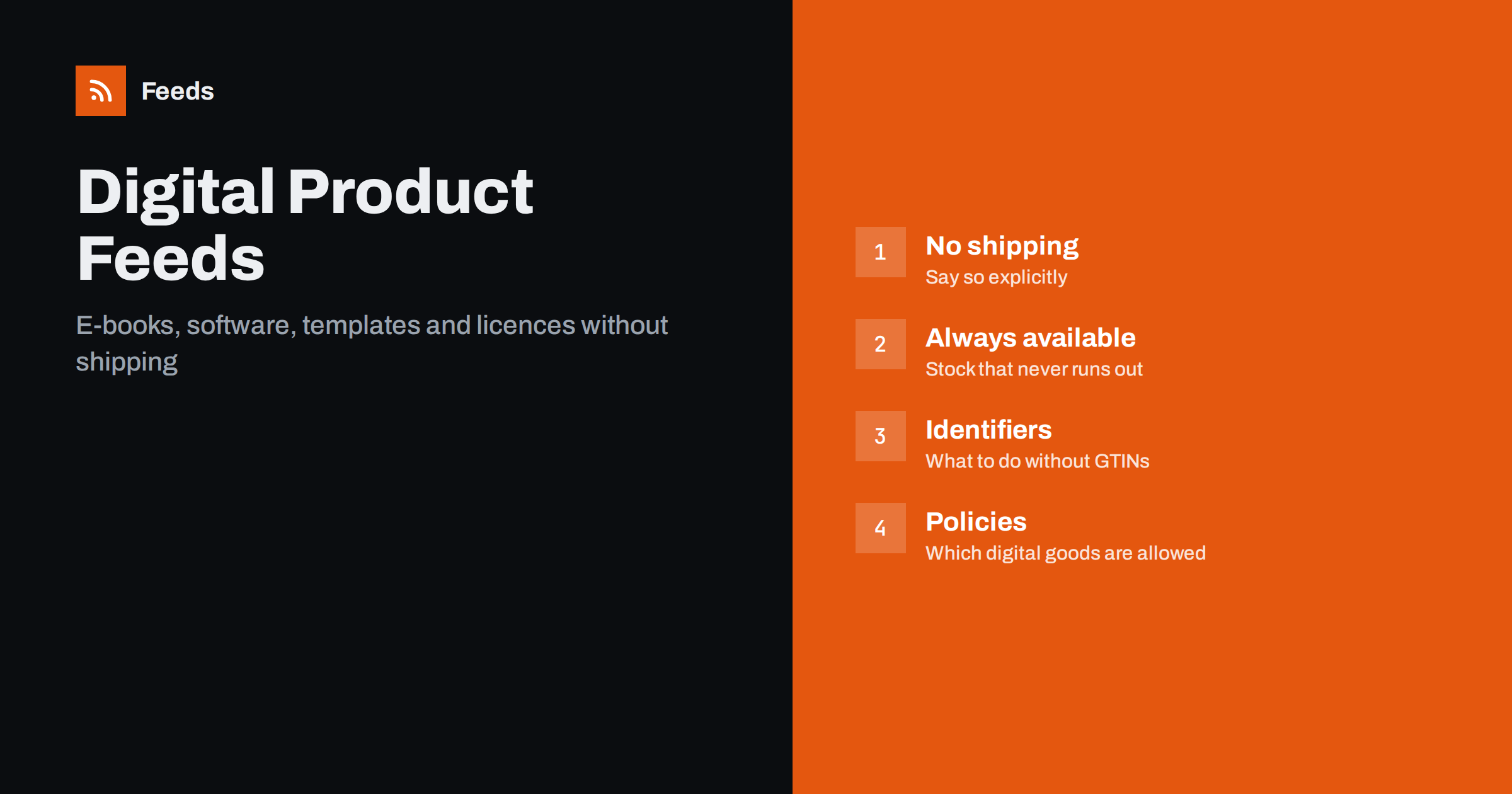
Short answer: Digital products are easier to ship and harder to list than physical ones. A feed for e-books, software, templates, presets, fonts, courses or licence keys has no stock, no weight and no delivery, but the shopping platforms still expect shipping values, availability, identifiers and a landing page that matches the feed. The work is mostly about saying “none” correctly: zero shipping declared explicitly, availability set to in stock, identifiers marked as not existing where there are none, and tax handled for the buyer’s country. On top of that, each platform decides which digital goods it accepts at all, and that policy must be checked before the feed is built.
What counts as a digital product here
This guide covers anything delivered as a file or a code: e-books and audiobooks, software and apps sold as a download or licence key, design assets such as templates, fonts, icons and presets, stock photos and music, printable patterns and plans, online courses sold as a one-off purchase, and gift cards or vouchers delivered by e-mail. Subscriptions and recurring memberships are a related but separate case, because the platforms treat recurring pricing differently and often exclude it from standard shopping listings; check the rules for your platform before listing anything that renews.
If you have never built a feed before, read what a product feed is first. The rest of this guide assumes you know the usual required attributes and focuses on what changes when nothing physical is sent.
Check the policy before anything else
Each shopping platform maintains a list of product types it accepts, and digital goods sit in a grey area. Some platforms list downloadable software, e-books and digital gift cards as eligible in some countries and not in others; some exclude particular categories, such as items that are themselves advertising services; and the rules differ between search-style shopping listings and social catalogue ads. The policy also changes over time. So the first step for a digital store is to read the current eligibility rules of the platform for each country you sell in, and only then decide which products go into the feed. A category that is not eligible will not be approved no matter how good the data is, and repeated rejections can affect the whole account.
Shipping: zero, and said explicitly
The platforms require shipping information for every product, and leaving it blank for a digital item is a common cause of rejection or of a wrong “shipping cost unknown” state. Set shipping to zero at the product level, or create a shipping label for digital goods and attach a zero-cost rate to it in the account. Do not rely on an account-wide default that was set for physical products, because it will advertise a delivery charge on a download. The ways to express shipping, and when product-level attributes beat account settings, are in shipping in product feeds. Weight and dimensions are not needed and should be left out rather than set to zero, which some platforms treat as an error.
Availability and quantity
A download is always in stock, so set availability to in stock on every item and make sure the store does not expose a quantity of zero for digital products, which some store systems do by default for items without inventory tracking. Pre-orders are the exception: a book or a software version with a release date is listed as preorder with the availability date, and switched to in stock on release. If a product is withdrawn, remove it from the feed rather than marking it out of stock, because “out of stock” on a download confuses shoppers and reviewers alike. The general reasoning is in out-of-stock products in your feed.
Identifiers: ISBN, GTIN or none
Books, including e-books and audiobooks, have ISBNs, and an ISBN is accepted as a GTIN in the feed, so fill it in. Commercial software from larger publishers often has a GTIN for the boxed or download edition, and a brand. Templates, presets, fonts, courses and your own software usually have no standard identifier, and for those the correct approach is to set the identifier-exists attribute to false and supply a brand (your own name) and a title that identifies the product. Do not invent codes or reuse the ISBN of a print edition for a different format. The rules for each case are explained in GTIN, MPN and brand in product feeds.
Titles and descriptions for intangible goods
A shopper cannot see a download, so the title has to say what it is and what it works with. “Resume Template” is weak; “Modern Resume Template for Word and Google Docs, 3 Pages” is a product. For software, include the platform, the edition and the licence term (“Windows and Mac, 1 user, lifetime licence”). For e-books, the author and the format. For courses, the length and the format. The description should answer the questions a buyer asks before paying for something they cannot return: file formats, compatible software versions, number of files, licence terms (personal or commercial use), language, and how delivery works. The writing rules in how to write product descriptions for shopping feeds apply, with more weight on compatibility and licence terms than usual.
Images for products that have no shape. Digital products need a main image that shows the product on a plain background, and for a file that is a challenge. A clean mock-up of the template on a device screen, the book cover, or the software box art is usually accepted; a collage of many screenshots or an image covered in text and badges usually is not. Keep the main image simple and use additional images for screenshots and previews. The size and content rules are in product feed image requirements, and they are enforced for digital items exactly as for physical ones.
Tax, currency and country
Digital goods are taxed at the buyer’s location in many jurisdictions, including sales within the EU, which means the price a customer in one country pays can differ from another’s for the same download. The feed price must match what the landing page shows to a visitor from the feed’s target country, so either show prices inclusive of that country’s tax and set the feed accordingly, or run a separate feed per country with the right prices and currency. How tax is expressed in feeds, and where it goes wrong, is covered in VAT and tax in product feed prices; the multi-country setup is in multi-country product feeds.
The landing page. Reviewers check that the landing page sells the product in the feed, at the feed price, in the feed language and currency, without requiring a login or an app to see the price. For digital products they also look for clear delivery terms: when and how the file or key is delivered, what the refund policy is, and what the licence allows. A page that hides the price behind “add to cart” or sends shoppers to a third-party marketplace will fail. The full set of expectations is in product landing page requirements.
Checks before you submit
- Each product type is eligible on the platform in the target country according to the current policy.
- Shipping is explicitly zero at product level or through a label; weight and dimensions are absent.
- Availability is in stock, or preorder with a date; withdrawn products are removed.
- ISBNs and real GTINs are filled; everything else has identifier-exists set to false and a brand.
- Titles state format, compatibility and licence term; descriptions cover delivery and refunds.
- Main images are clean; screenshots are additional images.
- Prices match the landing page for the target country, tax included where required.
Then run the general product feed checklist. Digital catalogues tend to be small, so a full manual pass over every item is realistic and worth doing once.
How RSS Feed Creator helps
RSS Feed Creator builds Google Merchant Center and Meta catalog XML straight from your store. WooCommerce and Shopify are read automatically, and any other store can use a CSV link. You can rewrite titles with rules so that format and licence terms appear consistently, adjust prices and exclude products that should not be in the feed. The currency is detected automatically. Before you submit anything, check the preview and the Merchant Center diagnostics to confirm that identifiers and shipping values arrive as you expect. The free plan includes product feeds with up to 50 products, which covers many digital catalogues, and the Store plan covers one store with 3 product feeds and up to 2,000 products. The details are on the pricing page.
Related reading
- CSV Product Feeds: How to Build One That Platforms Accept
- Google Product Feed Attributes: Required and Recommended
- Merchant Center Disapproved Products: Causes and Fixes
The bottom line
A digital product feed is mostly about declaring absences correctly: zero shipping, permanent availability, no identifiers where none exist, and no physical attributes. Check the platform’s eligibility rules first, write titles that say what the file is and what it works with, keep images clean, price for the buyer’s country and make the landing page spell out delivery and licence terms. Done that way, a download passes review as easily as a box.
الأسئلة الشائعة
Can I list e-books and software in a shopping feed?
Often, but eligibility depends on the platform and the country, and the rules change. Check the current policy for each platform and market before building the feed, because an ineligible category will be rejected regardless of data quality.
What do I put for shipping on a digital product?
Zero, declared explicitly at product level or through a shipping label with a zero rate. Do not leave it blank and do not rely on an account default made for physical goods. Leave weight and dimensions out entirely.
My templates have no GTIN. Will they be rejected?
No, as long as you set the identifier-exists attribute to false and provide a brand and a clear title. Only invent nothing: made-up codes and reused ISBNs cause real rejections.
Why does my feed price not match the page for some visitors?
Digital goods are often taxed at the buyer’s location, so the page shows different prices by country. Target one country per feed with the price that country sees, tax included where required, or run a feed per country.
Should a download ever be marked out of stock?
No. A download is always available; if you stop selling it, remove it from the feed. Use preorder with a date for unreleased books or software versions.