 ENEnglish
 LTLietuviškai
 DEDeutsch
 FRFrançais
 RUРусский
 ESEspañol
 PLPolski
 ITItaliano
 UKУкраїнська
 CSČeština
 PTPortuguês
 JA日本語
JA日本語 LVLatviešu valoda
 ETEesti
 HUMagyar
 IDBahasa Indonesia
 TRTürkçe
 HIहिन्दी
 ELΕλληνικά
 ARالعربية
 THไทย
THไทย VITiếng Việt
 RORomână
 MSBahasa Melayu
 BNবাংলা
#RSS Feed Generator
An RSS feed generator creates a feed for a website that does not publish one itself. It reads a public page, finds the list of items on it and turns those items into standard RSS entries with titles, links, dates and images. Good generators reuse an existing feed when one exists and show a preview before anything is created. They also refresh the feed on a schedule so new items appear without manual work. Articles under this tag compare approaches, explain how generators work and show how to get reliable feeds from pages without RSS.
 29 sept 2026 · 8 min de lectura
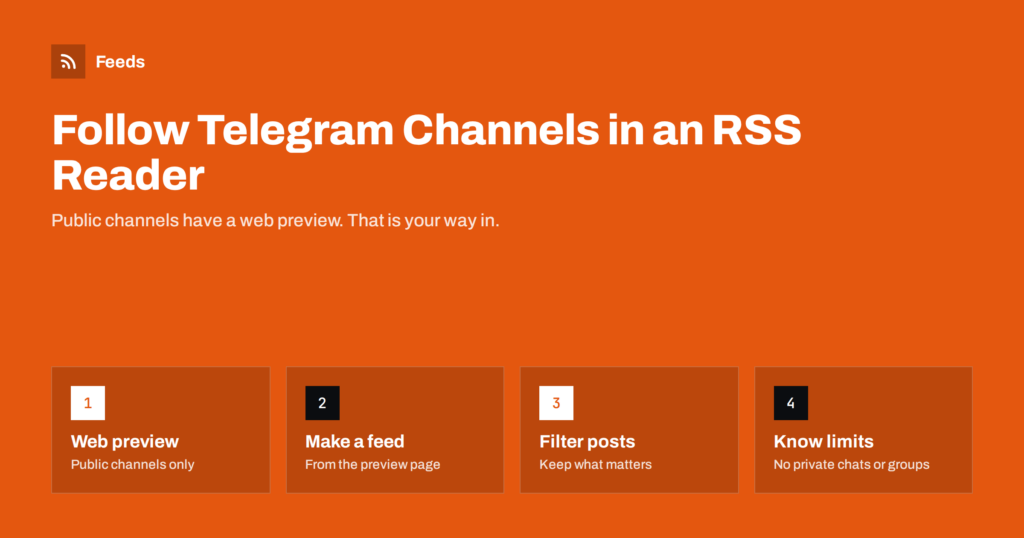
How to Follow Public Telegram Channels in an RSS Reader
Telegram has no RSS, but public channels have a web preview. How to follow them in an RSS reader, what works, what breaks and…
 23 sept 2026 · 7 min de lectura
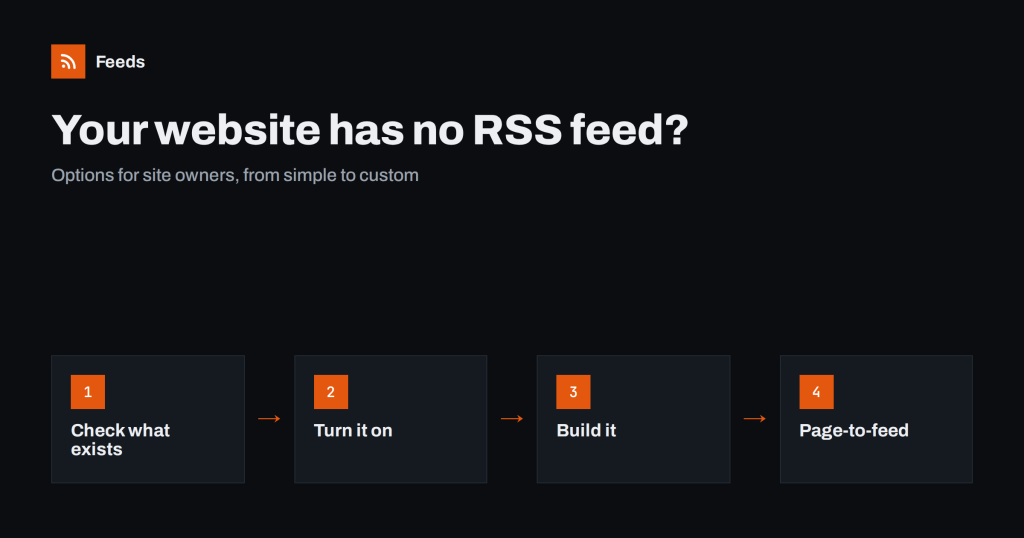
Your Website Has No RSS Feed? Options for Site Owners
If your own site has no feed, readers and tools cannot follow it. The options for site owners, from built-in settings to page-to-feed, and…
 8 sept 2026 · 8 min de lectura
How to Follow Just One Section or Category of a Website
You want one section of a big site, not all of it. How to find section, category and tag feeds, or create one from…
 4 sept 2026 · 7 min de lectura
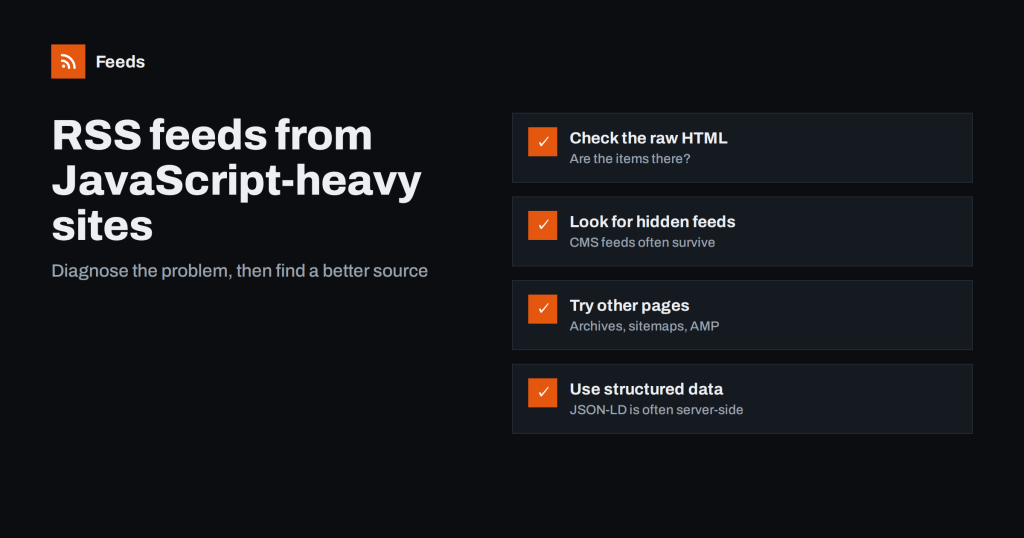
Can You Create an RSS Feed from a JavaScript-Heavy Website?
Some sites load their articles with scripts, which confuses many feed tools. How to tell if that is the problem and which workarounds usually…
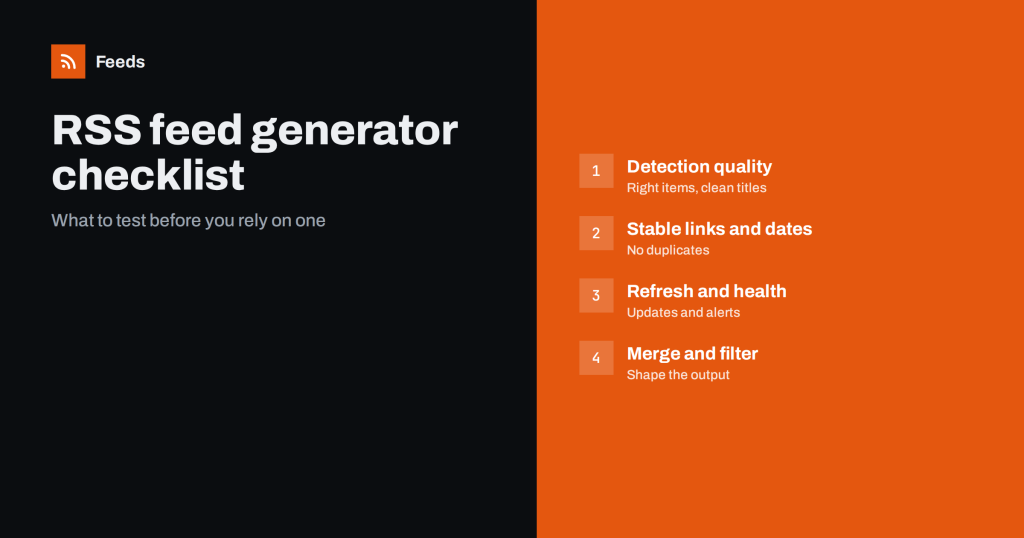 30 ago 2026 · 7 min de lectura
RSS Feed Generator Checklist: What to Check Before You Pick
Not all RSS feed generators handle real websites well. A practical checklist of what to test before relying on one for monitoring, alerts or…
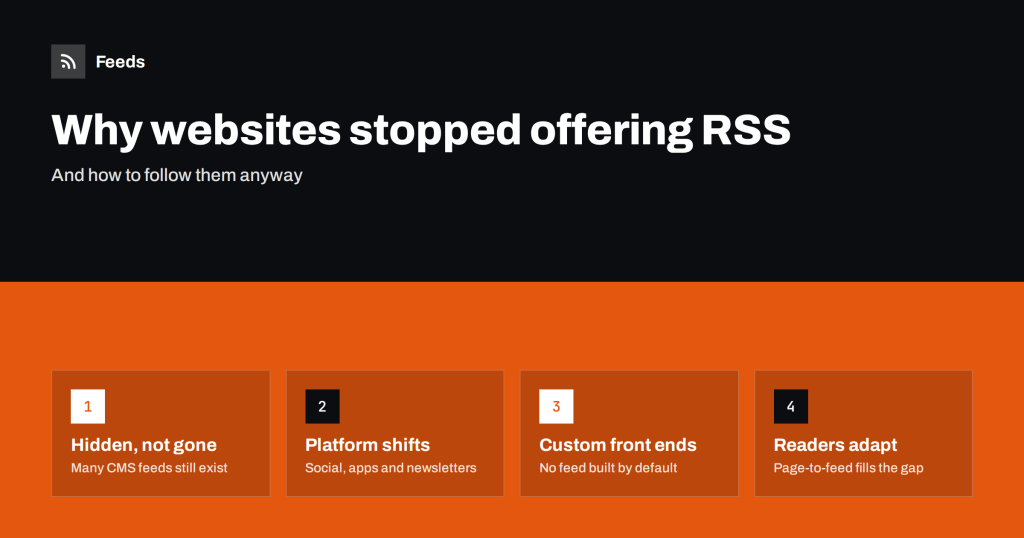 26 ago 2026 · 8 min de lectura
Why So Many Websites No Longer Offer RSS Feeds
RSS icons have disappeared from many sites, yet feeds are far from dead. Why publishers dropped or hid them, and how readers can still…
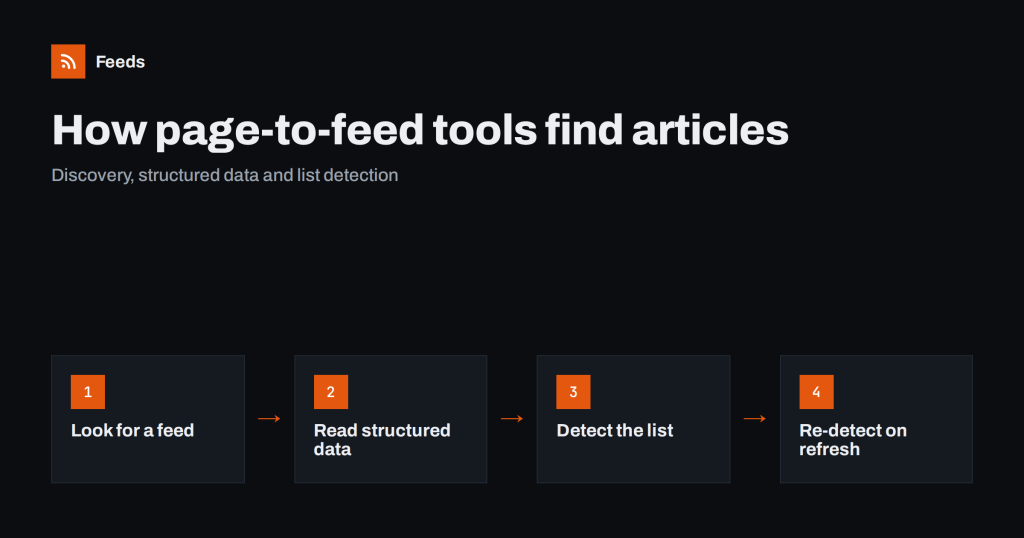 18 ago 2026 · 8 min de lectura
How Page-to-Feed Tools Find the Articles on a Web Page
What happens when you paste a page address into a page-to-feed tool: feed discovery, structured data, list detection and how refreshes keep a feed…
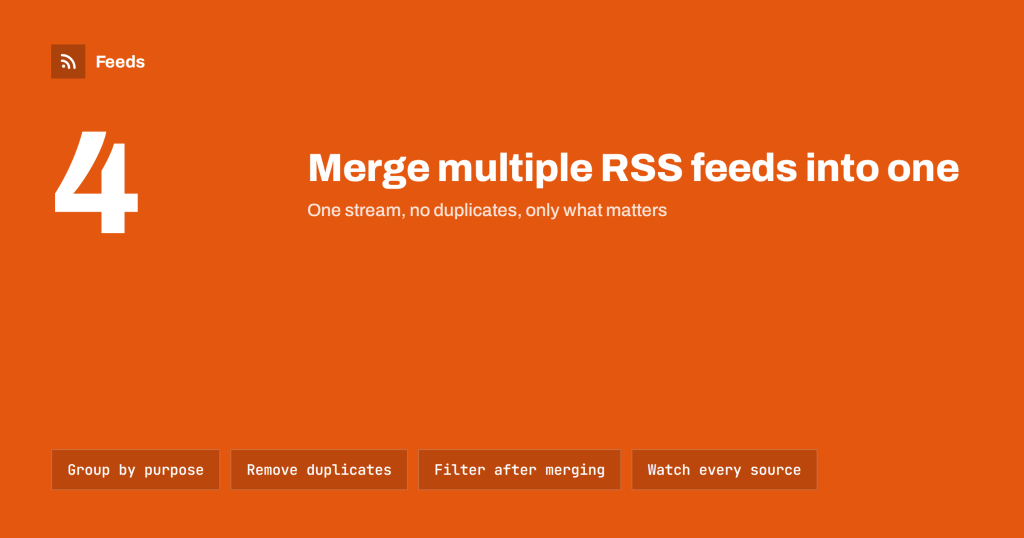 10 ago 2026 · 8 min de lectura
How to Merge Multiple RSS Feeds into One Clean Feed
Combine several RSS feeds into one stream without duplicates or noise. When merging helps, how to group sources, filter the result and keep it…
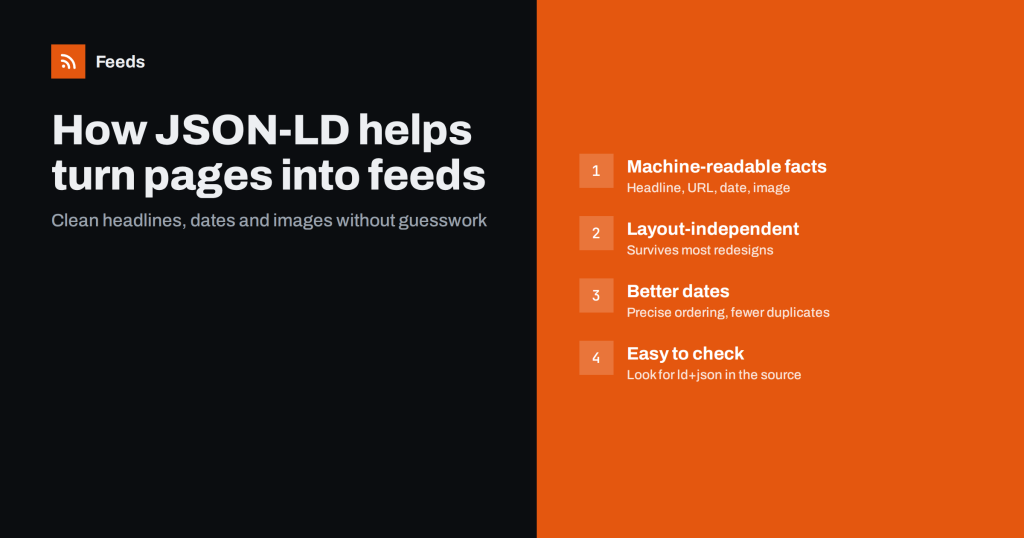 9 ago 2026 · 8 min de lectura
How JSON-LD Structured Data Helps Turn Pages into Feeds
JSON-LD article markup gives feed tools clean headlines, dates and images without guessing from the layout. How it works and how to check a…
 3 ago 2026 · 8 min de lectura
RSS vs Web Scraping: Which Should You Use to Track Sites?
RSS and web scraping both pull content from websites, but they differ in effort, fragility and etiquette. Here is how to choose the right…
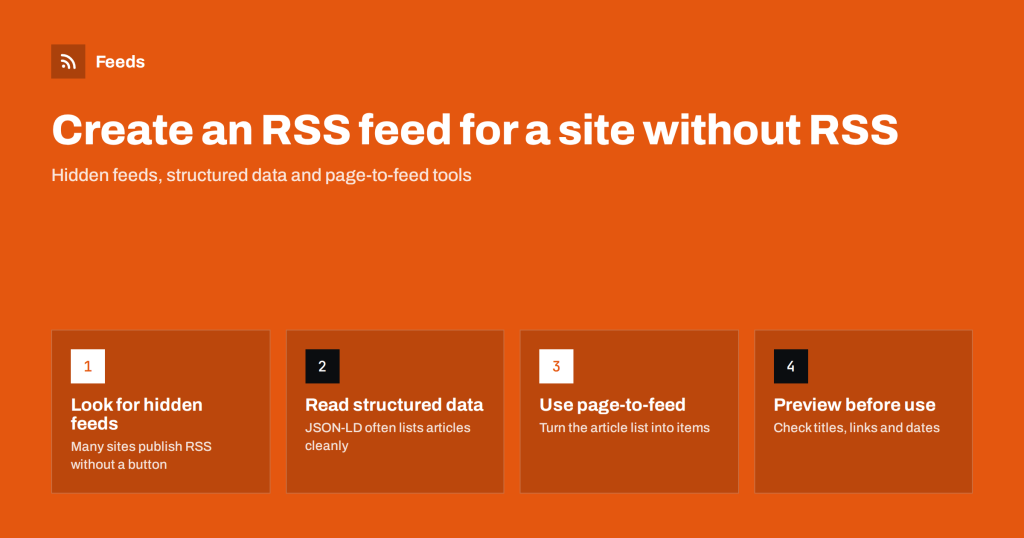 1 ago 2026 · 8 min de lectura
How to Create an RSS Feed for a Website Without RSS
No RSS on the site you want to follow? Here are the practical ways to get a clean feed from any public page, from…