ENEnglish
 LTLietuviškai
 DEDeutsch
 FRFrançais
 RUРусский
 ESEspañol
 PLPolski
 ITItaliano
 UKУкраїнська
 CSČeština
 PTPortuguês
 JA日本語
JA日本語 LVLatviešu valoda
 ETEesti
 HUMagyar
 IDBahasa Indonesia
 TRTürkçe
 HIहिन्दी
 ELΕλληνικά
 ARالعربية
 THไทย
THไทย VITiếng Việt
 RORomână
 MSBahasa Melayu
 BNবাংলা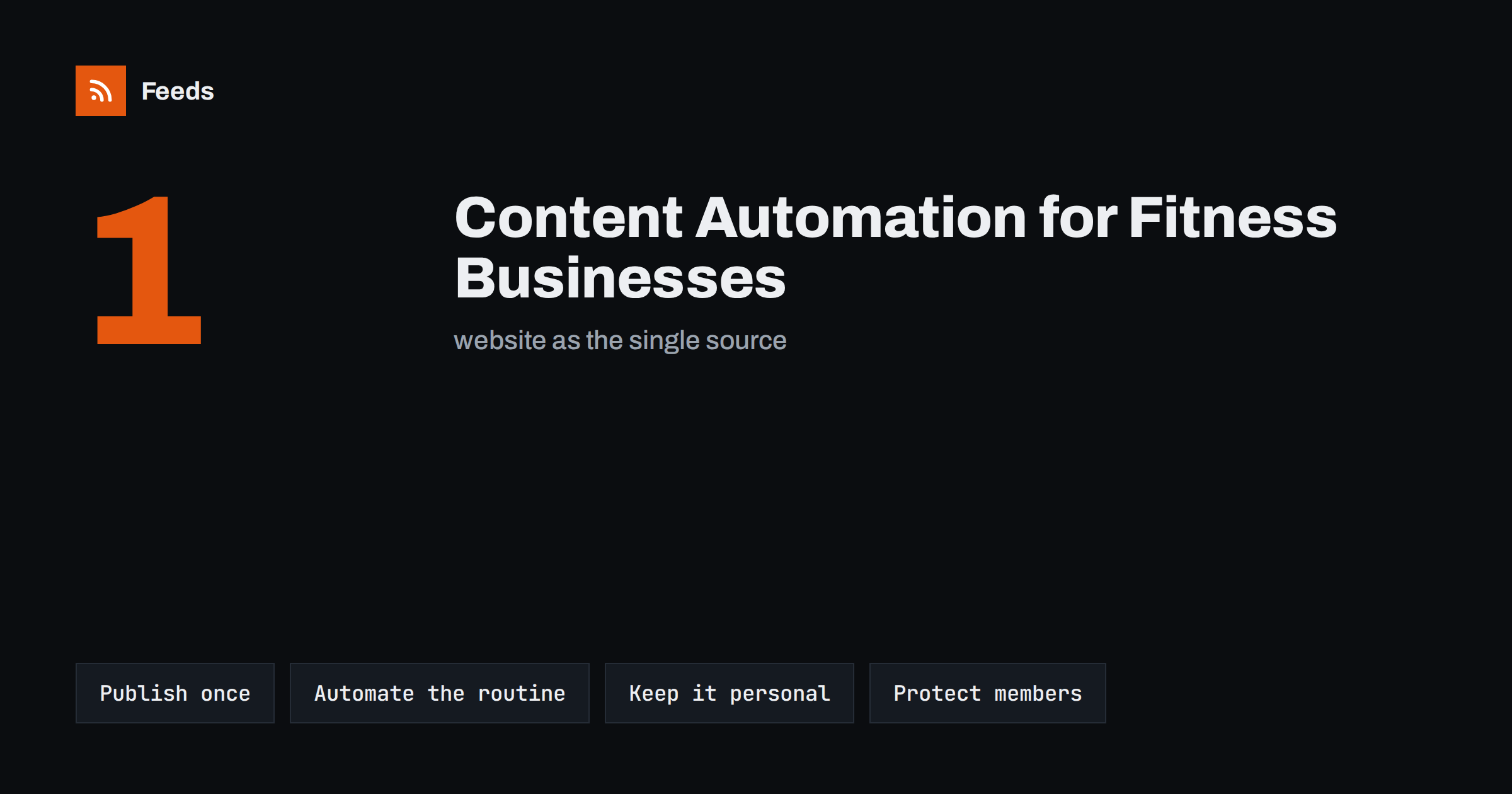
Short answer: Gyms, fitness studios and coaches can automate the routine parts of their content: sharing new blog posts, videos, class announcements and events from the website to social networks and newsletters. The approach that works is to publish once on your own site, turn each content type into a feed and let automation distribute it. Keep personal content, such as member stories and coach updates, written by people, and always get consent before sharing anyone’s photo.
Why fitness businesses struggle with content
Most studios and gyms are run by people whose job is coaching, not marketing. Content is expected everywhere at once: social profiles, the website, a newsletter, perhaps a Google Business Profile. Each channel wants regular posts, and the work competes with classes, members and the business itself.
The result is a familiar pattern. Content comes in bursts when someone has time, then goes quiet for weeks. Class changes are announced on one channel and forgotten on others. A great training article on the website is shared once and never seen again. None of this is a lack of material; most fitness businesses produce plenty of useful content. It is a distribution problem, and distribution is exactly what automation handles well.
Personal trainers and online coaches face the same issue on a smaller scale. One person writes programmes, answers clients and runs sessions, and posting is the first task to slip in a busy week. A light automation setup means the articles and videos they already create keep reaching people even when they have no time to post by hand.
What to automate and what to keep personal
A simple rule helps: automate the moving of content, not the making of it. Your coaches and owners create; the tools carry each piece to every place it belongs.
| Content | Automate? | How |
|---|---|---|
| New blog posts and training tips | Yes | Website feed to social and newsletter |
| New workout videos | Yes | Video channel feed to social |
| Events, workshops, challenges | Yes | Events page or calendar feed |
| Schedule changes and closures | Partly | News feed, plus a manual check |
| Member success stories | No | Written by hand, with consent |
| Replies to comments and messages | No | Always a real person |
This split keeps the personal tone that makes a local fitness business attractive, while removing the repetitive copying and pasting. For the general method, see what content automation is and how small teams use it.
Build a content source on your website
Automation needs a source it can read. For most fitness businesses that is the website, and every content type should have a page that lists new items: a blog for tips and articles, a news or announcements page for changes, an events page for workshops and challenges.
- Blog: technique guides, nutrition basics, beginner advice, answers to common member questions.
- Announcements: new classes, timetable changes, holiday hours, new coaches.
- Events: workshops, open days, charity runs, challenges with start dates.
- Videos: short demos and workouts on a video channel, which already has its own feed.
Many website platforms publish RSS for the blog automatically. Announcement and event pages often do not, but they can be turned into feeds. Our guide on how to create an RSS feed for a website without RSS explains the options.
Distribute to social, newsletter and local listings
Once each content type has a feed, connect it to the channels where your members and prospects are. A typical setup for a studio looks like this:
- New blog posts go to your main social profiles with the featured image and a short introduction.
- New videos are shared from the video channel feed, so a new upload reaches every profile.
- Events go to social and to your local business listing a few days before they start.
- A weekly or monthly newsletter is built from the blog feed, so members get a digest without extra writing.
For the individual steps, see how to automate social media posts from an RSS feed, how to auto-share new YouTube videos and how to turn an RSS feed into an automatic newsletter. Post templates matter too: write a short, friendly template for each channel instead of posting bare links.
Timetables, closures and urgent changes
Schedule information is where automation needs a safety net. A cancelled class or an unexpected closure must reach members quickly, and it must be correct. Automating the distribution is still useful, because it avoids forgetting a channel, but the source post deserves a human check before it goes live.
A good practice is to keep urgent notices in their own feed, separate from training tips. That way you can use an approval step or post them immediately, while regular content flows on its normal schedule. If a crisis or sensitive event happens in your community, pause the routine posting for a day; promotional workout posts next to bad news look careless. Our guide on full auto versus an approval queue helps decide which content needs review.
Member privacy and consent
Fitness content often features people: members in a class, before-and-after results, coaches with clients. Automation multiplies wherever an image appears, so it also multiplies mistakes. A few rules protect both members and the business:
- Get clear, written consent before using any member’s photo, name or results.
- Do not include health information about members in posts, even if it seems positive.
- Check that photos in blog posts are approved before publishing, because the feed will share them everywhere.
- Avoid promises about results in automated templates; describe classes and programmes factually.
Health and fitness claims are also sensitive on advertising and social platforms. Keep automated posts informative, and leave anything that sounds like a medical promise out of your templates.
A simple weekly rhythm
Automation works best on top of a steady habit. A realistic rhythm for a small studio might be one blog post or tip a week, one or two short videos, and event announcements as they come. Once the feeds are connected, that modest output appears on every channel without extra effort, and older evergreen posts can be reshared from time to time to fill quiet weeks.
Review results once a month: which posts brought visits to the timetable or booking page, which channels respond and which content types members mention. Use UTM tags on automated links so you can see this in your analytics, and adjust the mix rather than the volume.
Common mistakes to avoid
Most problems with automated fitness content come from a handful of predictable mistakes. Knowing them in advance saves an awkward week of cleaning up posts.
- Posting bare links. A link with no introduction looks like spam. Give every channel a short template with the title, one sentence and the image.
- Sharing every item everywhere. A timetable tweak may belong in the newsletter and the members’ group, not on every public profile. Use separate feeds or keyword filters to route content.
- Forgetting old content. Seasonal posts, such as summer training tips, can be shared again next year. Automation that only ever posts new items wastes your best material.
- Letting broken feeds go unnoticed. A website redesign can change the page an automation reads. Check once a month that new posts still appear on every channel.
- Over-posting. Five automated posts a day from one small studio will push people to mute you. Space posts out and set daily limits in your publishing tool.
None of these require complex tools to fix. They require deciding, once, what each feed is for and where it should go, and then checking the result from time to time.
How RSS Feed Creator helps
RSS Feed Creator (Feeds) turns website pages without RSS, such as announcement, events or class news pages, into clean feeds with titles, images, summaries and dates, and uses an existing feed when there is one. You can merge several sources, for example the blog and the events page, into one feed, keep only items with your words or drop items you do not want shared, and duplicates are removed automatically. The feed refreshes on its own and works with the tools that post to social networks and newsletters. You can create a feed on the free plan.
Related reading
- Content automation for local businesses: a simple plan
- Can you auto-post to Google Business Profile from RSS?
- How to reshare evergreen content automatically without spamming
The bottom line
Fitness businesses do not need more content; they need their content to reach members reliably. Publish once on your website, give each content type a feed, and let automation share blog posts, videos and events everywhere. Keep member stories and replies personal, check urgent notices before they go out and never share a member’s photo without consent.
KKK
What content should a gym automate first?
Start with new blog posts and videos, because they already exist and usually have feeds. Sharing them automatically to social profiles and a newsletter gives the biggest gain for the least setup.
Can I automate class timetable changes?
You can automate their distribution, but check each notice before it is published. Keep urgent changes in a separate feed so they can be reviewed or posted immediately without mixing with regular content.
Is it safe to share member photos automatically?
Only with written consent from each person shown. Automation spreads an image to every channel at once, so approve photos before they appear in any post that feeds your automation.
How often should a fitness studio post?
Consistency matters more than volume. One useful post and a short video a week, plus event announcements, is a realistic rhythm that automation can spread across all your channels.
Do I need a blog for content automation?
A blog is the easiest source, but not the only one. A news page, an events page or a video channel can also be turned into feeds and shared automatically.