ENEnglish
 LTLietuviškai
 DEDeutsch
 FRFrançais
 RUРусский
 ESEspañol
 PLPolski
 ITItaliano
 UKУкраїнська
 CSČeština
 PTPortuguês
 JA日本語
JA日本語 LVLatviešu valoda
 ETEesti
 HUMagyar
 IDBahasa Indonesia
 TRTürkçe
 HIहिन्दी
 ELΕλληνικά
 ARالعربية
 THไทย
THไทย VITiếng Việt
 RORomână
 MSBahasa Melayu
 BNবাংলা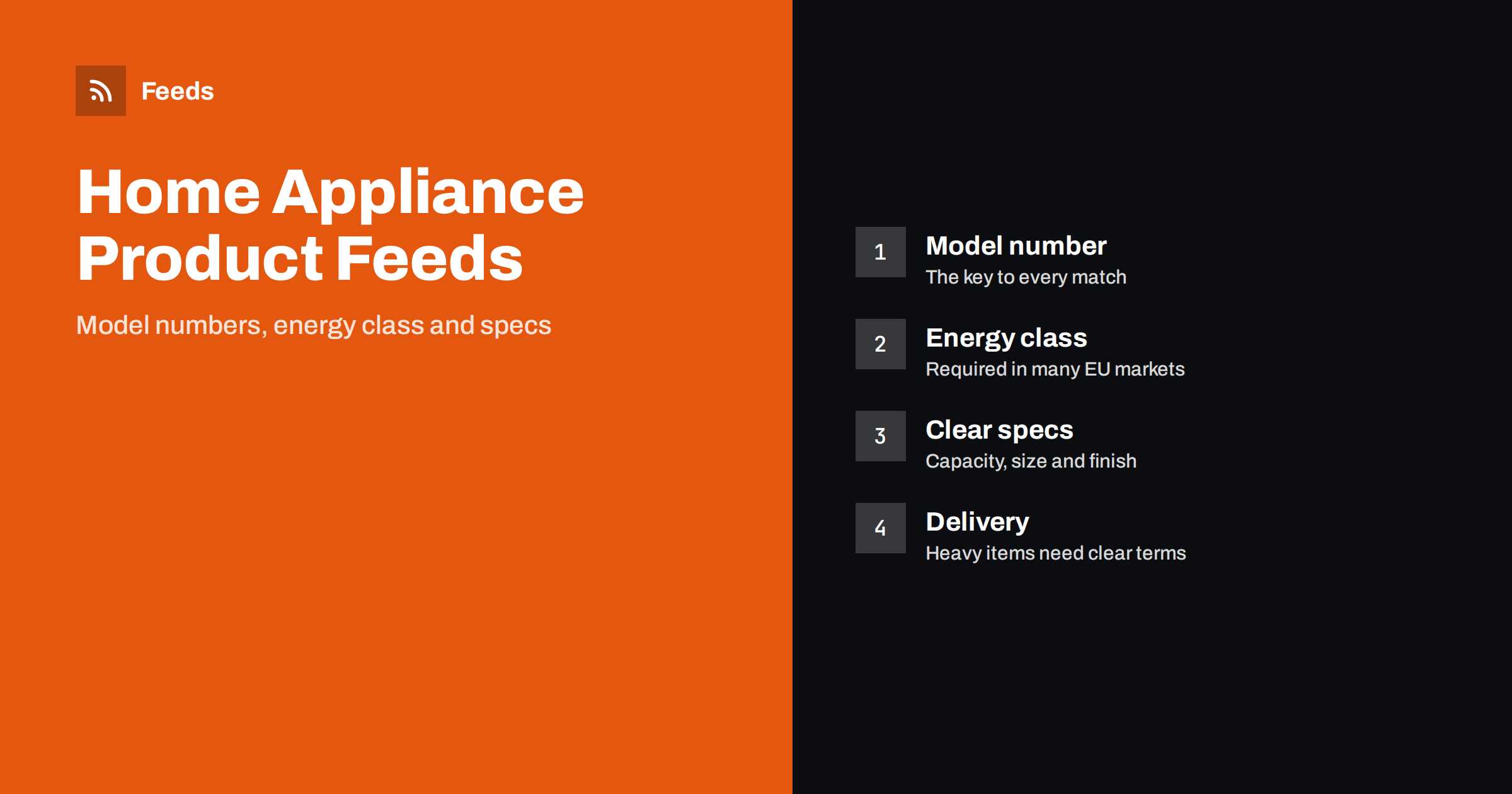
Short answer: A good home appliance feed has a correct brand and model number for every product, a title that names the type and the main specification, an energy class where the law or the shopping platform requires one, accurate dimensions and a price that matches the product page exactly. Appliances are compared by model number, so identifiers matter more here than in almost any other category.
Why appliances are a special case
A refrigerator, a washing machine or a dishwasher is a considered purchase. Buyers compare capacity, size, noise, running costs and brand, and they often search by model number because they have already read a review. Shopping platforms know this, so they match appliance listings to a catalogue of known models. If your feed has the wrong model number, or none, your product may not be matched or may be disapproved.
Appliances also have a few features that most products do not: a legal energy label in many countries, large dimensions that matter for fitting a kitchen, and delivery that needs a van and sometimes installation. A feed that handles these points clearly earns more trust from both the platform and the shopper.
Model numbers and identifiers
The model number is the most important field. Manufacturers give each appliance a code, usually printed on the box and on the rating plate, and the same product is often sold with small variations such as a different colour or a different door. The code is the manufacturer part number, usually called MPN in a feed, and it should be sent together with the brand and, where one exists, the GTIN barcode number.
- Brand. Use the brand name exactly as the manufacturer writes it, not the name of a retail series.
- MPN. Copy the model code exactly, including dashes and letters. A model that differs by one character is a different product.
- GTIN. Most appliances from known brands have one. Take it from the manufacturer’s data and never invent a number.
If you want a full explanation of how these three fields work together, read GTIN, MPN and Brand: product identifiers in feeds explained. For appliances sold under a private label with no barcode, say so in the feed fields that exist for it, and do not fill the gap with a made-up code.
Titles that carry the key specification
An appliance title should tell a shopper what the product is without opening the page. A useful order is brand, product type, model number, then the one or two specifications people compare most. For a washing machine that is usually the load capacity in kilograms and the spin speed. For a refrigerator it is the type, the total capacity and the finish. For an oven it is the type and the size.
- Do not stuff the title with every feature. Three or four facts are enough.
- Put the model number in the title when buyers search by it, because many do.
- Do not use capital letters for emphasis or add promotional words such as best price.
More formulas and examples are in product feed title optimization. If your store titles are not written this way, a rule that rewrites titles in the feed lets you fix it without editing thousands of product pages.
Energy labels in feeds
In the European Union and several other markets, many appliances must carry an energy label, and shopping platforms ask for the energy class of those products. The scale for most household appliances was redesigned in 2021, so labels now run from A to G, and older products may still show the previous plus-sign scale. The Google product feed has dedicated attributes for the energy class of a product and for the lowest and highest class of a product range, such as a refrigerator available in several versions.
A few points are worth checking before you rely on them:
- Requirement depends on country and product type. Read the current Merchant Center help for the countries you sell in, because the rules change.
- Use the class on the manufacturer’s label. The EU keeps a public product database for energy labelling, and the manufacturer provides the data there. Copy the class from the label that comes with the product, and not from memory.
- Keep the label on the product page too. Platforms compare the feed with the page, and shoppers expect to see the label near the price.
If your store data does not carry the energy class, add it as a field in your product data first, because a feed can only pass on what the store holds.
Specs, dimensions and variants
Appliance shoppers need exact sizes. Give height, width and depth on the product page and in the feed’s detail fields, and say clearly whether the dimensions are for the product or the packaging. Capacity should be written with the unit: litres for refrigerators and ovens, kilograms for washing machines.
Many appliances are sold in several finishes, such as white, stainless steel and black. These are variants of the same model, and they should be grouped with a shared group identifier so the platform understands that they belong together. The way to do this is explained in product variants in feeds: how item_group_id works. Each variant needs its own model number or colour code, its own image and its own price and stock.
Delivery, installation and shipping
Large appliances are heavy, and delivery costs and times differ a lot from small goods. Shopping platforms disapprove products when the shipping information in the feed does not match the page, so make sure both say the same thing. Decide whether delivery is set in your Merchant Center account for whole categories or in the feed per product. The trade-offs are covered in shipping in product feeds: account settings vs attributes.
Installation, old-appliance removal and extended warranties are services, not products. Do not add them to the title of the appliance. If you sell them separately, list them as separate offers or describe them on the product page, and make sure the feed price is the price of the appliance alone.
Accessories, bundles and spare parts
Appliance shops often sell accessories: hoses, filters, shelves, stacking kits and cleaning products. Each one needs the model of the appliance it fits, written in the title or the description, such as a filter that fits a particular range of dishwashers. A wrong compatibility claim causes returns and bad reviews.
Bundles, for example a washing machine with a matching dryer, should be listed as a single product with a clear title and the price of the whole set. For the correct way to mark a set, read bundles and multipacks in product feeds.
Price, stock and open-box products
Appliance prices change often, with promotions around holidays and clearance of old models. A price in the feed that differs from the price on the page is one of the most common reasons for disapproval, so keep the feed refreshed. The common causes and fixes are explained in Merchant Center price mismatch.
Open-box, refurbished or ex-display products need the right condition value in the feed and a clear note on the page, because shoppers expect a lower price and a different warranty. Never list a used product as new. For more details, see used and refurbished products in feeds. When a model is discontinued and sold out, mark it as out of stock or remove it rather than leaving a live offer that nobody can buy.
Images. Use a clean main image of the appliance on a plain background with no watermark, no promotional text and no sticker on the picture. Extra images should show the front, the inside, the control panel and the energy label. The technical rules for size and quality are in product feed image requirements for Google and Meta. A good image set also reduces returns, because shoppers see what they are buying.
How RSS Feed Creator helps
RSS Feed Creator builds Google Merchant Center and Meta catalog XML straight from your store. WooCommerce and Shopify are read automatically, and any other store can use a CSV link. You can skip out-of-stock products, rewrite titles with rules, which helps when you want the model number and capacity in every title, and adjust prices. The currency is detected automatically. Before you submit anything, check the preview and the Merchant Center diagnostics to confirm that the identifiers and any extra attributes from your store arrive as you expect. The free plan includes product feeds with up to 50 products, and the Store plan covers one store with 3 product feeds and up to 2,000 products. The details are on the pricing page.
Related reading
- Product Feeds for Electronics Stores: Specs, GTINs, Variants
- Product Feeds for Furniture and Home Goods Stores
- Product Feed Checklist: 25 Checks Before You Submit
The bottom line
For appliances, start with the brand, the exact model number and the GTIN. Write titles that carry type and key specification, add the energy class where it is required, group colour variants, keep delivery information consistent and keep prices fresh. A clean feed for a smaller range is better than a large feed with wrong model numbers.
FAQ
Do appliance product feeds need an energy label?
In many European markets, shopping platforms ask for the energy class of certain appliances. The requirement depends on the country and the product type, so check the current Merchant Center help for the countries where you sell.
Why is the model number so important in an appliance feed?
Shoppers compare appliances by model number, and platforms match listings to known products using the brand, the model code and the barcode. A missing or wrong code can cause a poor match or a disapproval.
How should I list the same appliance in several colours?
List each colour as its own item with its own model code, image, price and stock, and give all of them the same group identifier. This tells the platform that they are variants of one product.
Can I put installation or delivery in the product title?
No. Keep the title about the appliance. Delivery and installation belong in your shipping settings and on the product page, and a service sold separately should have its own listing.
What should I do with discontinued models?
Mark them as out of stock or remove them from the feed once they cannot be bought. A live offer for a product nobody can order leads to disapprovals and frustrated shoppers.