ENEnglish
 LTLietuviškai
 DEDeutsch
 FRFrançais
 RUРусский
 ESEspañol
 PLPolski
 ITItaliano
 UKУкраїнська
 CSČeština
 PTPortuguês
 JA日本語
 LVLatviešu valoda
 ETEesti
 HUMagyar
 IDBahasa Indonesia
 TRTürkçe
 HIहिन्दी
 ELΕλληνικά
 ARالعربية
 THไทย
 VITiếng Việt
 RORomână
 MSBahasa Melayu
 BNবাংলা
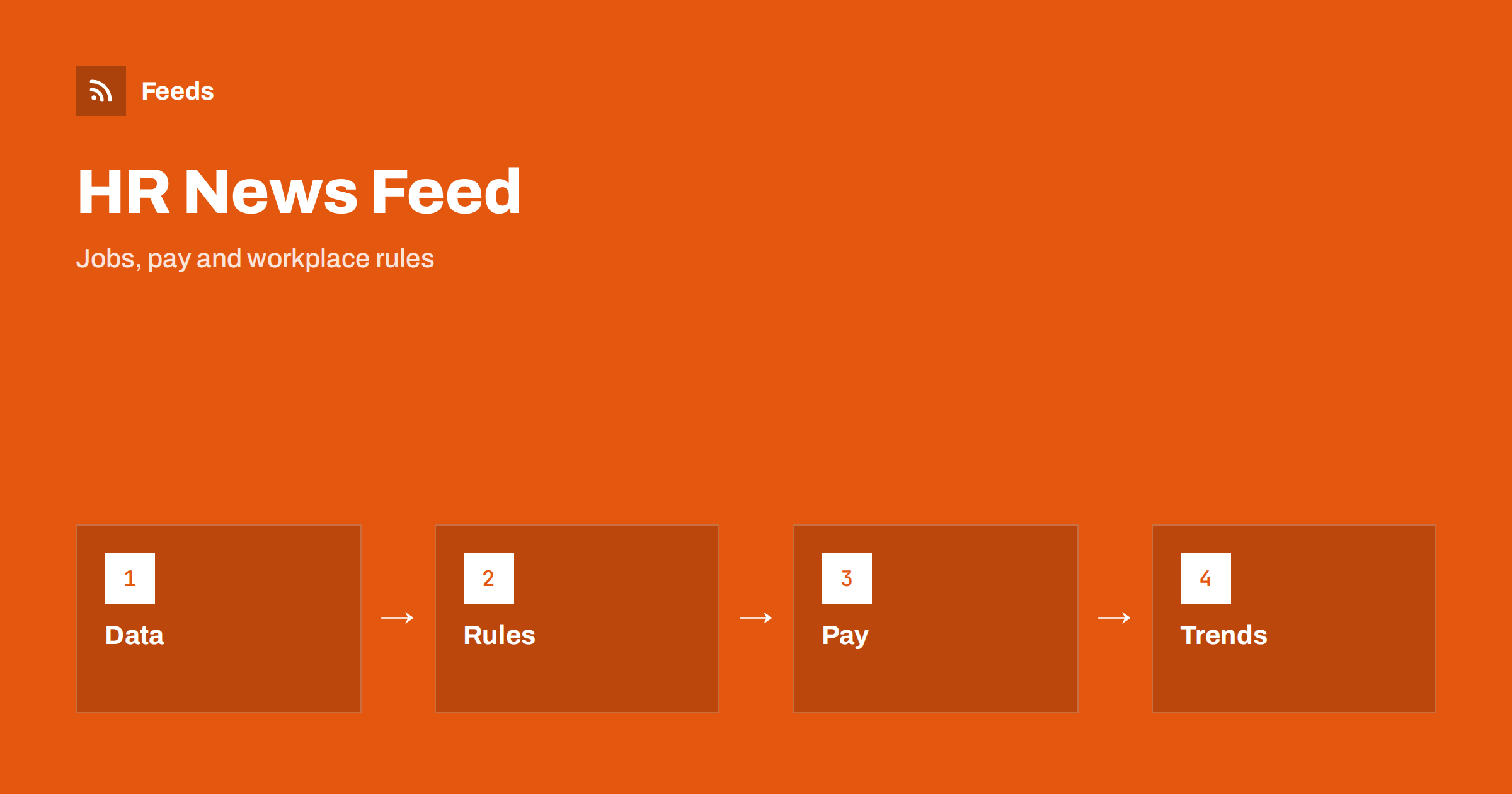
Short answer: Human resources and labor market news comes from statistics offices, labour ministries, courts, unions, employer groups, professional bodies and a busy trade press. RSS lets you collect the sources that matter to your role in one reader, filter them by topic and region and read them in order of publication. Start with official sources for figures and rules, add trade publications for practice and opinion, and read the original text before you change a policy.
Why HR news is hard to follow
The field covers many different subjects: employment law, pay and benefits, recruitment, training, workplace safety, remote work, labor statistics and the daily practice of managing people. A single change, such as a new rule on working time or a fresh report on wages, can appear on a ministry page, in a union statement, in a trade article and in several opinion posts, all with a different tone.
The readers are different too. An HR manager needs to know what changes the contract template, a recruiter watches pay trends, a small business owner wants to know what the rules require, and an economist follows employment figures. If the idea of a feed is new to you, what is an RSS feed explains it in plain words.
Start with official sources
The most reliable information comes from the bodies that publish rules and numbers. Statistics offices publish employment, unemployment, vacancy and wage data on a fixed calendar. Labour ministries and inspectorates publish rules, guidance and consultations. Courts publish decisions that interpret the rules, and social insurance bodies publish changes in contributions and benefits.
Make a short list first: the statistics office, the ministry and the inspectorate in your country, and the same bodies in any other country where you employ people. The same method for law changes is described in following tax and employment rule changes with RSS, and it fits well with this list. For decisions that interpret the rules, court decisions and case law with RSS shows how to follow them.
Add unions, employers and professional bodies
Rules are only part of the picture. Unions and employer groups publish positions, negotiations and surveys, and professional bodies publish guidance and training. Reading both sides gives you an early view of what may change and how people will react. Add a few of each, and label them clearly so that you know whether an item is a rule, a position or an opinion.
Industry associations are a useful middle ground, because they often summarise rules for their sector in plain words. Following industry associations and standards bodies with RSS shows how to add them. Keep the balance in mind: the more sources you add, the more important it becomes to open the original before you act.
Be careful with surveys. A report that says a share of employers plan to raise pay is useful context, but the sample, the country and the date decide whether it applies to you. Open the method section, look at the number of respondents and note who paid for the study. Treat vendor surveys as a signal about what a vendor wants you to believe, and prefer official statistics for numbers you plan to repeat.
Trade press and research
Trade publications explain how rules and trends work in practice: how companies handle remote work, which benefits are growing, what candidates expect and where hiring is hard. Research institutes and consultancies publish reports with numbers on pay, turnover and skills. Add a few well-known titles and a couple of specialist blogs for your area, such as recruitment, compensation, learning or workplace safety.
A good rule is to keep at least as many primary sources as commentary sources. Commentary is useful, but it is easy to read ten opinions about a rule you have not read yourself. The habit of going back to the original is described in fact-checking with RSS: follow primary sources, not screenshots.
Find feeds, even when a site has none
Many ministries and statistics offices provide RSS links, but others hide them or offer only an e-mail list. Look for a feed icon in the press or news section, try the usual feed paths or check the page source for an autodiscovery link. Find the RSS feed of any website: 7 reliable methods lists the options in order.
When a page has no feed, a page-to-feed tool can read the list of announcements and build one, as described in how to create an RSS feed for a website without RSS. Always check the preview: it should show real items with titles, dates and links, and not menu entries or banners.
Filter by topic, region and role
A good HR feed is narrow. A recruiter does not need every change to social insurance, and a payroll specialist does not need every article about employer branding. Keyword filters help: keep items that mention your topics, your countries and your role, and drop the rest. Think about two lists of words, one to include and one to exclude, and review them every month.
| Role | Keep | Drop |
|---|---|---|
| Payroll | Wage, contribution, tax, holiday | Branding, culture essays |
| Recruiting | Vacancies, skills, salary data | Pension rule details |
| Safety | Inspections, accidents, standards | Pay surveys |
Test your filters with ten recent items before you rely on them. Set up keyword alerts using RSS feed filters explains the method, and reduce noise in RSS alerts without missing anything helps when the list grows.
Keep a simple log of rule changes. A shared sheet with the date, the source link, a one-line summary, the effective date and the person responsible takes minutes to maintain and saves hours when an auditor, a manager or a new colleague asks what changed and when. Feeds bring the items in, but the log turns them into decisions, and it is easy to build the habit of adding an entry whenever you open a primary source.
Dates, deadlines and effective dates
Employment rules come with dates: when a rule is adopted, when it is published and when it applies. These are often three different days, and the difference matters for contracts, payroll and notices. When an item appears, write down the effective date and any transition period, and set a reminder before it. Do not rely on a summary for the date; take it from the official text.
Statistics follow a calendar as well. Releases on employment and wages come on known days, and a feed shows them on the day they appear. If you report these numbers to others, note the reference period, because a monthly figure and a quarterly figure are not the same thing. For other kinds of official notices, tracking government and regulator updates with RSS uses the same approach.
Think about international teams as well. If you employ people in several countries, set up one folder per country and one shared folder for global trends, so that a rule change in one place does not get lost among general news. A short note at the top of each folder with the owner and the main sources makes handover simple.
A weekly routine that stays short
Do not read HR news all day. Check the rules folder once or twice a week, and read the general folder in a fixed slot, for example on Friday morning. During each reading, open the primary source behind every item you plan to use, mark the rest as read and move on. A short routine such as RSS triage: a fast daily routine for reading less keeps the list under control.
Once a month, review the sources. Remove feeds that stopped publishing and add the site you keep opening by hand. If you share the list with colleagues in legal, finance and management, keep one shared set of sources, as suggested in shared RSS reading lists for teams. Job seekers can use the same method for hiring news, as described in RSS feeds for job listings and careers pages.
How RSS Feed Creator helps
RSS Feed Creator turns the news, notice or publication pages of statistics offices, ministries, unions, employer groups and professional bodies into clean RSS feeds, even when the site has no feed of its own. It reads titles, images, summaries and dates, uses an existing feed when there is one, and shows a preview of the items before the feed is created. You can merge several sources into one feed (up to 10 with the PostRSS add-on), keep only the items that contain your keywords and have duplicates removed automatically, which suits a reading list for one country, role or topic. Feeds refresh every 3 hours on the free plan and every 30 minutes on paid plans, and the PostRSS add-on sends an alert when a page changes and a feed stops finding items. The free plan allows up to 20 items per feed, and the details are on the pricing page.
Related reading
- RSS for Accountants and HR: Track Tax and Employment Rules
- How to Get RSS Feeds for Job Listings and Careers Pages
- How to Follow Industry Associations and Standards Bodies with RSS
The bottom line
RSS gives you a calm, ordered view of HR and labor market news. Start with statistics offices, ministries and inspectorates, add unions, employers and trade press for practice, filter by topic, country and role and write down the effective date of every rule that matters to you. Open the original text before you change a policy, and review the list every month.
GYIK
Which sources should I follow first?
Begin with the statistics office, the labour ministry and the inspectorate in your country. Add unions, employer groups and trade publications later.
What if a ministry site has no RSS feed?
A page-to-feed tool can read the list of announcements on its news page and build a feed. Check the preview to make sure it shows real items with titles and dates.
Can I rely on a summary of a new rule?
Use it as an early signal, then read the official text and note the effective date. Do not base a policy change on a summary.
How do I avoid a flood of items?
Use keyword filters for your topics, countries and role, and keep rule changes in a separate folder from general news.
How often should I read the list?
Rule changes once or twice a week, and general news in one fixed slot per week.