ENEnglish
 LTLietuviškai
 DEDeutsch
 FRFrançais
 RUРусский
 ESEspañol
 PLPolski
 ITItaliano
 UKУкраїнська
 CSČeština
 PTPortuguês
 JA日本語
JA日本語 LVLatviešu valoda
 ETEesti
 HUMagyar
 IDBahasa Indonesia
 TRTürkçe
 HIहिन्दी
 ELΕλληνικά
 ARالعربية
 THไทย
THไทย VITiếng Việt
 RORomână
 MSBahasa Melayu
 BNবাংলা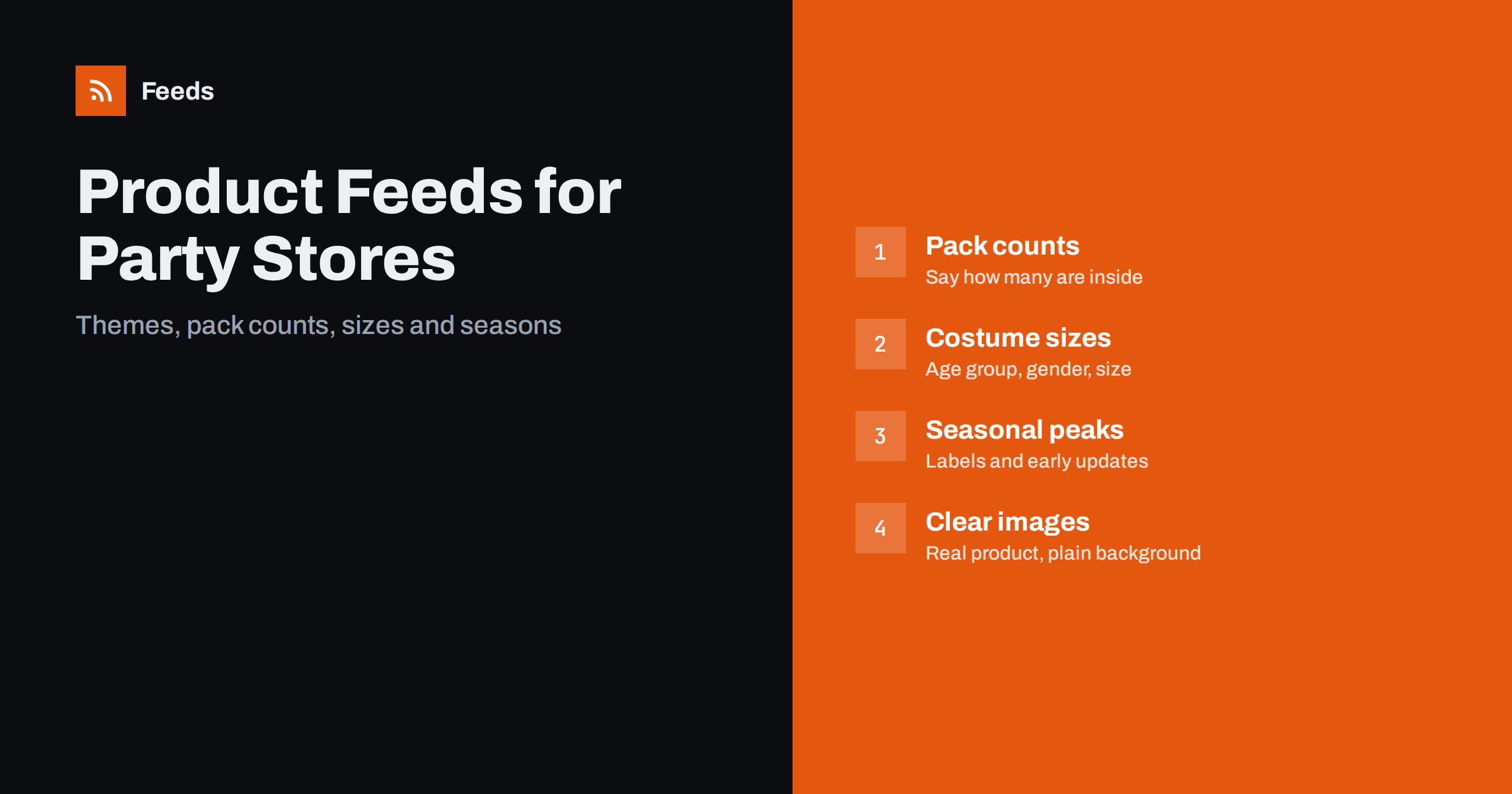
Short answer: Party and costume shops sell many small items in many themes and sizes, and demand arrives in short, intense peaks. A strong feed states the pack count and the theme in every title, gives costumes a complete set of size, age group and gender attributes, separates adult and children’s products, uses seasonal custom labels and is prepared weeks before each peak. Clear images of the real product and accurate stock are what keep shoppers from returning items.
What makes this category tricky
A party shop catalog is full of products that look alike. Paper plates, balloons, banners and candles exist in dozens of colours and themes, and the shopper often needs a matching set. Costumes add sizes, age groups and sometimes licenses. On top of that, most sales cluster around a few dates such as birthdays in the summer, Halloween, winter holidays and graduation season, so a feed that is not ready in time wastes the best weeks of the year.
The attributes that matter most are the ones that help a shopper decide quickly: what it is, how many, what colour or theme, what size and for whom. The basic list of attributes is in Google product feed attributes: required and recommended. This article shows how to apply it to party goods.
Titles with theme and quantity
For party items, the quantity is as important as the product. “Paper Plates” tells the shopper almost nothing, while “Dinosaur Party Paper Plates, 16 Count, 23 cm” answers the questions that matter. A reliable pattern is the theme or colour, the product type, the pack count and the size. Put the key facts early in the title, and use the same words for the same themes across the whole catalog, so that filters and rules work reliably. The principles are described in product feed title optimization.
Be precise about what a set includes. A “party kit” that contains plates, cups and napkins should list them in the title or the first lines of the description. If a balloon is sold without helium, or a banner needs to be assembled, say so. Surprises are a main reason for returns in this category.
Multipacks and bundles
Many party products are sold in packs, and some are sold as bundles of different items. Treat these carefully. A pack of twelve is a single product with a count, and a bundle of plates, cups and a banner is a set with several parts. State the count of each part, and if you sell the parts separately too, keep them as separate listings. The rules for multipacks and sets are in bundles and multipacks in product feeds.
The price should also be easy to compare. If you sell the same plates in packs of eight and of sixteen, shoppers will do the maths, and a unit price helps them. See unit pricing in product feeds for where this is available and where it is required.
Costumes: sizes, age groups and gender
Costumes need the full set of apparel attributes. Give each size its own variant, state the age group (adult, kids, toddler and so on), and set the gender where it applies. A “child size 6 to 8” and an “adult medium” are different products with different safety considerations, and should never be mixed. Colours should reflect the real item. The details are in apparel product feeds: color, size, gender and age group, and the way to group sizes of one costume is covered in product variants in feeds: how item_group_id works.
Add a short size note in the description, such as the chest measurement or the height range, and mention what is included: a mask, a hat, gloves or shoes. Shoppers need to know whether they are buying the full outfit or only the main piece. If a costume is based on a licensed character, use the name only if you are allowed to, and the brand attribute should reflect the real manufacturer.
Safety, age grading and adult products
Some party and costume products are meant for children and others for adults, and both programs treat them differently. For items that children may use, state the age grading and warnings that apply in your country, such as small parts or the risk of suffocation with balloons, and follow the guidance in product feeds for toy and baby stores, which covers the same age-related points. Items with adult themes or novelty products may be restricted, and the policies of the shopping programs change over time, so read the current rules before you upload them and set the adult attribute honestly where it applies.
Also check flammability and material notes for costumes and decorations, which some regions regulate. If you do not know the rules for a product, ask your supplier and keep the answer on file.
Seasonal peaks and custom labels
The calendar is your most valuable tool. Use custom labels to mark seasons, themes and margins, so that you can raise budgets for Halloween items in the weeks before the date and lower them afterwards. A clear system of labels is described in custom labels in product feeds. Prepare the catalog early: add new seasonal products, check images and stock, and test the feed several weeks before the peak, using the checklist in preparing your product feed for Black Friday and peak season, which applies to any peak.
After the season, do not leave expired products online. Remove or mark them out of stock, and move stock to a new label for end-of-season sales. A feed that keeps promoting a holiday that ended last week looks careless and annoys customers.
Images that match the product
Use a clear photo of the exact product on a plain background, and add extra photos that show the pack contents, the size on a person or next to a known object, and the colours in daylight. Follow the size rules in product feed image requirements for Google and Meta, and avoid text, watermarks and promotional badges on the main image. For costumes, a photo on a model helps, but the main image should still show the complete outfit.
Make sure the colours are right. Balloons and decorations are bought to match a theme, and a photo that is darker or more saturated than the real item leads directly to returns.
Stock, delivery dates and returns
Party goods are bought for a date, so a late delivery makes the product useless. Make sure your shipping settings and your delivery promises on the site match what the feed says, and mark clearly when an item has a longer lead time, such as a custom banner. If the order deadline for a holiday is close, say so on the product page and in the shop banner, and remove items that can no longer arrive in time. The way shipping information is handled is explained in shipping in product feeds: account settings versus attributes.
Stock is the other risk. Popular themes sell out fast before an event, and a product that shows as available when it is not creates cancelled orders and bad reviews. Update stock as often as you can in busy weeks, and use rules to skip out-of-stock items, as described in out-of-stock products in your feed. Finally, state your return rules for costumes and decorations in a visible place, since shoppers often hesitate to buy a costume that they cannot try on.
How RSS Feed Creator helps
RSS Feed Creator builds Google Merchant Center and Meta catalog XML straight from your store. WooCommerce and Shopify are read automatically, and any other store can use a CSV link. You can skip out-of-stock products, rewrite titles with rules and adjust prices, and the currency is detected automatically. The free plan includes product feeds with up to 50 products, enough to test one season before you upload the whole catalog. The Store plan covers one store with 3 product feeds and up to 2,000 products, and the details are on the pricing page.
Related reading
- Product feed checklist: 25 checks before you submit
- Product feeds for craft and hobby supply stores
- Product feeds for flower and gift shops: what to include
The bottom line
For a party and costume store, a good feed answers the basic questions in the title: the theme, the type, the count and the size. Give costumes full size, age and gender attributes, keep children’s and adult products separate, state safety information, prepare seasonal labels early and show real colours. Remove expired seasonal items promptly, and keep stock accurate during the rush.
BUJ
Should I put the pack count in the title?
Yes. Shoppers compare party goods by quantity, and a count in the title prevents confusion and returns. Add the size when it matters, such as for plates or banners.
How do I list one costume in several sizes?
Create one item per size and group them with a shared group identifier. Set the size, the age group and the gender for each, and make the link open the right size.
Can I use character names in costume titles?
Only when you are permitted to sell and describe the product that way. The brand attribute should show the real manufacturer, and descriptions should not suggest an official license that you do not have.
When should I prepare the feed for Halloween or other peaks?
Several weeks ahead. Add the new products, check images, labels and stock, and test the feed so that errors are fixed before traffic grows.
Are there restrictions on adult party products?
Some, and they differ by program and country. Mark such products honestly, read the current policies before uploading and exclude items that are not allowed.