ENEnglish
 LTLietuviškai
 DEDeutsch
 FRFrançais
 RUРусский
 ESEspañol
 PLPolski
 ITItaliano
 UKУкраїнська
 CSČeština
 PTPortuguês
 JA日本語
JA日本語 LVLatviešu valoda
 ETEesti
 HUMagyar
 IDBahasa Indonesia
 TRTürkçe
 HIहिन्दी
 ELΕλληνικά
 ARالعربية
 THไทย
THไทย VITiếng Việt
 RORomână
 MSBahasa Melayu
 BNবাংলা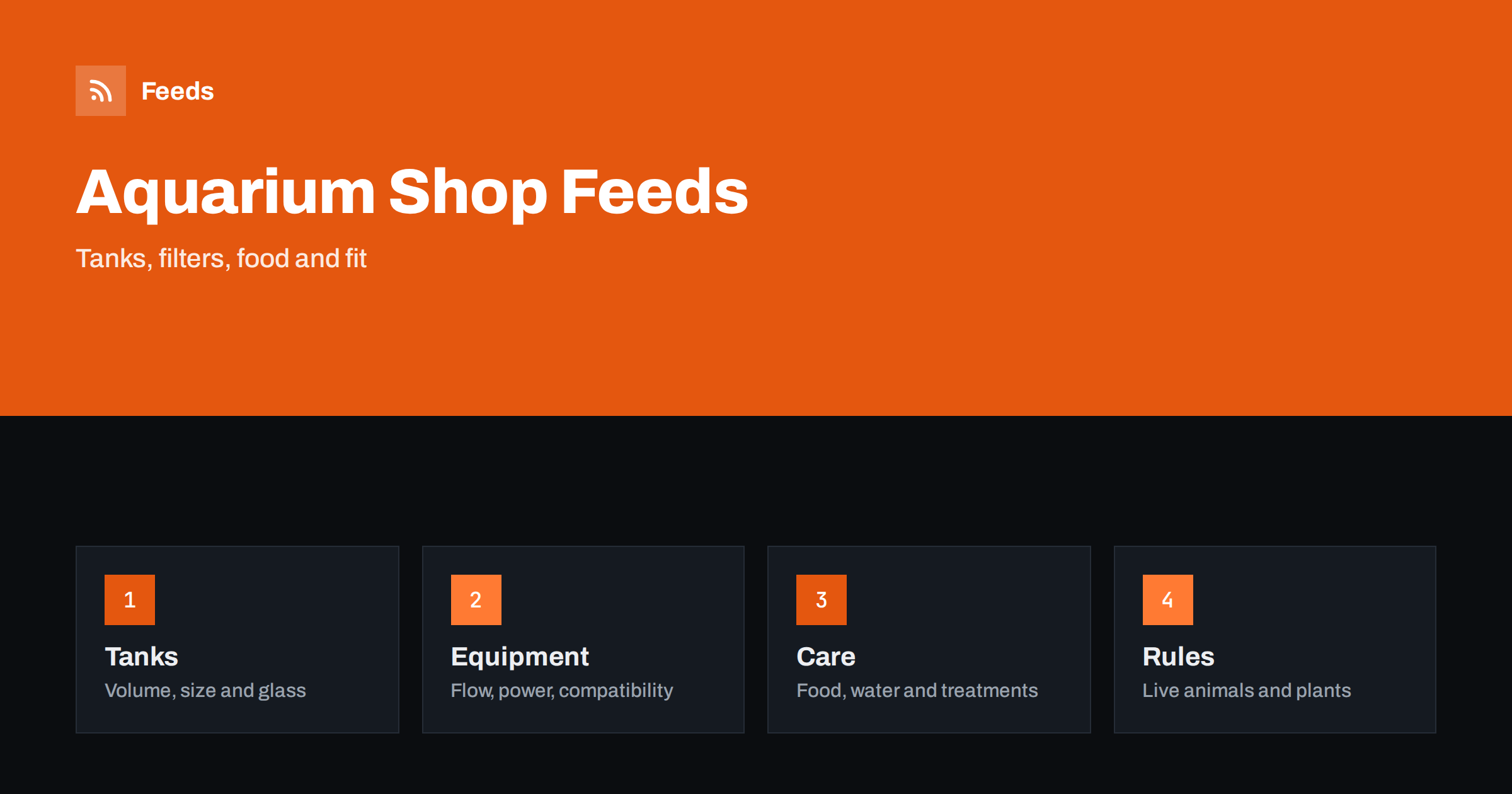
Short answer: Aquarium and fish supply shops sell tanks, filters, heaters, lighting, decor, food and water treatments, and shoppers choose by volume, flow rate, power and compatibility. A good product feed gives each item a title that leads with brand, product type and the key size or capacity, lists specifications consistently, keeps variants and unit sizes clear, handles safety and live-animal rules with care and sends shoppers to a landing page that shows exactly the same product. Fix these basics before adding rules or extra labels.
Why this category needs careful feeds
Aquarium products are technical and depend on each other. A filter has to suit the tank volume, a heater must match the water volume, a light must fit the tank length and a treatment must suit freshwater or marine setups. Shoppers search with these numbers, and a feed that hides them leads to wrong purchases and returns.
The category also mixes very different products: large glass tanks, small accessories and consumables such as food and conditioners that come in many pack sizes. The foundations are covered in what a product feed is, and this category needs every size and capacity to be precise.
Titles that lead with type and capacity
Shoppers search by product type and size, for example “canister filter 300 gallon” or “aquarium heater 100 W”. Start with the brand and product type, then add the number that matters most: tank volume, flow rate, wattage or length. Add the water type when relevant, such as freshwater or marine. “Brand Canister Filter, up to 300 L Tanks, 1000 L/h” is clear. “Crystal Clear Water Solution” is not.
Use the same order across the catalog so that comparable products read alike. Avoid marketing words that tell nothing, and do not cram every feature into the title. More formulas and examples are in product feed title optimization.
Specifications shoppers compare
List the facts that distinguish products in a consistent form. For tanks: volume, dimensions, glass thickness and whether a stand or lid is included. For filters and pumps: flow rate, power and recommended tank volume. For heaters: wattage and temperature range. For lights: length, power and spectrum or colour temperature. Take the values from the maker’s specification and use identical units on the page and in the feed.
Richer fields help, and product_highlight and product_detail show how to present such facts. Avoid rounding that makes a product look more powerful, and when a recommended size depends on conditions, quote the manufacturer’s guidance without adding your own promises.
Compatibility and spare parts
Many aquarium products have replacement parts: filter media, impellers, seals, bulbs, tubing and fittings. Name the model or series each part fits, and keep one product per distinct part. If a part fits several models, say so in a short sentence on the page and in the description, and state only the fit you have checked.
The same questions come up in other technical catalogs, and product feeds for spare parts and compatible accessories explains how to organize them. For starter kits that combine a tank, filter and light, give the kit its own product and list its contents, as described in bundles and multipacks in product feeds.
Food, treatments and consumables
Food and water treatments come in many sizes and flavours, and shoppers compare them by price per amount. Send the pack size and the unit pricing information where your market requires it, and keep titles clear about the size and the type of fish the product is for. Unit pricing in product feeds explains how measures and base units work.
Describe treatments and conditioners in factual terms: what the product is for, the water volume a dose covers and any storage notes. Do not make claims that a product cures or prevents disease unless the maker and the market’s rules allow it, and avoid promises about fish health. Put safety and dosage instructions on the product page and make sure the feed matches it.
Electrical safety deserves a note too. Heaters, pumps and lights run in and around water, so give the voltage, plug type and any certification marks that the maker states, and make sure the product matches the market it is sold in. A shopper in a country with a different plug standard must be able to see this before buying. State the facts from the manufacturer’s information and do not claim approvals that you cannot show.
Live animals, plants and special rules
Live fish, invertebrates and plants are subject to special rules. Advertising platforms often restrict or forbid advertising live animals, and some countries restrict certain species or plants. Check the policies of each platform and market before you include such products in a feed, and keep them out of ad feeds if they are not allowed. Dry goods and equipment can then be advertised normally.
If you do sell live stock, shipping and arrival conditions matter a great deal, and many shops offer it only for local delivery or pickup. State this clearly on the page. A clean split between dry goods and live products in your catalog makes it easier to control what goes to each channel.
Identifiers, variants and sizes
Branded equipment and food usually carry a GTIN, and you should send it. Items made for your own label need your brand and a stable product code. Never invent a code, because a wrong identifier is worse than an empty one. Use one parent product with variants for sizes and colours when the products are really the same, with a shared group ID and an image for each variant, as explained in how item_group_id works.
Do not mix different capacities into one variant group when the specification differs a lot, for example a small and a large filter with different flow rates. Those are separate products. The rules for identifiers are in GTIN, MPN and brand: product identifiers in feeds.
Images, delivery and peak times
Use clean photos of the real product on a plain background, plus pictures that show the product in a tank or the size next to a common object. Avoid text overlays and promotional badges, and do not show accessories that are not included. The requirements are summarized in product feed image requirements, and the landing page must open the same variant with the same price and availability.
Glass tanks and heavy items need careful delivery settings, because costs, breakage risks and delivery times differ from small parcels. Match the shipping settings in your account to what you offer, as described in shipping in product feeds. Keep stock accurate, mark preorders correctly and keep out-of-stock items out of ads, as discussed in out-of-stock products in your feed. Weekly, review disapproved items and compare the feed with the shop for a few popular products.
A short routine keeps the catalog healthy after launch. Each week, check disapproved or limited items, look at new arrivals for missing capacities or identifiers and compare the feed with the shop for a few popular products. Seasonal peaks, such as the start of a new hobby after holidays, bring many beginners who buy starter kits, so check those listings first. Product feed health metrics lists what to watch, and a catalog with many consumables needs rules and checks more than manual editing.
How RSS Feed Creator helps
RSS Feed Creator builds Google Merchant Center and Meta catalog XML straight from your store. WooCommerce and Shopify are read automatically, and any other store can use a CSV link. You can skip out-of-stock products, rewrite titles with rules so that brand, type and capacity appear in the same order every time, and adjust prices. Before you submit anything, check the preview and the Merchant Center diagnostics to confirm that sizes, capacities and stock arrive as you expect. The free plan includes product feeds with up to 50 products, and the Store plan covers one store with 3 product feeds and up to 2,000 products. The details are on the pricing page.
Related reading
- Product Feeds for Pet Supply Stores: Sizes, Flavours, Packs
- Product Feeds for Plant Nurseries and Seed Stores
- Unit Pricing in Product Feeds: Measures and Base Units
The bottom line
Clean feeds for aquarium and fish supply shops come from precise titles, consistent specifications, careful compatibility notes, clear handling of consumables and live products and a landing page that matches the ad. Check the preview before you submit, fix what the diagnostics report and keep stock current. Accurate sizes and capacities reduce returns more than any clever title.
FAQ
Should different filter sizes be variants of one product?
Only if they are really the same product apart from size. When the flow rate and recommended volume differ a lot, make separate products, each with its own identifier.
Can I advertise live fish or plants through a shopping feed?
Many platforms restrict this. Check each platform’s policy and the rules of your market, and keep such products out of ad feeds if they are not allowed.
How do I list food and treatments with several pack sizes?
Use variants for sizes where it is the same product, send unit pricing where required and state the water volume or number of feedings in the details.
What about health claims for treatments?
Describe what the product is for in the maker’s words and avoid claims of curing or preventing disease unless they are permitted and stated by the maker.
How do I handle glass tanks and heavy items?
Set shipping costs and delivery times that match what you offer, state whether a stand or lid is included and keep the page and feed identical.