ENEnglish
 LTLietuviškai
 DEDeutsch
 FRFrançais
 RUРусский
 ESEspañol
 PLPolski
 ITItaliano
 UKУкраїнська
 CSČeština
 PTPortuguês
 JA日本語
JA日本語 LVLatviešu valoda
 ETEesti
 HUMagyar
 IDBahasa Indonesia
 TRTürkçe
 HIहिन्दी
 ELΕλληνικά
 ARالعربية
 THไทย
THไทย VITiếng Việt
 RORomână
 MSBahasa Melayu
 BNবাংলা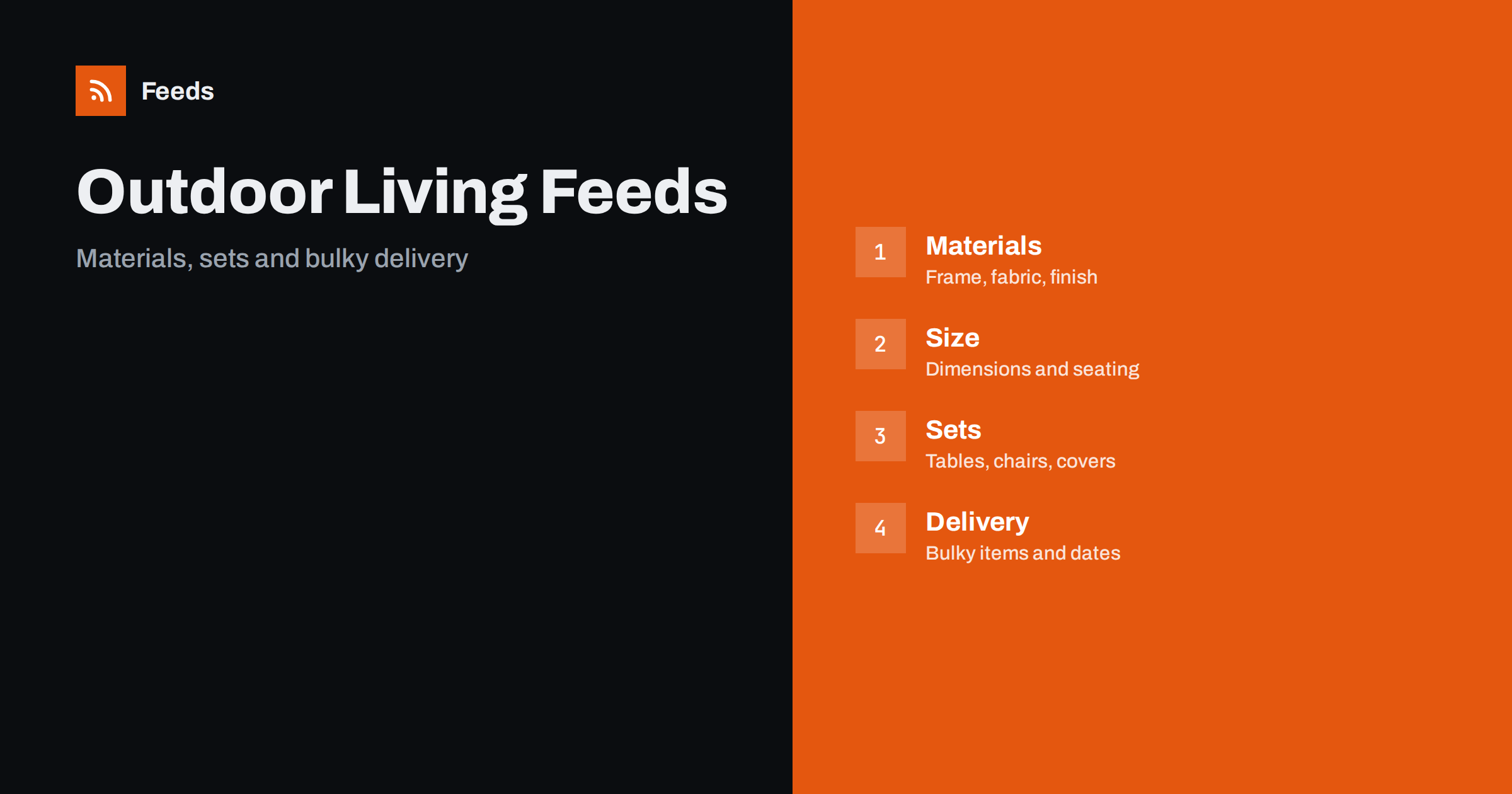
Short answer: Outdoor furniture, patio and BBQ stores sell large, seasonal products where material, size and delivery matter as much as design. A good product feed gives each item a title that leads with brand, product type and material, clear dimensions and seating capacity, correct handling of sets and covers, honest availability and delivery settings that match bulky shipments. The landing page must show exactly the same colour, size and price. Fix these basics before adding rules or extra labels.
Why this category needs careful feeds
Outdoor living is a seasonal category with big baskets. A shopper may buy a dining set, parasol, cushions, a cover and a grill in one season, and compares many shops before paying. Products are large, heavy and expensive to return, so any mismatch between the ad and the real item turns into a costly problem. Pictures also mislead more often than in other categories, because staged photos show items together that are sold separately.
Seasonality matters too. Searches rise sharply in spring and early summer, and stock sells out within weeks. The foundations are covered in what a product feed is, and this category simply needs every detail to be precise before the season starts.
Titles that state type, material and size
Shoppers search by product type plus material or size, for example “aluminium garden dining set 6 seater” or “gas BBQ 4 burners”. Start the title with brand and product type, then add the material, the size or capacity and the colour. “Brand Rattan Corner Sofa Set, 5 Seater, Grey, With Table” tells the buyer what arrives. “Luxury Garden Experience” does not.
Say what is included, because staged photos often show more than the price covers: table, chairs, cushions, parasol and cover. Use the same order across the catalog so that comparable items read alike. More formulas and examples are in product feed title optimization.
Materials, finishes and weather resistance
Shoppers want to know whether furniture lasts outdoors. State the frame material, such as powder-coated aluminium, steel, teak or polyrattan, and the fabric or cushion material. Use the wording of the maker, and describe weather resistance in factual terms, such as “UV-resistant fabric” only when the maker states it. Avoid promises such as “lasts a lifetime” or “all-weather” without a stated standard.
Put these facts in structured fields where you can. Fields such as material, colour and pattern help shoppers filter, and product_highlight and product_detail show how to present facts like frame, finish and cushion filling. Keep every value identical to the product page, because a mismatch is a common reason for disapproval.
Dimensions, seating and capacity
Size drives the purchase decision. List width, depth and height in a consistent unit, the seat height where it matters and the number of seats. For BBQs, add grilling area, number of burners or fuel type, and for parasols, the canopy size and the pole diameter. Shoppers compare these numbers across shops, so use the maker’s specification and the same units on the page and in the feed.
Do not round in a way that makes a product look larger. If a set comes in several configurations, such as left or right corner, treat that as a variant attribute and make sure each variant has its own identifier and image. The setup is explained in how item_group_id works.
Weight and packaging also matter. State the product weight and, when a product ships in several boxes, the number of parcels, because carriers price by size and weight and shoppers expect to know how a delivery will arrive. Take the values from the maker’s specification and keep them identical on the page. If a grill needs gas bottles, charcoal or tools that are not included, say so in the details, so that a buyer does not expect to start cooking the day it arrives.
Sets, covers and accessories
Sets are the biggest source of confusion. A dining set may be sold as a bundle, as separate pieces or both, and the cushions, cover and parasol may be extra. Give each sellable combination its own product with its own identifier, price and picture, and say what is inside in the title or the product details. The rules for this are in bundles and multipacks in product feeds.
Covers, replacement cushions, grill tools, gas accessories and spare parts belong in the catalog as separate products with clear compatibility notes, such as the model they fit. Product feeds for spare parts and compatible accessories explains how to organize them. A short “fits” sentence reduces returns, which matters when items are heavy.
Identifiers and brand
Branded furniture and grills usually carry a GTIN on the package, and you should send it. Items made for your own label may have no GTIN, and the feed should then carry your brand and a stable product code. Do not invent or reuse a code to fill the field. A wrong identifier is worse than a missing one, because platforms compare it with their own catalog and may reject the item.
If you sell the same product under several names from different suppliers, check for duplicates. Two entries for the same item compete with each other and can trigger errors. Duplicate products in your feed describes how to find and clean them, and GTIN, MPN and brand covers the identifier rules.
Delivery, bulky items and assembly
Large items are often delivered by freight, on pallets or in several parcels, with different prices and delivery times. Make sure the shipping settings in your account match what you really offer, including the cost for bulky items, areas you cannot serve and delivery estimates that include the time for stock to arrive. The setup is described in shipping in product feeds.
State whether assembly is needed, whether it is included and what tools are required, in plain words on the page and in the details. If delivery is slower in peak weeks, say so before the order, not after. Clear delivery information is one of the strongest ways to reduce complaints in this category.
Images, landing pages and peak season
Use clean photos of the real product on a plain background, plus lifestyle images that show the item in a garden. Avoid text overlays and promotional badges, and do not show accessories that are not included. Each colour variant should have its own image. The requirements are summarized in product feed image requirements, and the landing page must open the same variant with the same price and availability, as covered in what feed links must lead to.
Prepare the catalog weeks before the season: check prices, stock, delivery dates and sale prices, and mark preorders correctly. Preparing your product feed for Black Friday and peak season has a checklist that fits any busy period. Out-of-stock items should be marked or kept out of ads, as discussed in out-of-stock products in your feed.
After launch, spend a few minutes each week on the products that are disapproved or limited, and compare the feed with the shop for a few popular sets. Product feed health metrics lists what to watch, and a catalog with many variants needs rules and checks more than manual editing.
Think about the end of the season as well. Clearance prices, last-year models and discontinued colours need the same care as new arrivals: send the sale price with its dates, keep stock accurate and remove items that cannot be reordered. Shoppers who buy an end-of-season grill still expect the product to match its page and to arrive on time, and a clean feed makes the clearance period profitable instead of messy.
How RSS Feed Creator helps
RSS Feed Creator builds Google Merchant Center and Meta catalog XML straight from your store. WooCommerce and Shopify are read automatically, and any other store can use a CSV link. You can skip out-of-stock products, rewrite titles with rules so that brand, type, material and size appear in the same order every time, and adjust prices. Before you submit anything, check the preview and the Merchant Center diagnostics to confirm that sets, sizes and stock arrive as you expect. The free plan includes product feeds with up to 50 products, and the Store plan covers one store with 3 product feeds and up to 2,000 products. The details are on the pricing page.
Related reading
- Product Feeds for Furniture and Home Goods Stores
- Product Feeds for Garden, DIY and Hardware Stores
- Product Feeds for Plant Nurseries and Seed Stores
The bottom line
Clean feeds for outdoor furniture, patio and BBQ shops come from precise titles, honest materials and dimensions, separate handling of sets and accessories, accurate delivery settings and a landing page that matches the ad. Check the preview before you submit, fix what the diagnostics report and prepare stock and prices before the season starts. Accurate details cut returns more than any clever title.
FAQ
Should a dining set be one product or several?
Make each sellable combination its own product, with its own identifier, price and image, and say what is included. Sell single pieces as separate products when customers can buy them alone.
How do I list covers and cushions?
List them as separate products with a clear note on which models they fit. Do not include them in a set title unless they are really in the box.
What should I say about weather resistance?
Use the maker’s wording and stated standards, and avoid claims such as “lasts forever”. Keep the feed text identical to the product page.
How do I handle freight delivery in the feed?
Match the shipping settings in your account to what you offer, including bulky item costs, areas you cannot serve and realistic delivery times, and say whether assembly is needed.
When should I update the feed for the season?
Several weeks before the peak. Check stock, prices, delivery dates and the landing pages for your best sellers, and fix disapproved items early.