ENEnglish
 LTLietuviškai
 DEDeutsch
 FRFrançais
 RUРусский
 ESEspañol
 PLPolski
 ITItaliano
 UKУкраїнська
 CSČeština
 PTPortuguês
 JA日本語
JA日本語 LVLatviešu valoda
 ETEesti
 HUMagyar
 IDBahasa Indonesia
 TRTürkçe
 HIहिन्दी
 ELΕλληνικά
 ARالعربية
 THไทย
THไทย VITiếng Việt
 RORomână
 MSBahasa Melayu
 BNবাংলা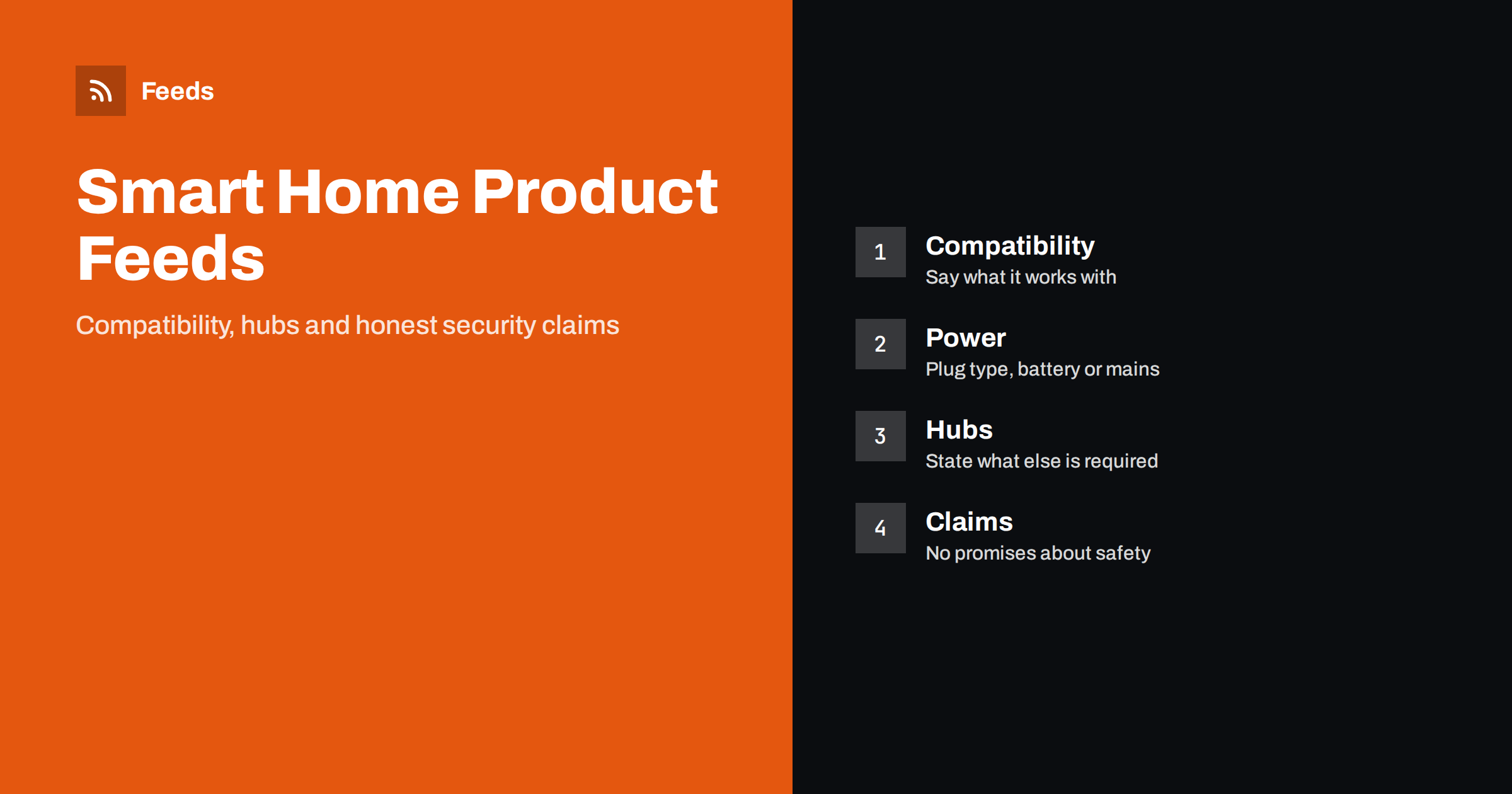
Short answer: A smart home product is rarely used alone. It has to work with a hub, an app, a voice assistant, a router and a particular kind of power outlet, so the feed must state those facts clearly. Put the product type and key capability in the title, list the standards and platforms it supports, say whether a hub, subscription or account is needed, create variants for plug types and colours, and keep security claims modest and accurate. Most returns in this category come from a mismatch that a better feed could have prevented.
Why this category generates so many returns
A lamp, a mug and a smart plug may look equally simple in a catalogue, but they behave very differently after delivery. The smart plug needs a compatible app, a certain wireless band and, in some cases, a hub. A camera may record only if the buyer pays for a cloud plan. A door sensor may work with one platform and not with another. Shoppers often discover these conditions after opening the box, and they return the product.
The feed cannot fix a poor product, but it can make the conditions visible where the shopper decides: in the title, the description and the attributes that shopping platforms display. A product that is clearly described attracts fewer, better-informed clicks and fewer returns. Before you work on the category details, check the basics with the product feed checklist and the required fields in Google product feed attributes.
Titles: type, capability and the one fact that decides
A good title says what the product is and what makes it different, in the words shoppers use: “Smart Plug with Energy Monitoring, Wi-Fi, 2-Pack”, “Indoor Security Camera 2K, Pan and Tilt, Night Vision”, “Smart Thermostat for Wet Central Heating”. Place the product type first, then the capability, then the pack size or the key specification. Brand names belong in the title when shoppers search for them, and in the brand attribute always.
Add one fact that decides compatibility, if there is one. “Requires hub” or “Works with Zigbee” in the title saves a click and a return. Do not fill the title with every platform logo. Three or four decisive words are better than a list that is cut off by the platform. The formulas in product feed title optimization apply here as well, with the compatibility fact in place of the colour or size.
Compatibility: platforms, standards and what is needed
Spell out three things in the description and, where an attribute exists, in the attribute: the standards the product uses (for example a wireless protocol such as Wi-Fi, Zigbee, Z-Wave, Thread or Matter), the platforms or voice assistants it works with, and the extras required to use it. Extras include a hub or bridge, a smartphone app and an account, a minimum phone operating system, a particular router band, a subscription and a power supply that is or is not included.
Only list a platform if you have verified the claim against the manufacturer’s current documentation. Compatibility changes with software updates, and an old claim copied from last year’s packaging can be wrong. A short line such as “Compatibility information is taken from the manufacturer’s specification, last checked on” and a date on the product page helps to keep this honest, even if the date is not in the feed itself.
If a product can be used with several ecosystems but needs a hub for some of them, say so plainly. Shoppers forgive complexity far more readily than they forgive surprise.
Power, plugs and regional versions
Plug types, voltage and radio rules differ between countries. A smart plug made for one plug type does not fit another outlet, and a product sold in one region may use a frequency band that is not allowed or optimised for another. Treat each plug type as a variant, with its own identifier, image and stock, and group the variants with a shared group identifier; the mechanism is described in product variants in feeds.
Say how the product is powered: mains, battery, rechargeable battery, solar panel or a mix. Mention whether the batteries are included and which type they are, since a doorbell that needs a specific rechargeable pack is a different purchase from one that takes four AA cells. If you sell in several countries, send each market the versions that are legal and usable there, and see multi-country product feeds for currencies, languages and rules.
Subscriptions, cloud features and total cost
Cameras, doorbells and some alarm systems offer features that depend on a subscription: cloud storage, longer history, person detection. Be clear about what the product does without one and what is extra. State the fact in the description in plain words, for example “Records to the included memory card; cloud storage is optional and paid separately”. A shopper who expects free cloud video and finds a monthly fee will not be a happy customer, and will tell others.
The price in the feed must be the price of the product at checkout, not including any optional plan. If you also sell installation, extended warranties or monitoring, keep them as separate offers and do not mix them into the product price. A mismatch between the feed and the page is a standard cause of disapprovals, as described in Merchant Center price mismatch.
Bundles, starter kits and add-ons
Starter kits are popular in this category: a hub with two sensors and a plug, a doorbell with a chime, a camera with a mounting kit. Create each kit as its own product, with its own identifier, and list what is inside in the title or the description. Do not use a kit’s price for a single item or the other way around. Single products that work with the kit can be shown as related products on the page, and clear naming helps people find the right add-on later. The rules are covered in bundles and multipacks in product feeds.
Because the ecosystem is the point, an add-on that works only with one kit should say so in its title. “Door Sensor for the Home Starter Kit” is far more useful than “Door Sensor”.
Claims, safety and legal care
Security products invite bold promises. Avoid absolute claims such as “burglar-proof”, “unhackable”, “guaranteed protection” or “prevents fires”. A device can reduce a risk but not remove it, and an exaggerated claim can mislead a customer, harm your credibility and cause trouble with the platform and with consumer authorities. Describe what the device does and how it is tested, and name the certifications it really has.
Cameras and recording devices are also subject to privacy rules that vary by country and by place of use. A short note on the product page that the buyer is responsible for using the device in line with local law is sensible, and it should be accurate and neutral rather than legal advice. Smoke and carbon monoxide alarms, locks and other safety devices have standards in many markets; mention a standard only when the product is certified to it.
Images, support and data quality
Photographs should show the product as sold, with the contents of the box in a separate image where possible. Do not use lifestyle images that imply the device does more than it does. Images need to meet the platform’s requirements, with no promotional text, as listed in product feed image requirements. For identifiers, supply the brand, GTIN and manufacturer code where they exist, as explained in GTIN, MPN and brand in feeds, since many smart devices exist in several hardware versions with the same name.
State the model or hardware version if there is one. When a manufacturer replaces a model, update or remove the old product and avoid leaving two versions with the same title in the feed. Duplicates cause confusion and sometimes disapprovals, as discussed in duplicate products in your feed.
How RSS Feed Creator helps
RSS Feed Creator builds Google Merchant Center and Meta catalog XML straight from your store. WooCommerce and Shopify are read automatically, and any other store can use a CSV link. You can skip out-of-stock products, rewrite titles with rules so that the product type, capability and the deciding compatibility fact appear in the same order every time, and adjust prices. The currency is detected automatically. Before you submit anything, check the preview and the Merchant Center diagnostics to confirm that plug-type variants and bundles arrive as you expect. The free plan includes product feeds with up to 50 products, and the Store plan covers one store with 3 product feeds and up to 2,000 products. The details are on the pricing page.
Related reading
- Product Feeds for Electronics: Specs, Variants and Compliance
- 12 Product Feed Mistakes That Quietly Cost You Sales
- Product Feed Health Metrics: What to Track and Why
The bottom line
A smart home feed earns its keep by removing surprises. Name the product type and the deciding compatibility fact, list standards and platforms you have verified, treat plug types as variants, be open about subscriptions and keep security claims modest. A shopper who knows exactly what is needed keeps the product and buys the next one.
FAQ
What should a smart home product title include?
The product type, the main capability and, where it decides compatibility, a short fact such as “requires hub” or the wireless standard. Keep the brand in the brand attribute and avoid long lists of platforms.
How do I list the same device in several plug types?
Create one row for each plug type, with its own identifier, image, price and stock, and link them with a shared group identifier so that they are shown as variants of one product.
Do I need to mention a subscription in the feed?
Yes, in the description. State what works without a plan and what needs one, and keep the price in the feed equal to the price of the product alone, as shown at checkout.
Can I write that a camera or lock keeps a home safe?
Avoid absolute promises. Describe the features and the tests or certifications the product really has, and let the customer judge. Exaggerated safety claims can mislead and cause trouble with platforms and authorities.
How often should compatibility information be checked?
Whenever the manufacturer updates the product or its software, and at least a few times a year. Compatibility changes, and an outdated claim is a common reason for returns.