ENEnglish
 LTLietuviškai
 DEDeutsch
 FRFrançais
 RUРусский
 ESEspañol
 PLPolski
 ITItaliano
 UKУкраїнська
 CSČeština
 PTPortuguês
 JA日本語
 LVLatviešu valoda
 ETEesti
 HUMagyar
 IDBahasa Indonesia
 TRTürkçe
 HIहिन्दी
 ELΕλληνικά
 ARالعربية
 THไทย
 VITiếng Việt
 RORomână
 MSBahasa Melayu
 BNবাংলা
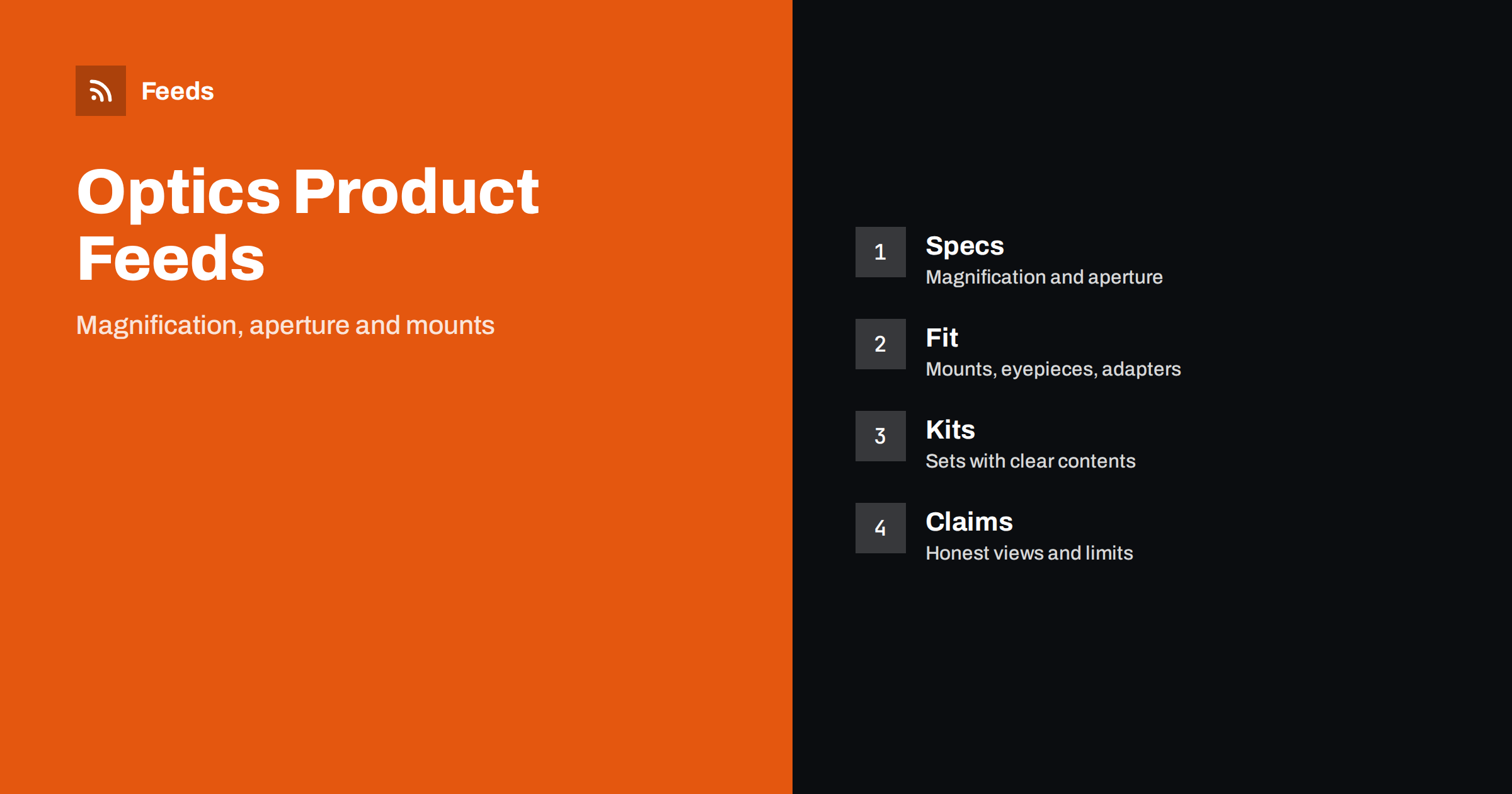
Short answer: Telescopes, binoculars, spotting scopes and microscopes are bought by numbers and by fit. A clean optics feed puts brand, type and the defining figures, such as magnification and aperture, in a fixed order in every title, keeps mounts, eyepieces and adapters clearly separate from the instruments they fit, lists kits as their own products with their contents and avoids promises about what a buyer will see. Check the preview and the diagnostics before you submit.
Why optics need careful feeds
Optics is a category where shoppers compare specifications and where a wrong match is frustrating. A telescope needs a mount and eyepieces, a camera adapter fits only certain tubes, and a binocular described only as “powerful” tells the buyer nothing. Many customers are beginners who rely on the listing to avoid a mistake, and many others are experienced hobbyists who know exactly which figures they need and notice when one is missing.
The feed is the first place where those figures appear, in search results and in shopping ads. If you are new to the idea, what a product feed is explains the basics, and this category adds the need for exact numbers and for careful separation of instruments and accessories.
Titles that lead with type and the figures that define it
Binoculars are searched by magnification and objective lens size, for example “10×42”, and telescopes by aperture, focal length and type, such as refractor or reflector. Start the title with the brand and product type, then add the defining figures in the same order every time, then the model name and colour where it matters. A title such as “Brand 10×42 Waterproof Binoculars Model Name” is easier to compare than a long list of marketing words.
Write figures the way the maker writes them and use consistent units, such as millimetres for aperture and focal length. Keep the most important words in the first 70 characters, because longer titles are cut in many places. More formulas are in product feed title optimization, and a similar approach for another lens-based category is in product feeds for camera and photography equipment stores.
Specifications that shoppers compare
Choose the figures that matter for each product type and show them in a consistent form. For binoculars: magnification, objective diameter, field of view, close focus distance, weight, eye relief and whether the body is waterproof or fog-proof. For telescopes: aperture, focal length, mount type, supplied eyepieces and any included finder. For spotting scopes and microscopes: magnification range, objective type and illumination.
Use the maker’s data and do not round in a way that improves a figure. Put the full specification on the product page, and use the richer fields in the feed to carry the key points. product_highlight and product_detail show how to present such facts. If a number depends on test conditions, describe it as the maker does.
Mounts, eyepieces and adapters
Accessories are the main source of returns. An eyepiece has a barrel size, a camera adapter needs the right thread or clamp and a mount has a weight limit. State clearly what each accessory is designed to fit, and say what is not included. Do not imply that an accessory works with every tube if it does not.
List each accessory as its own product with its own identifier and price, and link related items on the page. The setup for compatible parts is covered in product feeds for spare parts and compatible accessories. When an accessory exists in several sizes, use variants rather than separate listings, as explained in how item_group_id works.
Kits, bundles and starter sets
Many shops sell starter sets: a telescope with a mount, two eyepieces and a carrying case, or binoculars with a strap, a cleaning cloth and a pouch. Give each set its own product with a title that says what is included, its own price and a photo that shows the real contents. Do not put the set price on the single instrument, and do not show accessories in the picture that are not in the box.
If you offer the same instrument alone and in a set, make the difference obvious in the title. The details are in bundles and multipacks in product feeds. Keep the contents list identical on the page and in the feed, and update both when a component changes.
Honest claims about what buyers will see
It is tempting to write that a telescope shows planets in detail or that a binocular is “the best for bird watching”. What a person sees depends on conditions, experience and the object. Quote the maker’s figures, describe the intended use in modest terms and avoid promises about results. Do not use phrases such as “see for miles” or claims that cannot be checked.
Safety belongs in the listing as well. Solar viewing needs proper filters, and looking at the sun through ordinary optics can cause serious eye damage. If you sell solar filters or products with solar use, state the intended use clearly and follow the safety notes of the maker. A careful tone protects customers and avoids disapproval under advertising rules in many countries.
Identifiers, brand and variants
Branded instruments usually have a GTIN for each model and colour, and you should send it with the brand and the manufacturer part number. For products sold under your own label, send your brand and a stable product code and never invent a number. A wrong identifier is worse than a missing one. The rules are explained in GTIN, MPN and brand: product identifiers in feeds explained.
Use variants only where the products are the same instrument in different colours or sizes. A 10×42 and a 8×32 binocular are different products with different figures, so they should not share a group, even when the model name is similar. Mixing them confuses both shoppers and the ad platform.
Images, shipping and landing pages
Use clean photos of the real instrument on a plain background, plus pictures that show the eyepieces, mount and carrying case. Avoid text overlays and promotional badges. Instruments are fragile and sometimes heavy, so check that the shipping settings match what you offer, as covered in shipping in product feeds, and state delivery times and any restrictions on the page.
The landing page must open the same product with the same price and availability, and the specification must match the feed. What links must lead to is explained in product landing pages: what feed links must lead to. Keep an eye on seasonal peaks, since astronomy events and holidays change demand, and check stock before each of them.
Reviews and ratings help in this category, because buyers want to hear from people who used the instrument under real conditions. If your shop collects ratings, make sure they come from real purchases and that the feed or the rating programme links them to the right product. Product ratings in Google Shopping explains how review stars appear.
Once a week, look at disapproved items, at products with missing identifiers and at prices that differ from the page. Once a month, compare ten popular products with the maker’s data and the landing page, and check that every accessory still lists the right fit. A checklist such as the product feed checklist keeps the routine short.
Seasonal planning pays off in this category. Demand for binoculars rises before the holidays and the birdwatching season, and demand for telescopes follows astronomy events and gift periods. Check stock and delivery times before each peak, prepare the feed early, and make sure that products which are no longer available are marked correctly. Preparing your product feed for peak season offers a practical plan.
Finally, keep descriptions plain and useful. Explain what the figures mean for a beginner in one short sentence on the page, and leave the feed to carry the exact numbers. Shoppers who understand what 10×42 means are more likely to pick the right instrument and less likely to return it.
How RSS Feed Creator helps
RSS Feed Creator builds Google Merchant Center and Meta catalog XML straight from your store. WooCommerce and Shopify are read automatically, and any other store can use a CSV link. You can skip out-of-stock products, rewrite titles with rules so that brand, product type and key figures appear in the same order every time, and adjust prices. Before you submit anything, check the preview and the Merchant Center diagnostics to confirm that figures, models and stock arrive as you expect. The free plan includes product feeds with up to 50 products, and the Store plan covers one store with 3 product feeds and up to 2,000 products. The details are on the pricing page.
Related reading
- Product Feeds for Camera and Photography Equipment Stores
- Product Feeds for Spare Parts and Compatible Accessories
- Product Feed Title Optimization: Formulas That Work
The bottom line
Clean feeds for optics shops come from exact figures in a fixed title order, clear separation of instruments, mounts and accessories, kits with honest contents, modest claims and a landing page that matches the ad. Check the preview before you submit and fix what the diagnostics report. Accurate details reduce returns and help the right buyers find the right instrument.
FAQ
Which figures should go in a binocular title?
Use the brand, the type, magnification and objective size such as 10×42, and the model name, written exactly as the maker states them.
Should accessories be separate products?
Yes. Give each eyepiece, adapter or mount its own listing with its own identifier and a clear note on what it fits.
How do I list a starter set?
Create a separate product with a title that says what is included, its own price and a photo of the real contents.
Can I write that a telescope shows planets clearly?
It is safer not to. What a person sees depends on conditions and experience, so quote the maker’s figures and describe the intended use modestly.
What if my store is not WooCommerce or Shopify?
Use a CSV file link. Check the preview and the diagnostics to confirm that the figures and stock arrive correctly.