ENEnglish
 LTLietuviškai
 DEDeutsch
 FRFrançais
 RUРусский
 ESEspañol
 PLPolski
 ITItaliano
 UKУкраїнська
 CSČeština
 PTPortuguês
 JA日本語
JA日本語 LVLatviešu valoda
 ETEesti
 HUMagyar
 IDBahasa Indonesia
 TRTürkçe
 HIहिन्दी
 ELΕλληνικά
 ARالعربية
 THไทย
THไทย VITiếng Việt
 RORomână
 MSBahasa Melayu
 BNবাংলা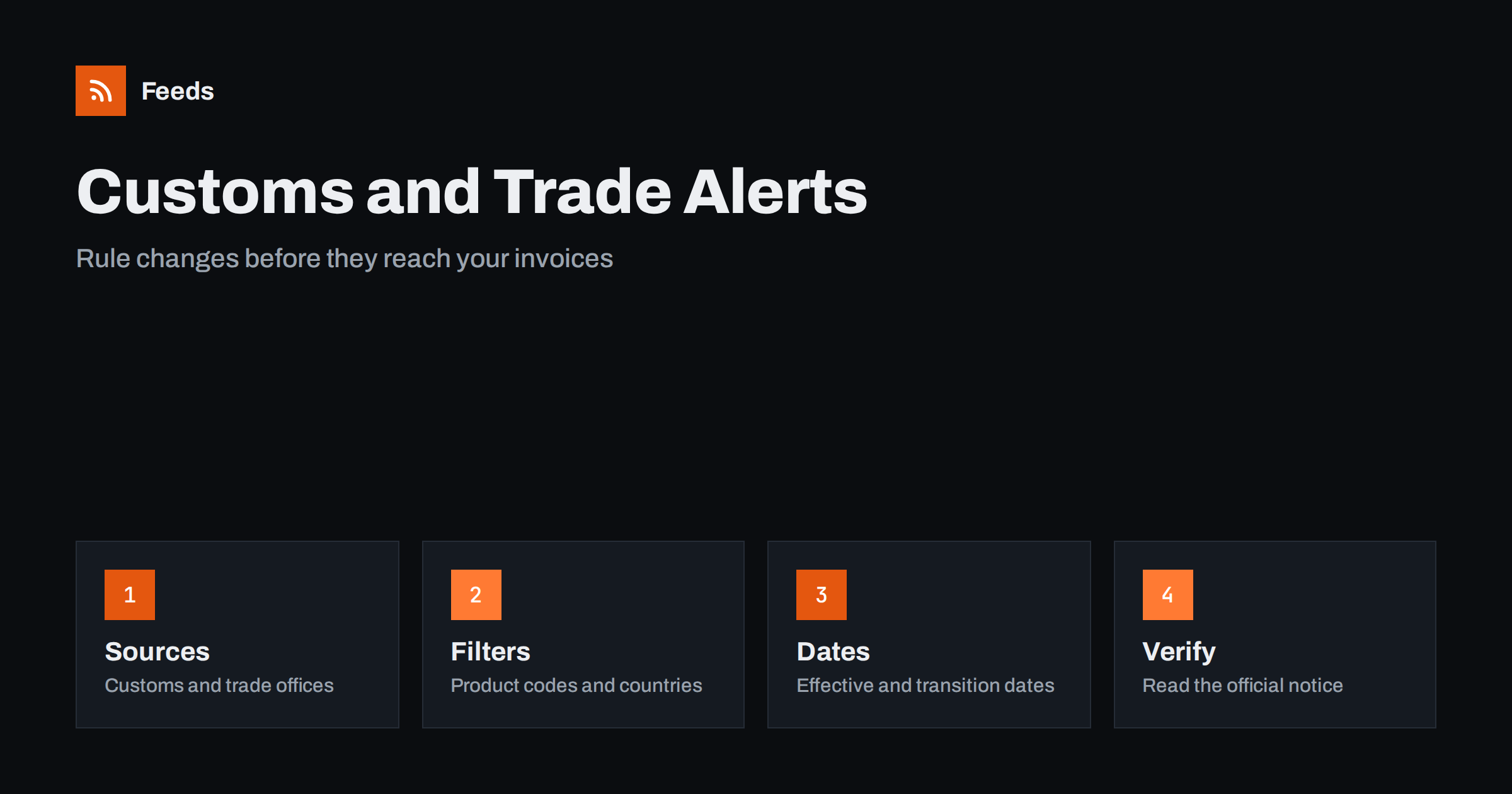
Short answer: Customs authorities, trade ministries and regional trade bodies publish tariff changes, new import and export rules, quota notices and procedure updates on their own websites. RSS lets you collect those pages in one reader, filter by product codes, countries and keywords, and see a notice soon after it appears. A feed is a good early-warning tool for planning, but it is not legal or customs advice. Always read the official text and, for important decisions, confirm it with a customs broker or advisor.
Why trade rule changes are easy to miss
Importers, exporters, online sellers and manufacturers deal with rules that change several times a year. A duty rate is adjusted, a product category gains a new licence requirement, a quota fills up or a form is replaced by an electronic procedure. Each change is published somewhere, often as a short notice on a government page with a date a few weeks ahead, and then it disappears from the front page as newer items push it down.
Missing such a notice has practical costs: goods held at the border, a price list that no longer covers the duty or a shipment sent under a rule that no longer applies. A steady reading routine is cheaper than a surprise. The same primary-source habit is described in fact-checking with RSS, and it fits this topic because the official notice is the only version that carries the exact wording.
Decide what your business actually needs
Start by listing the product groups you trade, the customs codes that describe them and the countries you ship to or buy from. Add the procedures that matter to you, such as import declarations, origin certificates, returns or low-value shipments. A small online shop may need only a handful of codes and two or three destination countries, while a manufacturer may need dozens.
That list becomes your filter, and it keeps the reading list short. Resist the urge to follow every trade body in the world. Following the authority of each market where you sell, plus the supranational body that sets common rules, covers most needs. The wider approach for public authorities is described in tracking government and regulator updates with RSS.
Find the official sources and feeds
Look at the news, notices or “what’s new” section of each customs administration and trade ministry. Some publish RSS or Atom feeds, sometimes one per topic such as tariffs, procedures or sanctions. Others publish a dated list of announcements with no feed at all, and some post updates only as PDF files.
If a page has no feed, you can build one from the list of notices on it. Choose the page that lists notices in date order, and avoid a home page with a changing layout. Methods are explained in how to find the RSS feed of any website and getting alerts when a website publishes new reports or PDFs. Use the official domain of the authority, and be careful with commercial sites that copy the same news with delays or errors.
Filter by product code, country and procedure
Merge the sources into one reading list and add keyword filters. Product names, customs code prefixes, country names and words such as “duty”, “quota”, “licence”, “origin” and “suspension” keep the relevant items. Be careful with short numbers: a four-digit code can match dates and amounts, so combine it with a word such as “heading” or “code”.
Review the filter after a month. If you missed a notice, look at how the authority wrote it: some use a product description instead of a code, and others group many goods in one table. Widen the filter first, and add exclusions later. The mechanics are covered in merging multiple RSS feeds into one clean feed and RSS keyword alerts.
Read a notice carefully
Start with the dates. Many notices separate the publication date, the date of entry into force and a transition period for goods already on the way. Then look at the scope: which codes, which countries of origin and which kinds of operators are affected. Watch for wording such as “temporary”, “provisional” or “subject to review”, which tells you the rule may change again soon.
Next, write down what you need to do and by when: update a price list, change a document, apply for a licence or tell a supplier. Keep your interpretation separate from the facts. If the text is unclear for your goods, ask the authority or a customs professional, and keep their answer with the notice.
Connect rules to prices and shipments
A rule change is only useful when it reaches the people who set prices and book shipments. Send the narrow, filtered feed to a shared channel or a weekly digest, and agree who reads it and who updates the price list. Teams can use a Slack channel or push notifications on a phone for the few notices that need quick action.
Shops that sell across borders should also watch carrier and shipping notices, because customs procedures and delivery delays often change together. Tracking carrier and shipping disruptions works well beside a trade feed. A simple log with the date, the code, a one-line summary and the link to the notice helps you explain later why a price changed.
Limits and cautions
A feed shows what an authority has published and how often your feed refreshes. It does not tell you how a rule applies to your exact goods, and some changes are announced only in long legal texts or in a database that has no feed. Some notices are translated late, and different language versions may differ in small ways.
Check the publication date and web address before you act on a notice or pass it on, because old notices sometimes reappear in feeds. When you share news with colleagues or customers, link to the official page instead of copying the text, so everyone sees the latest version. For decisions with real money at stake, a feed starts the conversation and a qualified person finishes it.
Keep a short routine
A calm routine beats an elaborate system. Read the filtered list once a day or twice a week, move anything relevant to a “to act” folder and archive the rest. Once a quarter, check that the sources still work and that new markets you started selling to have been added. If a feed stops finding items, the page layout may have changed, and finding out why an RSS feed stopped updating lists the usual causes.
Small teams can add one more habit: a monthly ten-minute review of the log. Look at which notices led to a real change, which ones were noise and which markets produced the most news. That tells you where to widen the sources and where to narrow the filters. If you hire a customs broker, share the log with them, because it shows what you already know and lets them focus on the questions that remain.
How RSS Feed Creator helps
RSS Feed Creator turns the notices or news page of a customs authority or trade ministry into a clean RSS feed, even when the site has no feed of its own. It reads titles, images, summaries and dates, uses an existing feed when there is one, and shows a preview of the items before the feed is created. You can merge several sources into one feed (up to 10 with the PostRSS add-on), keep only the items that contain your keywords and have duplicates removed automatically, which suits a feed for your own product groups and markets. Feeds refresh every 3 hours on the free plan and every 30 minutes on paid plans, and the PostRSS add-on sends an alert when a page changes and a feed stops finding items. The free plan allows up to 20 items per feed, and the details are on the pricing page.
Related reading
- Commodity Prices and Supply Chain News: Follow Them with RSS
- How to Track Government and Regulator Updates with RSS
- How Online Stores Can Track Carrier and Shipping Disruptions
The bottom line
Following customs and trade rule changes with RSS means listing your products and markets, collecting the official notices in one reader, filtering by code, country and procedure and reading the dates and scope carefully. Use the feed to learn early, and use a qualified advisor to decide what a rule means for your goods. A small, well-filtered list is more useful than a large one.
SSS
Which pages should I follow first?
Start with the news or notices page of the customs authority in each country you trade with, and add the trade ministry or the regional body that sets common rules. Use official domains only.
What if the authority publishes only PDF files?
A page-to-feed tool can read the list of documents on the page and build a feed from the titles and dates. Check the preview to confirm that it shows real notices, not menu links.
Can a feed replace a customs broker?
No. A feed tells you that something was published. A broker or advisor tells you how it applies to your goods and procedures, which matters when money or compliance is involved.
How do I avoid too many irrelevant alerts?
Filter by your product groups and countries, exclude topics you never deal with and send only the narrow feed to your phone. Review the filter after a month and adjust it.
Are translated pages reliable?
Treat them with care. Translations can lag behind or differ slightly, so when a notice matters, read the version in the authority’s main language or confirm the details with them.