ENEnglish
 LTLietuviškai
 DEDeutsch
 FRFrançais
 RUРусский
 ESEspañol
 PLPolski
 ITItaliano
 UKУкраїнська
 CSČeština
 PTPortuguês
 JA日本語
JA日本語 LVLatviešu valoda
 ETEesti
 HUMagyar
 IDBahasa Indonesia
 TRTürkçe
 HIहिन्दी
 ELΕλληνικά
 ARالعربية
 THไทย
THไทย VITiếng Việt
 RORomână
 MSBahasa Melayu
 BNবাংলা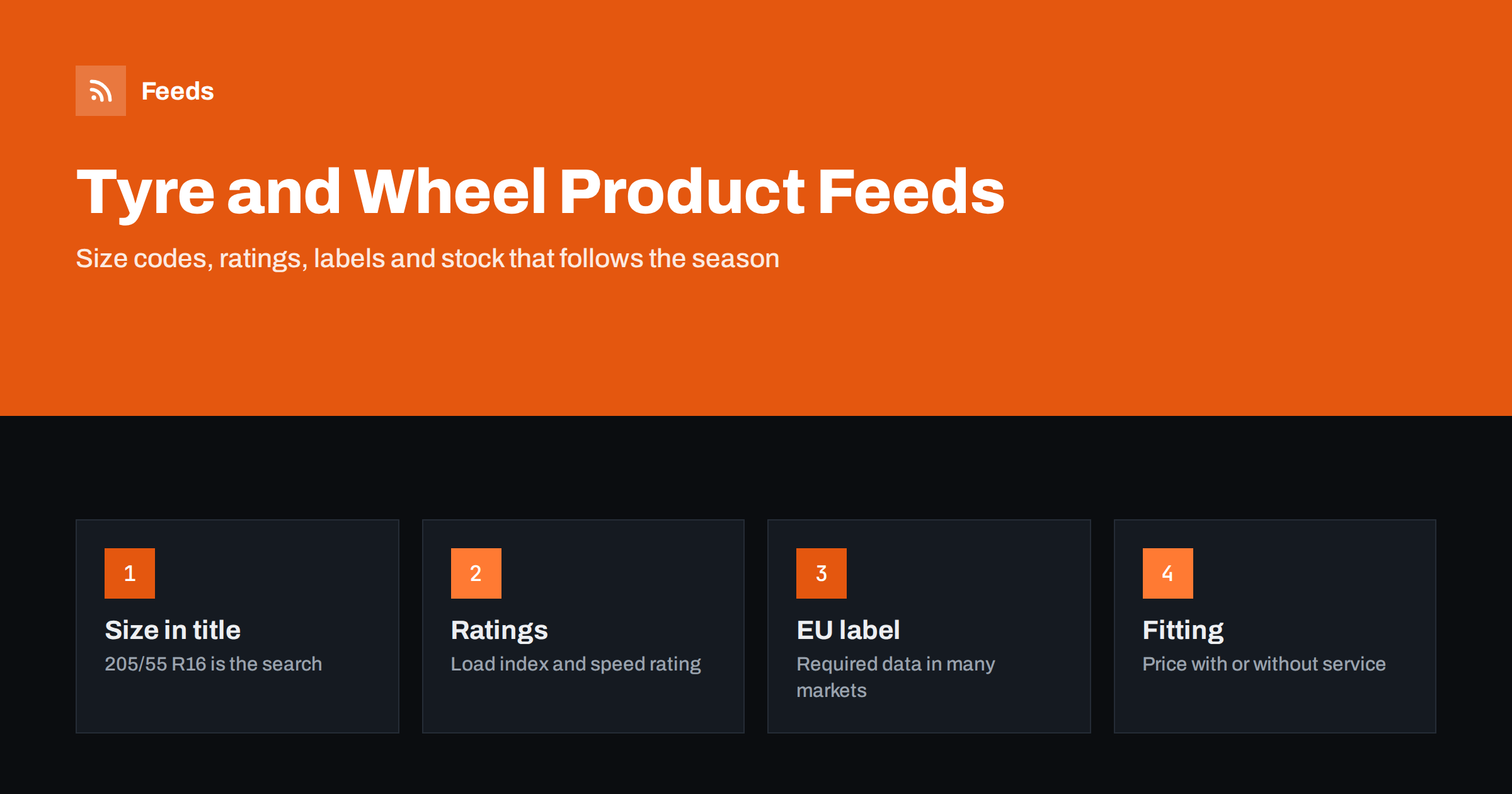
Short answer: People shop for tyres by size code, so the feed title must carry it exactly as printed on the sidewall, followed by brand, pattern, load index and speed rating. Wheels are searched by diameter, width, bolt pattern and offset, which belong in the title and the description. In many markets the feed must also carry the fuel efficiency, wet grip and noise values from the tyre label. Stock swings twice a year with the seasons, prices change with supplier deals, and the fitted price differs from the delivered price, so availability and price must come from live data and the landing page must say exactly what the price includes.
How tyre shoppers search
Nobody types “good tyre for a hatchback”. They type the size from the sidewall, “205/55 R16”, sometimes with the brand or the season, and then compare prices. That one fact shapes the whole feed: if the size code is not in the title in the standard form, the product will not match the search, however good the rest of the data is. The same applies to wheels, where the search is “17 inch 5×112 alloy” or similar.
The second thing shoppers compare is the label data: fuel efficiency class, wet grip class and noise. The third is the fitted price, because a tyre that is cheaper online but needs a trip to a fitter is not cheaper. A feed that answers all three questions in the title, the attributes and the landing page wins the click. If you are new to feeds, read what a product feed is first; this guide assumes the basics.
Titles: the size code first
A tyre title that works follows a fixed order: size, brand, pattern, load index and speed rating, then season and any special marking. For example: “205/55 R16 91V Michelin Primacy 4 Summer”. Use the same spacing and slashes everywhere, because the shopping platforms match text literally and a title with “205-55-16” or “205 55 16” is a different string. Add run-flat, extra load (XL) or OE markings for specific car makers only when they are true, because they change what the tyre fits.
Wheel titles follow the same idea: diameter and width, bolt pattern, offset, brand and finish, for example “17×7.5 5×112 ET45 Brand Model Gloss Black”. Write the rules once and apply them to the whole catalogue with title rules rather than editing by hand; the general approach to formulas is in product feed title optimisation.
Identifiers and the catalogue in your store
Tyres have manufacturer article numbers and most have a GTIN, and the platforms expect the brand plus at least one of them. Wheels from larger brands have part numbers; small-run or custom wheels may have neither, in which case the identifier-exists attribute tells the platform not to expect one. Which identifiers are required, and what to do when a product genuinely has none, is explained in GTIN, MPN and brand in product feeds.
The usual weakness is the store catalogue itself. Many tyre stores import stock from a supplier file where the size is split across several fields and the label values sit in a spreadsheet nobody has loaded into the store. The feed can only carry what the store holds, so the fix is upstream: get the size components, ratings and label values into the product data as attributes, then let the feed read them.
Tyre label data
In the European Union and several other markets, tyres sold to consumers must show a label with fuel efficiency, wet grip and external noise values, and the shopping platforms expect that data in the feed for those markets. The practical way is to put the three values into product detail attributes with consistent names, and to show the label on the landing page. Some markets also require a link to the product information sheet. The requirements and the exact attribute names change, so check the current platform documentation for each country you sell in rather than copying an old feed.
Images matter here too. The platforms want a clean picture of the tyre or wheel on a plain background, not the label itself as the main image, and not a tread photograph with text overlaid. The label can be an additional image. Size and format rules are in product feed image requirements.
Seasonal stock and supplier prices
Winter tyres sell from October, summer tyres from March, and all-season tyres whenever the weather is confusing. Stock of a popular size can vanish in a week during the switch-over, and supplier prices move with promotions and exchange rates. A feed built from a monthly export will advertise sizes that are gone and prices that are wrong, which produces exactly the mismatches that get items disapproved. Pull availability and price from live stock, refresh the feed at an interval measured in hours, and decide what to do with the off-season range. The options are discussed in out-of-stock products in your feed; most tyre shops keep the off-season items in the feed as out of stock, because the search demand returns on a known date.
If your store shows supplier stock, be careful with lead time. A tyre that is in the supplier’s warehouse but not yours can be listed as available only if the landing page gives a realistic delivery estimate; otherwise list it as backorder with the expected date.
Sets, pairs and fitting
Tyres are often sold in pairs or sets of four, and wheels in sets of four, usually at a per-unit price with a quantity selector. In the feed, list the single unit at the single-unit price and let the quantity be chosen on the page. If you sell a fixed set of four as a separate product, it is a multipack and should use the multipack attribute rather than a different title; see bundles and multipacks in product feeds. A wheel-and-tyre package, two different products sold together, is a bundle and is listed as one product with its own identifier.
Fitting is the part that trips most feeds. Many tyre shops show a fitted price that includes mounting, balancing and disposal, and a delivered price for customers who fit elsewhere. The feed can carry only one price per item, and it must match the price on the landing page for the same choice. Pick one basis for the feed, usually the delivered price, state clearly on the page what is included and what fitting adds, and make sure the figure in the feed is the first price a visitor sees. Price mismatches are the most common tyre feed error, and how to fix price mismatch errors explains how reviewers compare the two.
Shipping bulky, heavy items
A set of four tyres is heavy, and some carriers surcharge it or exclude it. If the account shipping setting says a flat rate, but the checkout adds a per-tyre fee or a pallet charge for wheels, the ad will show a different total from the page. Set shipping at the product level or with a shipping label for tyres and wheels, and keep collection in store as an option on the page. The ways to express shipping are compared in shipping in product feeds. If you have physical branches, a local inventory feed lets ads say which branch has the size in stock, which is attractive for customers who want tyres fitted today.
Checks before you submit
- Every tyre title starts with the size code in the standard form, followed by load index and speed rating.
- Every wheel title has diameter, width, bolt pattern and offset.
- Brand and GTIN or MPN are present; products without identifiers are marked as such.
- Label values are in attributes and shown on the landing page for the markets that require them.
- Availability and price come from live stock; off-season items are handled by a deliberate policy.
- Sets are multipacks, packages are bundles, and the feed price matches the first price on the page.
- Shipping for heavy items is set at product level, and the main image is the product on a plain background.
Then work through the general product feed checklist and watch the diagnostics daily for the first week.
How RSS Feed Creator helps
RSS Feed Creator builds Google Merchant Center and Meta catalog XML straight from your store. WooCommerce and Shopify are read automatically, and any other store can use a CSV link. You can skip out-of-stock products, rewrite titles with rules so that the size code, load index and speed rating appear in every title in the same order, and adjust prices. The currency is detected automatically. Before you submit anything, check the preview and the Merchant Center diagnostics to confirm that identifiers and extra attributes from your store arrive as you expect. The free plan includes product feeds with up to 50 products, and the Store plan covers one store with 3 product feeds and up to 2,000 products. The details are on the pricing page.
Related reading
- Product Feeds for Auto Parts Stores: Fitment and Part Numbers
- Local Inventory Feeds: Show In-Store Stock in Google Ads
- Custom Labels in Product Feeds: A Practical Guide
The bottom line
A tyre or wheel feed succeeds on three things: the size code in the title in the standard form, label and rating data in attributes for the markets that need it, and live stock and prices that match the landing page, including the question of fitting. Handle sets as multipacks, packages as bundles and heavy shipping at product level, and the catalogue will pass review and keep passing through the seasonal switch-over.
KKK
What should a tyre product title look like?
Size code first in the standard form, then load index and speed rating, brand, pattern and season, for example “205/55 R16 91V Michelin Primacy 4 Summer”. Keep spacing and slashes identical across the catalogue so searches match.
Do I need the tyre label values in my feed?
In the EU and some other markets, yes: fuel efficiency, wet grip and noise values are expected in the feed and must be shown on the landing page. Check the current platform rules for each country you sell in, as attribute names and requirements change.
Should the feed price include fitting?
The feed carries one price and it must match the first price on the landing page. Most shops use the delivered price in the feed and show fitting as a clearly priced option on the page. Whatever you choose, keep feed and page consistent.
How do I list a set of four tyres?
List the single tyre at the unit price and let customers choose quantity on the page. If you sell a fixed set of four as its own product, use the multipack attribute. A wheel-and-tyre package is a bundle with its own identifier.
What do I do with winter tyres in summer?
Keep them in the feed as out of stock if they will return, or remove them until autumn. Either way, let availability come from live stock so the feed never advertises sizes that sold out during the seasonal switch-over.