ENEnglish
 LTLietuviškai
 DEDeutsch
 FRFrançais
 RUРусский
 ESEspañol
 PLPolski
 ITItaliano
 UKУкраїнська
 CSČeština
 PTPortuguês
 JA日本語
JA日本語 LVLatviešu valoda
 ETEesti
 HUMagyar
 IDBahasa Indonesia
 TRTürkçe
 HIहिन्दी
 ELΕλληνικά
 ARالعربية
 THไทย
THไทย VITiếng Việt
 RORomână
 MSBahasa Melayu
 BNবাংলা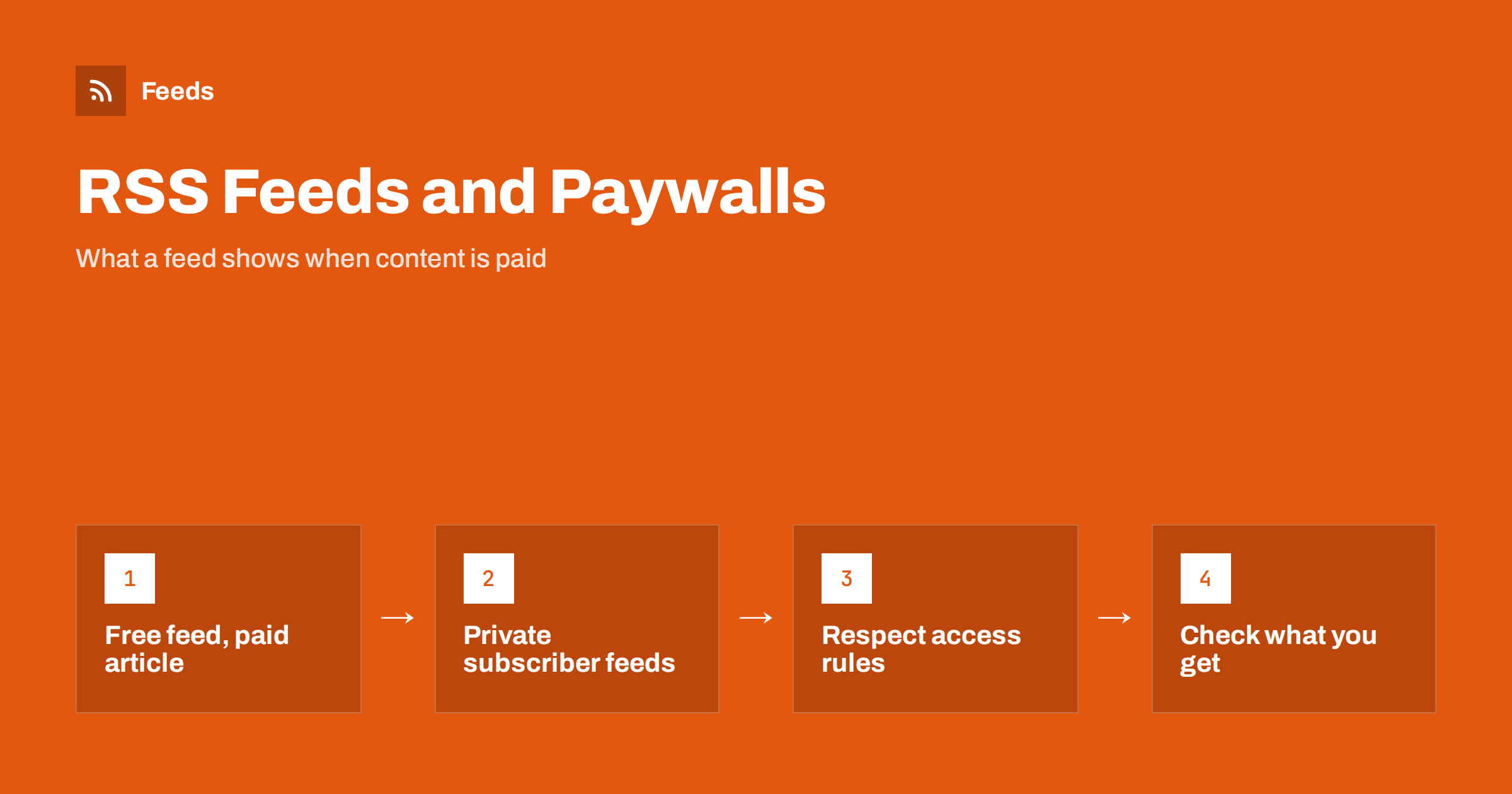
Short answer: A public RSS feed can only show what the publisher chooses to put in it. For paywalled sites that is usually the headline, a short summary and a link, while the full article stays behind the paywall. Some publishers offer private feeds with a unique address for each paying member. If you read or automate feeds, use what the publisher provides and do not try to get around the paywall; if you publish a feed, decide deliberately what it should reveal.
How paywalls and feeds fit together
RSS was designed for open content. A feed is a public list of items that any reader or tool can fetch without logging in, which is exactly what a paywall prevents for the articles themselves. Publishers who charge for content therefore have to decide how the two fit together, and they usually choose one of a few approaches.
Some publishers give up on feeds. Others publish a public feed that works as an advertisement for the paid content: a headline, a summary or the first paragraph, and a link to the site, where the reader hits the paywall. A smaller group builds private feeds for subscribers, where the address itself carries the identity of the member. Understanding which approach a site uses explains most of the surprises people have when they follow paid sites in a reader.
What you will normally see in a public feed
When a site with a paywall has a public feed, the items typically contain:
- the headline and the link to the article;
- the publication date and sometimes the author and category;
- a short summary or the opening of the article;
- an image, in many cases.
The full text is normally missing. A reader opens the link and either reads the article, if they have access, or sees the paywall. Some sites let a limited number of articles through for free each month, which means the same link can work today and not next week. This is a decision made by the publisher and applies to everyone who follows the feed.
If you wonder why a feed shows only part of each article, the cause is often a setting rather than a paywall. Publishers can choose between full text and summaries in their feed, as explained in full text or summary: choosing what your RSS feed shows.
Private feeds for paying members
Membership platforms and some publishers solve the problem with a feed that belongs to one subscriber. The member signs in on the website, finds a feed address that includes a unique token and adds it to a reader or podcast app. Whoever holds the address can read the feed, so the address works like a password. Podcasts with paid episodes use the same technique very commonly, and it is explained in private podcast feeds explained.
If you have access to a private feed, treat the address carefully:
- do not share it, post it publicly or paste it into a tool you do not trust;
- if you think it has leaked, ask the publisher to generate a new one;
- remember that the content is licensed to you personally, not for republishing.
Not every private feed contains the full text. Some give you headlines with a link that opens the article while you are signed in. Check what the feed actually contains before you build a workflow around it.
Reading paid sources in a feed reader
Following a paywalled site in a reader is still useful, even when the feed contains only headlines. It tells you when something new is published, saves you from checking the site, and lets you apply filters to decide what is worth a click. The reading step then happens on the publisher’s site, where your subscription applies.
Some readers can open an article in an embedded browser that shares your login, and some read-later apps save a copy of the page after you open it. How well this works depends on the site and the app. The comparison in RSS reader vs read-later app explains how to combine the two.
One more practical point: a feed that shows only headlines still has value as a filter. If you follow ten paid sources, you can set keyword rules so that only the items about your own field appear, and then spend your subscription time on those. That keeps the reading list short and makes the money you pay for access go further. Our guide to keyword alerts with RSS filters shows how to build such rules without extra software.
Automation, curation and respect for access rules
When you automate with feeds, for example to build a digest or to share links, paywalls matter in two ways. First, a link to a paid article is only useful to people who can open it. If you share it, say clearly that it needs a subscription so that readers are not disappointed. Second, quoting too much of a paid article in your own post can breach the publisher’s terms and copyright, even if the feed technically shows it.
Good practice for curated content is simple. Use the headline and a short, original comment, link to the source and do not reproduce the body. The legal questions around reusing other sites’ feeds are covered in whether it is legal to use feeds from other websites, and the quality risks of copying are described in autoblogging from RSS: SEO, legal and quality risks.
What not to do
There are many tricks that claim to unlock paywalled text through feeds or caches. They do not belong in a professional workflow. A site that charges for content has the right to decide who reads it, and tools that bypass the paywall can breach the terms of service and in some places the law. They are also unreliable, because publishers change their systems. Accessing pages behind a login is a related subject, covered in can you get an RSS feed from pages behind a login.
The same applies to scraping a paid site with your own credentials and publishing the result. If you need content from a paid source for your business, contact the publisher about licensing, syndication or a team subscription.
If you publish paid content
Publishers face the opposite question: what should the feed reveal? A few things to weigh:
- Discovery versus value. A generous summary attracts readers and search visibility, but it also reduces the reason to subscribe. Many publishers settle on a headline and one or two sentences.
- Consistency. Pick one approach for all items and keep it. Readers dislike feeds that sometimes show everything and sometimes nothing.
- Clear labelling. Mark paid items in the title or the summary, for example with a short note, so that readers know before they click.
- Private feeds for members. If members want to read in their own tools, offer a personal feed address and explain how to keep it private.
- Protection against copying. A feed that shows full text to anyone is easy to republish. The guide to stopping scrapers republishing your feed content lists practical measures.
How RSS Feed Creator helps
RSS Feed Creator reads public pages from the outside, like a visitor, and turns lists of items into clean feeds with titles, images, summaries and dates. This means it works with what is publicly visible and is useful for following the free parts of a site, such as headlines and teasers, in a reader. It can merge up to ten sources into one feed and keep only items with the words you choose. It does not need access to the source website, and it is not a tool for reaching content that the publisher has not made public. Plans are shown on the pricing page.
Related reading
- How to read email newsletters in your RSS reader instead
- RSS feeds on Substack, Ghost, Medium and other platforms
- RSS feed privacy: what readers and publishers should know
The bottom line
A paywall decides what the public feed can show, and the publisher decides how much to reveal. Readers should expect headlines, summaries and links, use private member feeds where they exist and keep their feed addresses private. Anyone curating or automating should link and comment rather than copy. Publishers should choose one clear approach, label paid items and offer personal feeds to members.
BUJ
Why does the feed of a paid site show only a few lines?
The publisher chose to put only a headline and a short summary in the public feed, and the full article is behind the paywall. Some sites also limit what the feed shows through a setting for summaries rather than full text.
Can I get the full text of paid articles in my RSS reader?
Only if the publisher offers it, usually through a private feed for paying members. Public feeds of paid sites normally do not include the full text, and workarounds that bypass the paywall are not a good idea.
Is it safe to share my private feed address?
No. The address identifies you as a member, so anyone who has it can read the feed. If it leaks, ask the publisher for a new address.
Can I use paid articles in an automated digest?
You can link to them with the headline and a short comment of your own, and you should say that a subscription may be needed. Do not copy the article text, because that can breach the publisher’s terms and copyright.
Should my own feed include the full text of premium posts?
Usually not. Most publishers show a headline and a short summary in the public feed and offer members a private feed if they want full text in their own tools.